
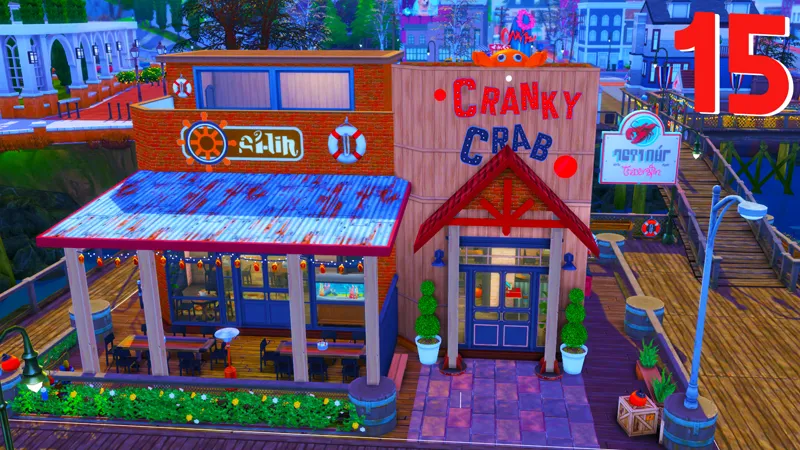
Cranky Crab Seafood Restaurant // Official Download
NOTICE: I'm going to be doing seperate download pages so everyone can view the content before public release!
How to Install
Download the .ZIP file
Locate your Sims 4 folder i.e Documents>Electronics Arts>The Sims4
Open the "CC" and "Mods" folder in the .ZIP file and add the cc to your mods folder
Open the "Tray Files" in the .ZIP file and add the files to your tray folder
And that's it! When you open your game, go to the gallery and you should see the build in your library.
BUT DEE GURLL, I don't see it! Make sure you select "show custom content" on the left panel of the gallery and you should see it!
Thank you again for pledging! I hope you enjoy the build!
Remember to stay beautiful, stay lovely and have a grand, grand day!
Comments (5)
Hey dee i downloaded it but can you help me get the right food nothing is showing
Thank you! I miss you, get better!!!!
but DEEEEEE! I really don't see it! sad face, 1st time downloading, (bday twin)
I would try scrolling a bit, make sure the custom content button is clicked and you added the cc and the tray files
Thank you Dee!! Adding to my game now :)