
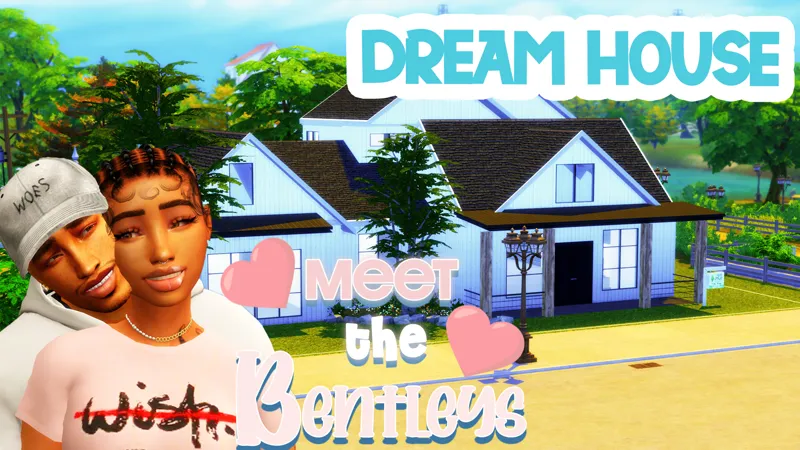
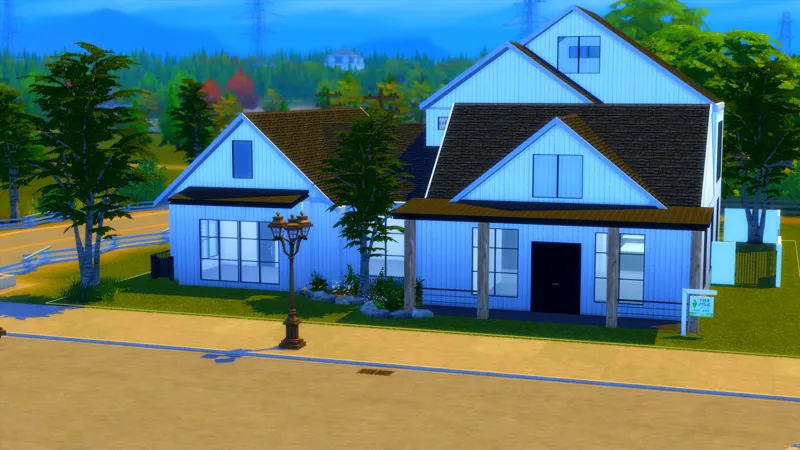
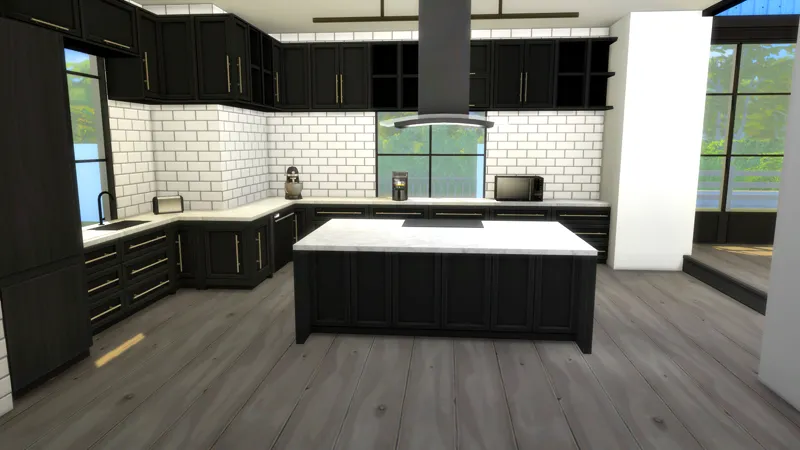
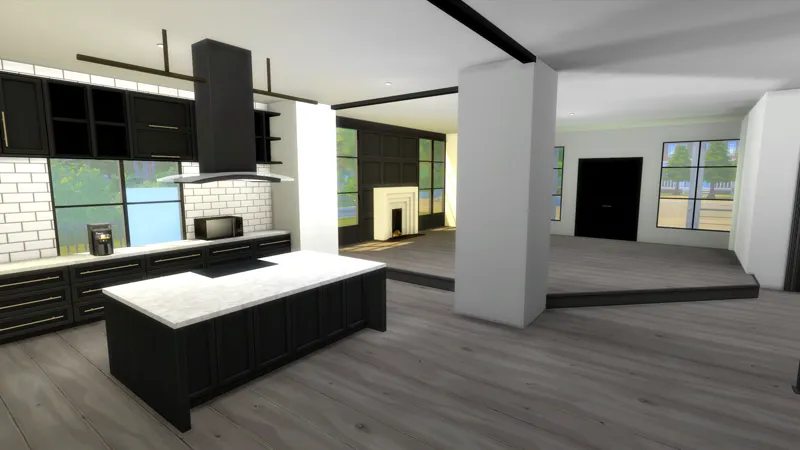




Meet The Bentleys Dream Home // Unfurnished
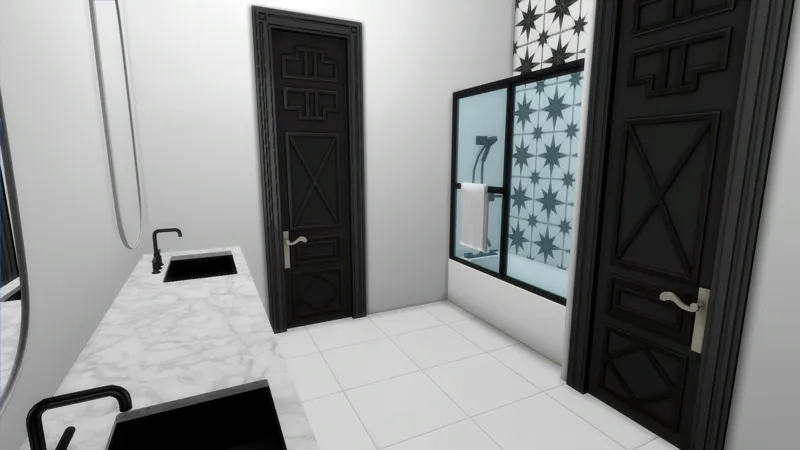
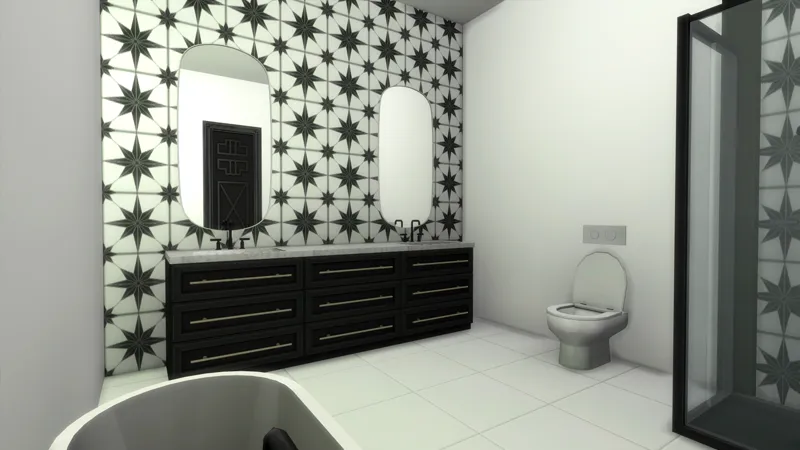
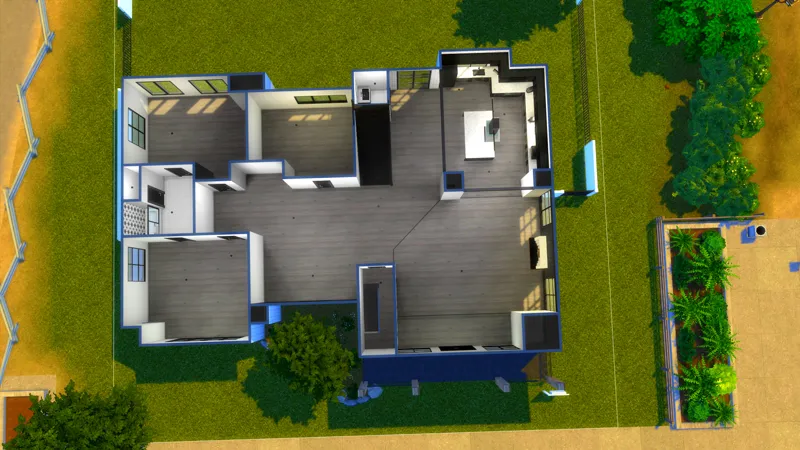
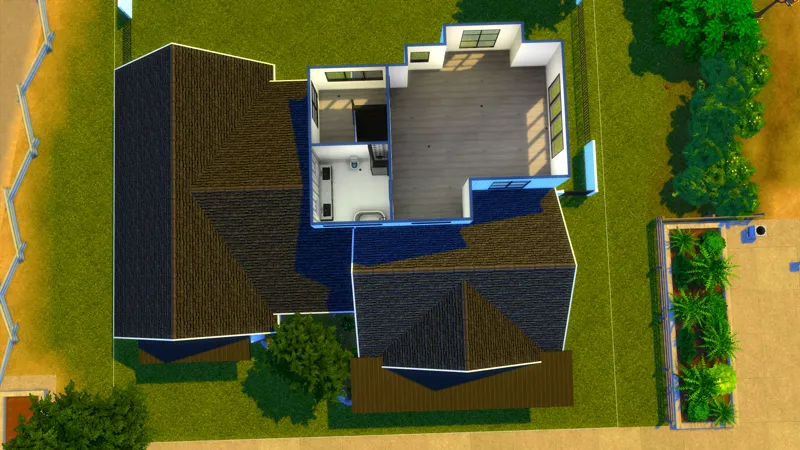
Hey y'all!!! HAPPY NEW YEARS! I hope you all are bringing in the new year safe and happy! I wanted to give a little gift as we enter 2022, The Meet the Bentleys Dream Home unfurnished! You can see more about this build in my youtube video here
About the Build
This house was build in Brindleton Bay on a 30x30 lot but you can place it wherever! Please note, when you place the lot, you may recieve a message saying items have been replaced or deleted. That is due to the chair update or other mods like wonderfulwhims or Basemental.
Packs that I Used
How to Install
Download the .ZIP file
Locate your Sims 4 folder i.e Documents>Electronics Arts>The Sims4
Open the "CC" and "Mods" folder in the .ZIP file and add the cc to your mods folder
Open the "Tray Files" in the .ZIP file and add the files to your tray folder
And that's it! When you open your game, go to the gallery and you should see the build in your library.
BUT DEE GURLL, I don't see it! Make sure you select "show custom content" on the left panel of the gallery and you should see it!
Thank you again for pledging! I hope you enjoy the build!
Remember to stay beautiful, stay lovely and have a grand, grand day!
Comments (7)
This is my favorite house. It's great for my big families. Thanks for building it.
Hi Dee! I just downloaded this house. When I placed it, all windows and doors are missing. Please help
Did you download all of the cc provided? the windows are cc so that would be the first step
Do you build anything that people who play on console can get. I decided to support and here and realize that I can't even use any of these builds because I'm on console (Xbox) for now
If you are on A console you can't get cc and mods you have to be on pc or mac
Hi Dee!!! LOVE this house! When I tried to place it on a lot in my game, it kept coming up as "generic" and I couldn't place it. I even tried changing the lot type.
Never mind! I believe I figured it out! Looks so good in my game! Thanks Dee!!