

"Jesus, Thank You" Bible Recolor (Public)
A quiet moment with the Word.
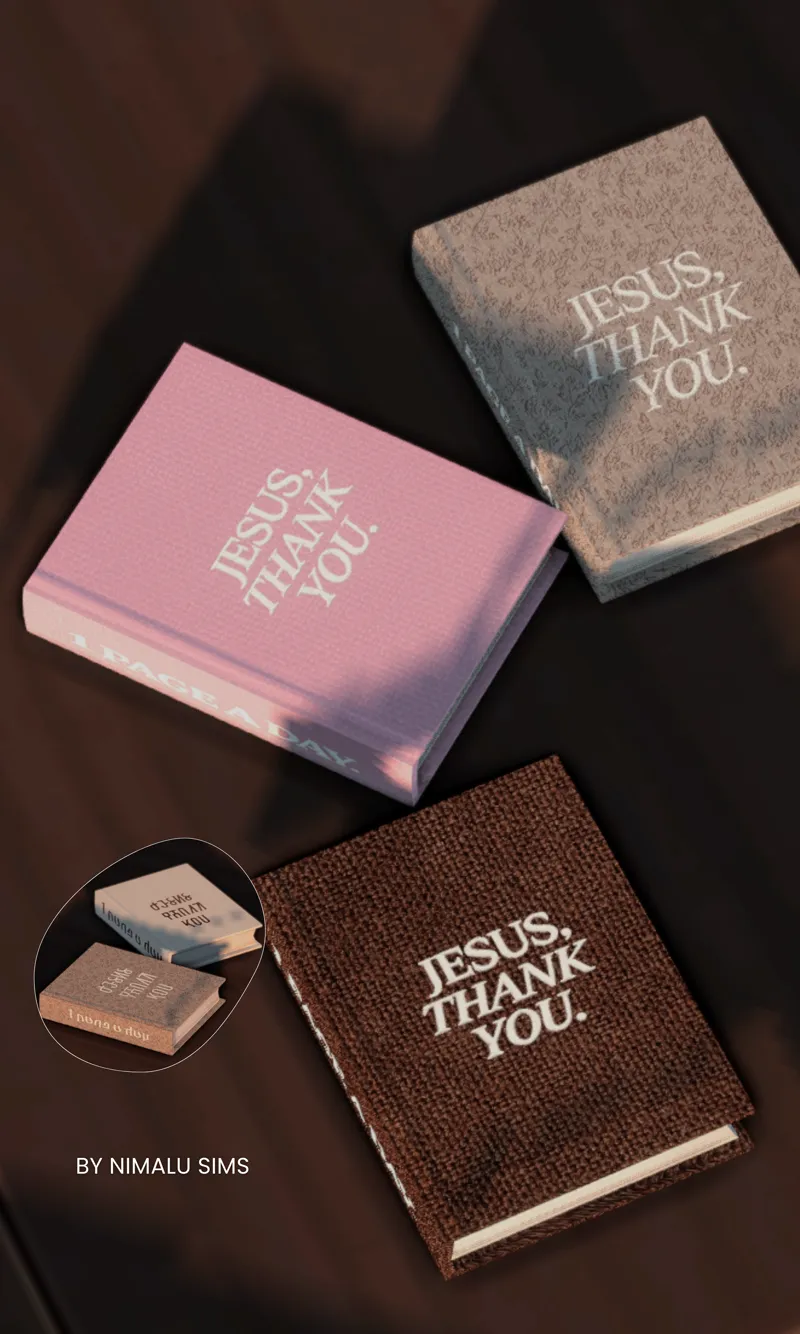
This functional Bible recolor features embroidered lettering designed to feel soft, intentional, and devotional in your Sims’ space.
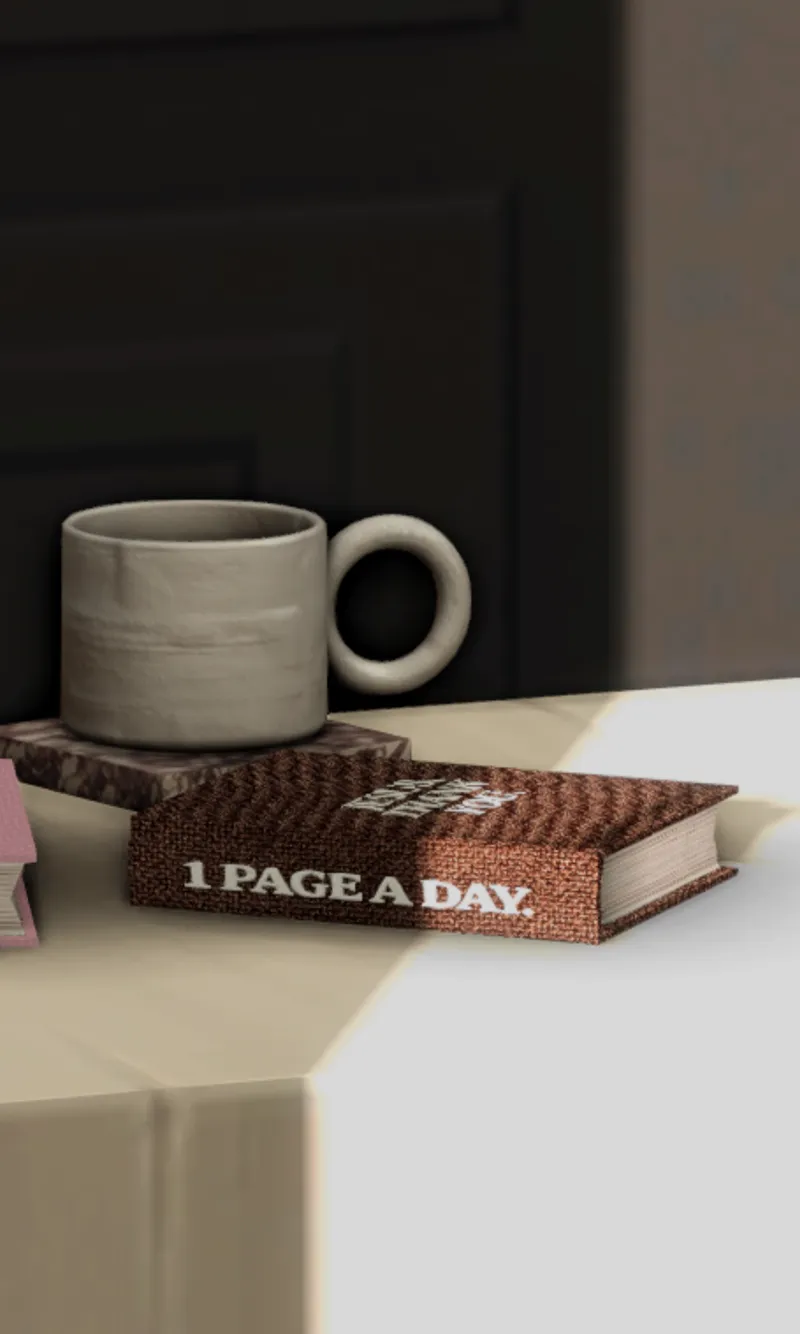
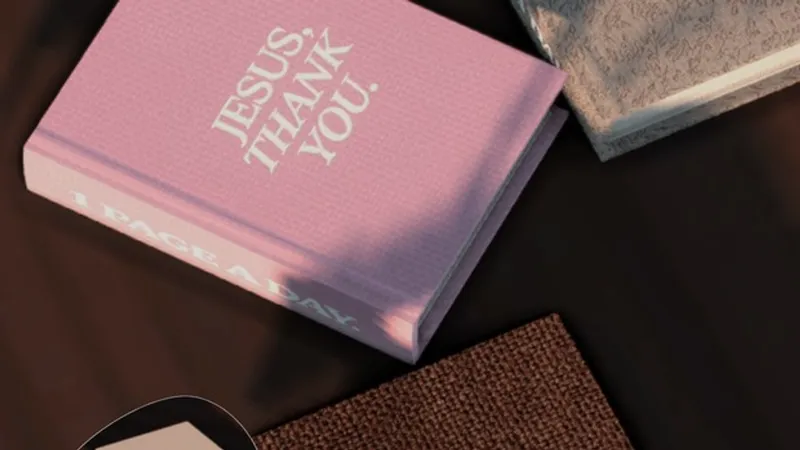
The cover reads “Jesus, Thank You.” with “1 Page a Day” embroidered along the spine as a gentle reminder to stay in the Word daily.
Details
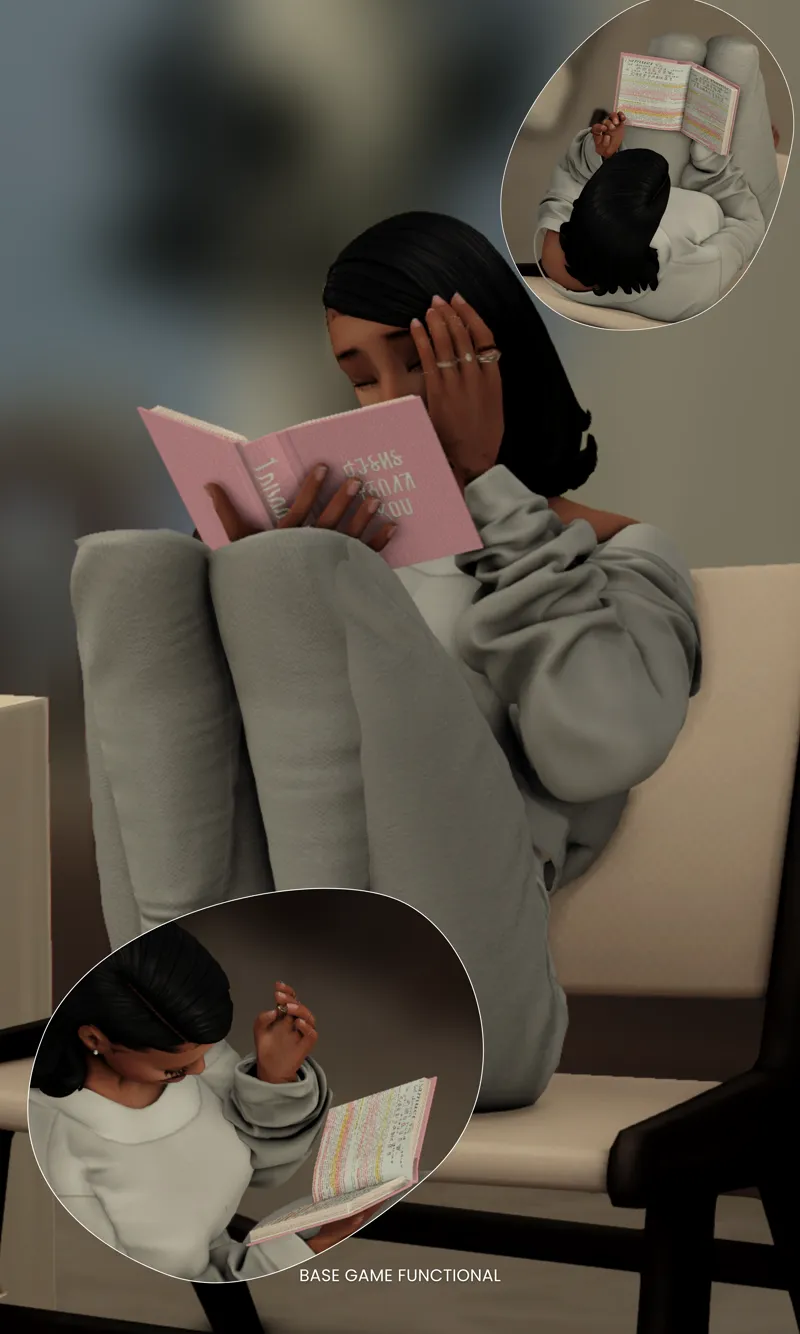
• Base Game Functional
• 8 Swatches Available
• Cream
• Brown
• Pink
• Floral Print
Available in English & Simlish
Created to bring a peaceful, faith-filled moment into your gameplay — whether your Sim is studying, reflecting, or spending time with God.
⚠️ Terms of Use
• Do NOT recolor this Bible mod
• Do NOT use this mesh or textures to create recolors
• Do NOT translate or share on any platform
• Please link back to the original post if sharing screenshots.
Get It Free On Skool
⚠️ Important
Please remove/replace the old Bible mod before starting your game.
Clear your LocalThumbCache after installing.
Clearing the LocalThumbCache.package helps remove old mod data and prevents conflicts when installing new mods.
1️⃣ Close The Sims 4
Make sure The Sims 4 is completely closed before doing this.
2️⃣ Open Your Sims 4 Folder
Go to:
Documents → Electronic Arts → The Sims 4
3️⃣ Find the File
Look for the file named:
LocalThumbCache.package
4️⃣ Delete It
Right-click the file and click Delete.
Don't worry — the game will automatically create a new one when you launch The Sims 4 again.
5️⃣ Start Your Game
Launch The Sims 4 normally.
Need Help Buying The Bible In Game?
1️⃣ Place a Bookshelf
Open Build/Buy Mode and place any bookshelf in your Sim’s home.
2️⃣ Return to Live Mode
Switch back to Live Mode.
3️⃣ Click the Bookshelf
Click on the bookshelf to open the interaction menu.
4️⃣ Select “Purchase Books”
Choose:
📚 Purchase Books
A catalog of books will appear.
5️⃣ Go to the Non-Fiction Section
In the book menu, click the category:
📖 Non-Fiction
This is where your Bible book will appear.
6️⃣ Purchase the Book
Click the book and press Purchase.
The book will automatically go into your Sim’s inventory.
7️⃣ Read the Book
Open your Sim’s inventory, click the book, and select Read.
Your Sim can also place it on a table or bookshelf to read later.
Comments (1)
Literally thank you for thissssss