
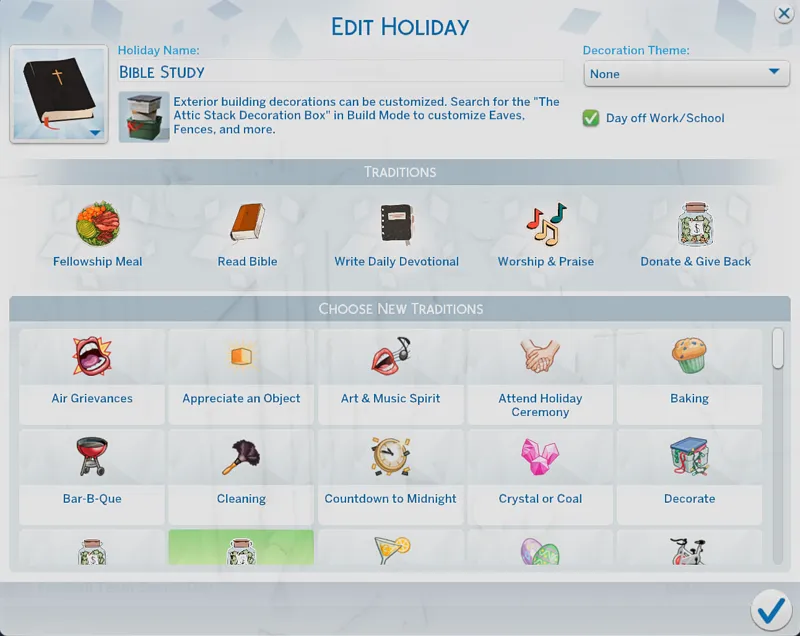
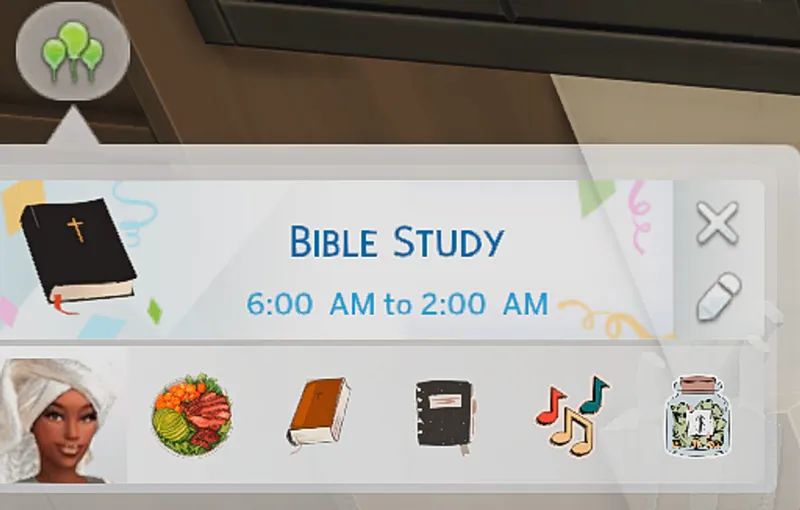
Faith Holiday Traditions
Holiday Traditions – Tester Instructions (Please Read 💛)
Thank you so much for helping me test the new Sims 4 Holiday Traditions! To make sure testing goes smoothly and issues are easy to identify, please follow the steps below carefully.
Step 1: Create a New Test Folder
Go to:
Documents > Electronic Arts > The Sims 4Open your Mods folder.
Create a new folder and name it:
Holiday_Traditions_Test (or anything similar).
Step 2: Install the Test Files
4. Place ONLY the holiday tradition files I provided into this new folder.
⚠️ Do not mix them with other mods or CC.
Step 3: Clear Cache
5. Delete the file called localthumbcache.package from your The Sims 4 folder.
6. Restart your game.
Step 4: Enable Mods
7. In-game, go to:
Game Options > Other
Enable Custom Content and Mods
Enable Script Mods
Restart the game if prompted.
Step 5: Testing Instructions
9. Create or load a household.
10. Add or edit a Holiday and apply the new traditions.
11. Play through the holiday and observe:
Buffs appearing correctly
Moodlets working
No errors, glitches, or UI issues
Step 6: Report Issues
If you experience any issues, please report:
Which tradition caused the issue
What happened (buff missing, error, no interaction, etc.)
Whether you received a lastException
A screenshot if possible