



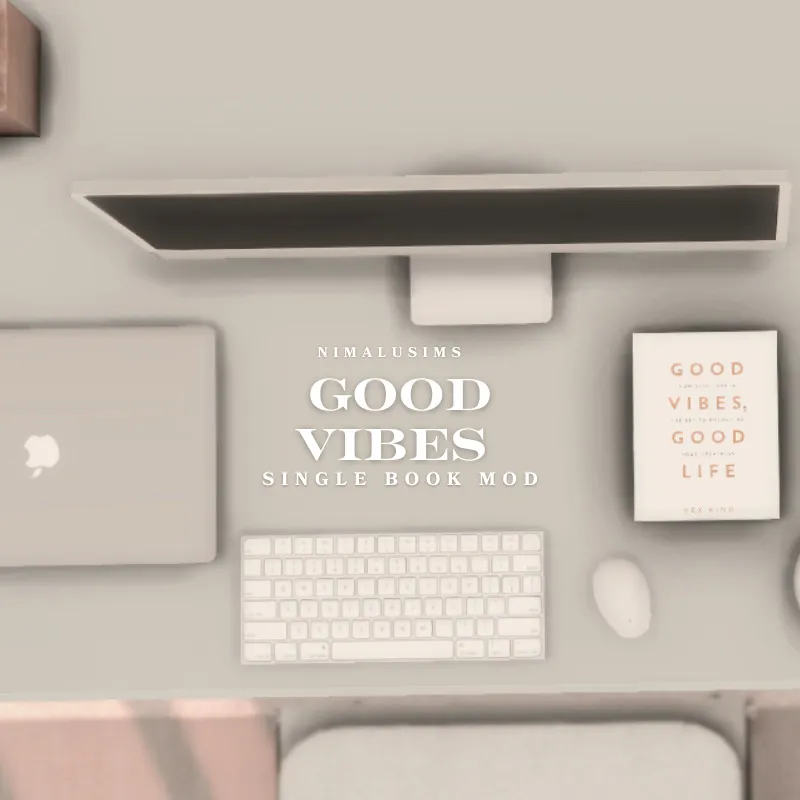
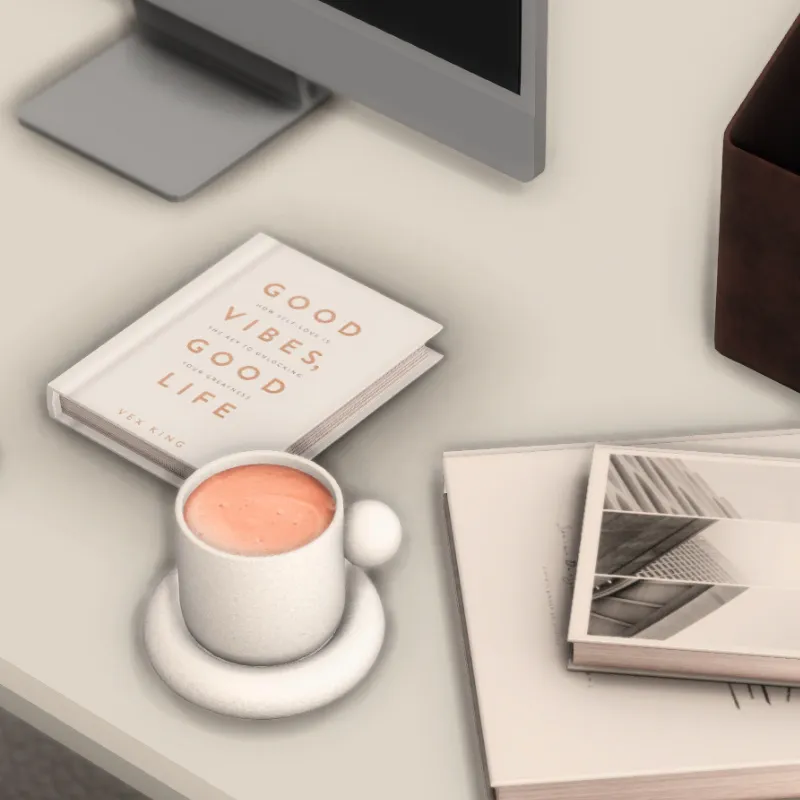
Good Vibes Book By NimaluSims
✨ “Good Vibes, Good Life” by Vex King is now available for your Sims to purchase from the bookshelf or computer! Not only is it a feel-good read, but it also comes with a custom buff to boost your Sim’s mood and mindset. Positive energy starts here!
Here’s your step-by-step in-game screenshot tutorial on how Sims can purchase a book (like Good Vibes, Good Life) from a bookshelf or computer in The Sims 4
📚 1. Click on a Bookshelf
• Enter Build/Buy and select a bookshelf, then click “Purchase Books…” in Live Mode.
• A store window with book covers will appear.
• Browse or search for “Good Vibes, Good Life” or your custom mod book, then click to buy.
• The book is automatically added to the shelf or moved into your Sim’s inventory.
💻 2. Order via Computer
• Click on your owned computer, go to “Order…” → “Purchase Books.”
• A catalog pops up—select your book and purchase.
• It instantly appears on the bookshelf or in inventory.
✅ 3. Check Inventory & Shelf
• If it doesn’t show up on the shelf, open the household inventory and manually move it.
• Your Sim can now read, gain skill, or—if you installed the custom mod—receive the special mood buff upon reading
PUBLIC RELEASE JULY 4TH, 2025
Comments (1)
If you don't mind me asking, but whatever happened with this mod?