

How to Download Sims 4 Content On Tumblr
Downloading custom content (CC) for The Sims 4 from Tumblr can really personalize your gameplay! Here's a step-by-step guide to finding, downloading, and installing CC from Tumblr
1. Find Custom Content on Tumblr
Start by searching for keywords on Tumblr, like "Sims 4 CC," "Sims 4 custom content," or specifics such as "Sims 4 hair CC."
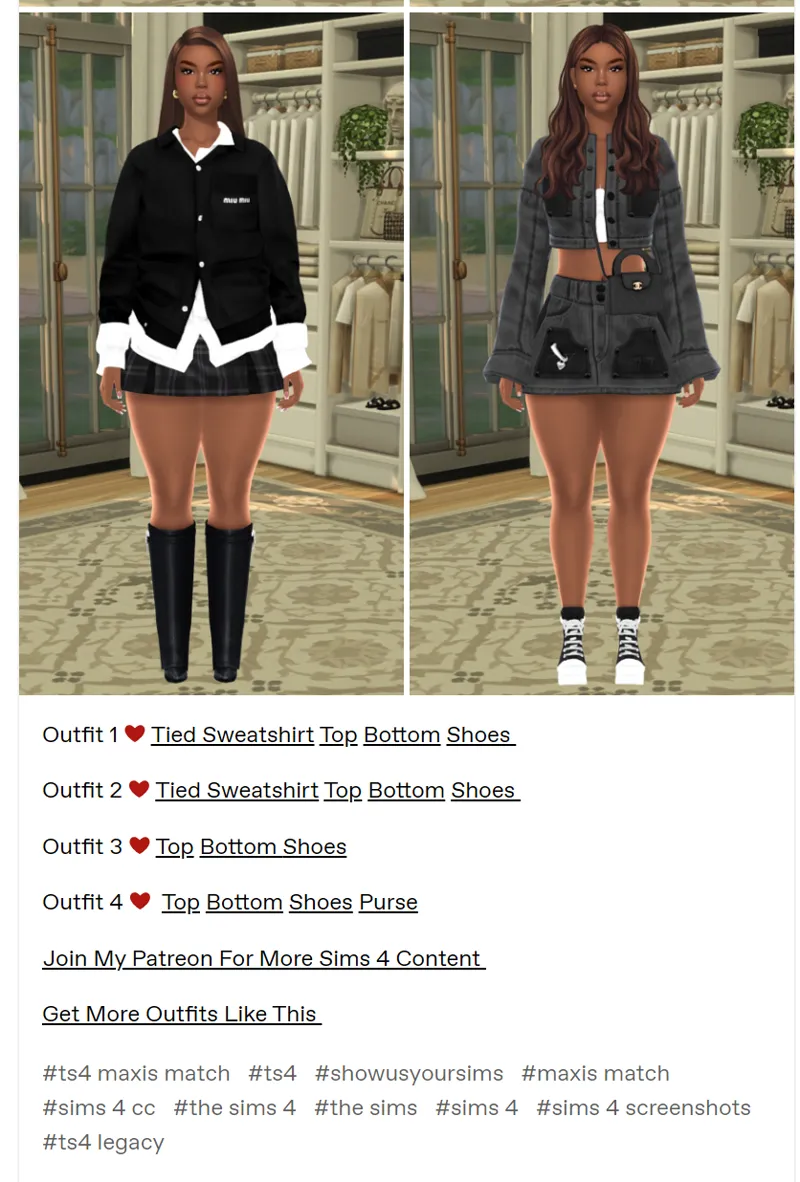
Explore creators' blogs and use hashtags to narrow down your search, like #TS4CC or #MaxisMatch for content that blends well with the game's original look.
2. Download Custom Content
When you find CC you like, most posts will have a download link, often on a site like SimFileShare, Google Drive, or Mediafire.
Click the link and download the .package file(s) to your computer. Some CC is bundled as .zip or .rar files, which need to be extracted.
3. Extract Files (if needed)
If the CC comes in a .zip or .rar file, extract it using software like WinRAR or 7-Zip.
Inside, you'll find .package files, which are what you’ll need to install.
4. Install the Custom Content
Move the .package files into your Sims 4 Mods folder, located in Documents > Electronic Arts > The Sims 4 > Mods.
You can organize content in subfolders within the Mods folder to keep things tidy.
5. Enable Custom Content in The Sims 4
Open the game, go to Options > Game Options > Other, and ensure both Enable Custom Content and Mods and Script Mods Allowed are checked.
Restart the game after enabling these options to see the CC.
6. Check if Content Appears in the Game
Start a new game or load an existing save, go to Create-a-Sim or Build Mode to check out the new CC!
Tumblr creators frequently update and release CC, so check back often or follow creators to keep your content fresh!