
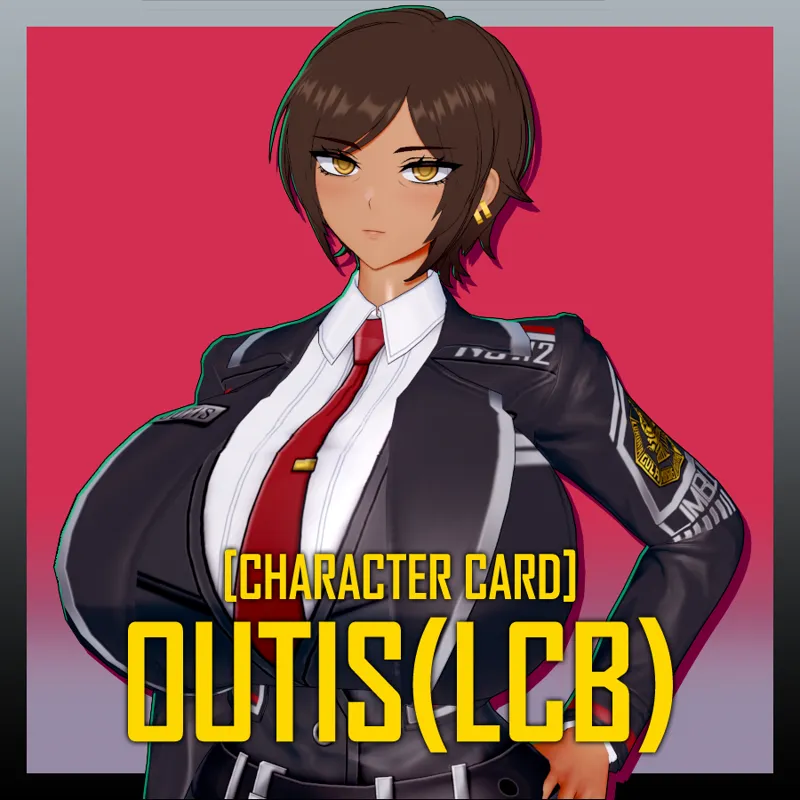
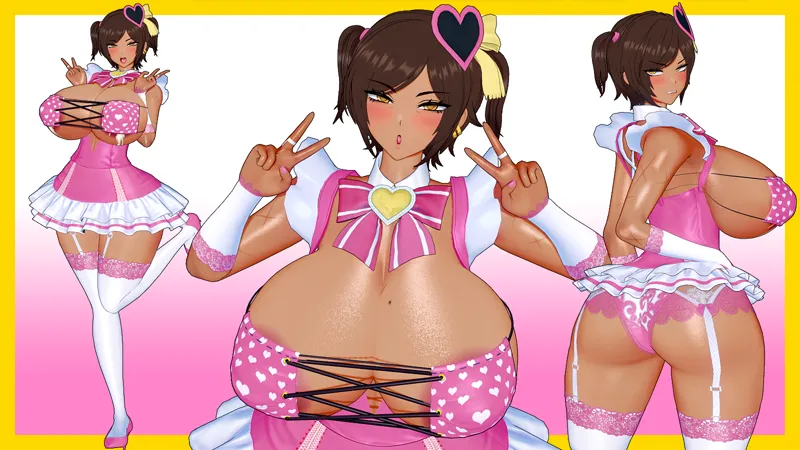
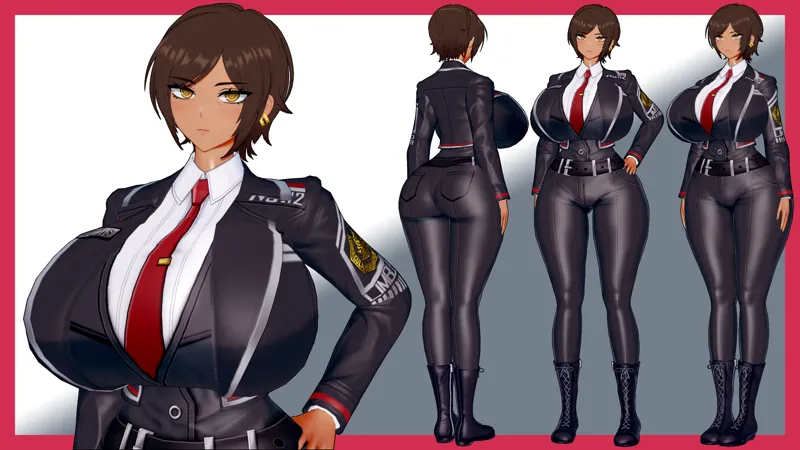
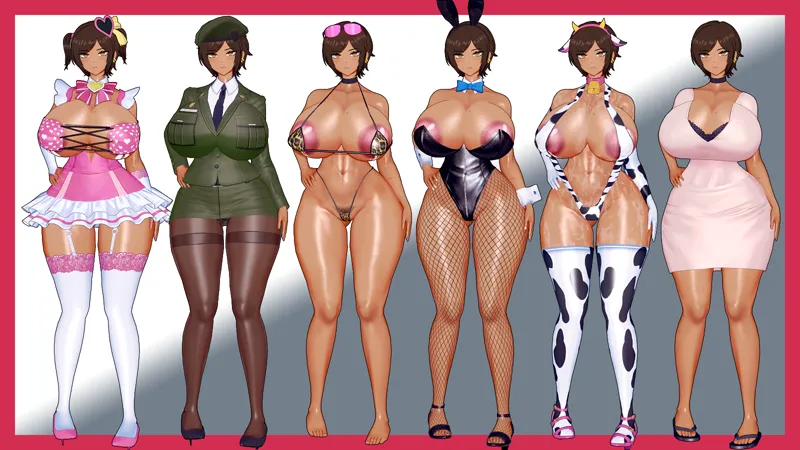
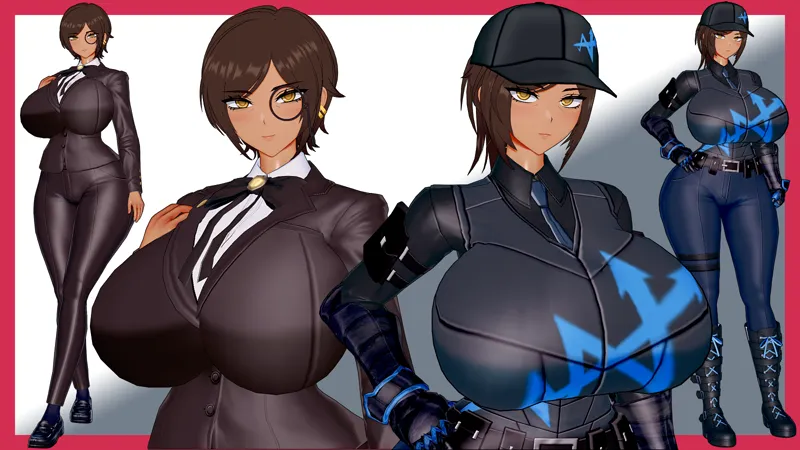
ウーティス/Outis
キャラクターのボディが異常な表示になる場合、それはMaterial Editorのバージョンが低いために発生する問題です。
If the character's body appears distorted, this issue arises due to an outdated version of the Material Editor.
解決方法は2つあります。
There are two solutions:
A. Material Editorを最新バージョンにアップデートします。
(以前のデータは必ずバックアップしてください!)
A. Update the Material Editor to the latest version.
(Be sure to back up your previous data!)
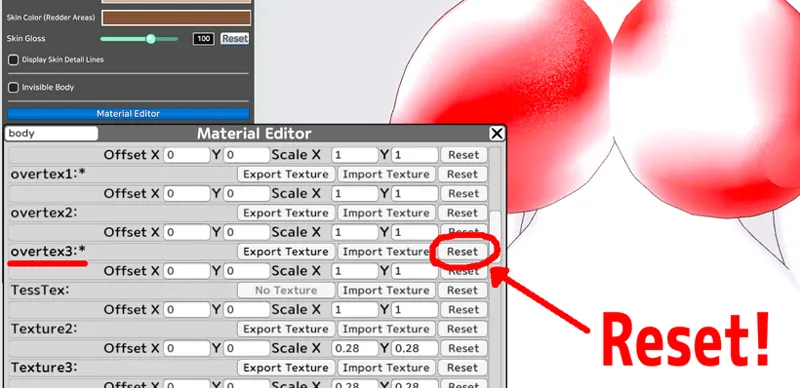
B. 下の写真のように、ボディをMaterial Editorで開いて、Overtex3をリセットし、カードを保存してから再度読み込みます。
B. Open the body in the Material Editor as shown in the image below, Reset Overtex3, and Save the card, then reload it.
あなたのサポートは、次のコンテンツが制作される上で大きな助けになります!
Your support helps me create the following content!
いつも応援してくださって本当にありがとうございます!
As always, thank you so much for your support!
Comments (4)
Could you tell me the names of the mods or the files?
Hello. It’s difficult to provide a complete list of all the mods used. Please load the card and check the missing mod error messages that appear in the top-left corner. If you tell me which mods you’re missing, I’ll send you the download links for them.
Is there a specific skin mod your using her body is loading in as pure white with shades of red.
hello, ARMYHELLSPAWN. Thank you for your report. This is not an issue with the character's body MOD; it is likely caused by an outdated version of the Material Editor. Older versions of the Material Editor cannot recognize GIF files. Please update Koikatsu to RX22, or open the body in the Material Editor and reset the Overtex3.