

🗒️LUA Scripts Updated🔄️✅
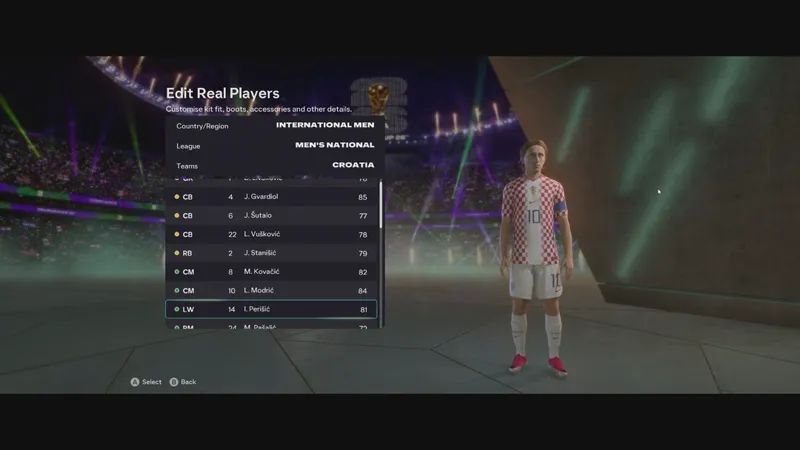
⏳Our 📦42.1 for FC26 is coming in 1 hour with the LUA Scripts by our brother @FaizGN7657 updated with the latest models used assigned to the players, especially with the use in conjunction with the WC26 mode from @LTA_MOD so you guys can enjoy this incredible tournament with maximum authenticity in the game🏟️🏆🌎
Comments (8)
And those low socks, bro?
Included in our Accessory Pack, how to select all features with the Live Editor 👇 🗂👇 https://drive.google.com/file/d/1vorAEU0s7df3kWjj4k2U-JD3Jo5ONf1-/view?usp=sharing 🎥👇 https://www.patreon.com/posts/artisan-pack-2-2-144493872
How do you do the unlock tables folder can you please show me ?
You won't need to do anything at all with the files inside the Unlock Tables folder... unless you're a modder and want to make your mod compatible with ours to unlock all shoe slots without causing database incompatibility, or if you're a user who has the database of another mod that you want to make compatible. The Unlock Tables are the primary files for our Unlock Shoes & GK Gloves mod... I'm making them available to modders and users who want to make their mods compatible. Unlock Shoes & GK Gloves is a mod that edits the database, so there may be incompatibility with other mods that also make changes to the database... Importing these tables into the database of other mods with the FIFA Editor Tool makes the mods 100% compatible. I don't know of any other method to use these files other than importing them into the database with the FIFA Editor Tool. To import the tables, you will open the "fifa_ng_db" file in the Legacy Explorer of the FIFA Editor Tool and import the tables into the "playerboots" and "goalkeepergloves" sections of that database, then save.
Could you please send me the instructions for installing LUA?
https://www.patreon.com/boot_artisan/posts/lua-scripts-fc26-142422441
Is Mod v 42.1 compatible with game version v1.6.1?
Yes.