





Next, Mizuno ''Frontier Pack''⌛
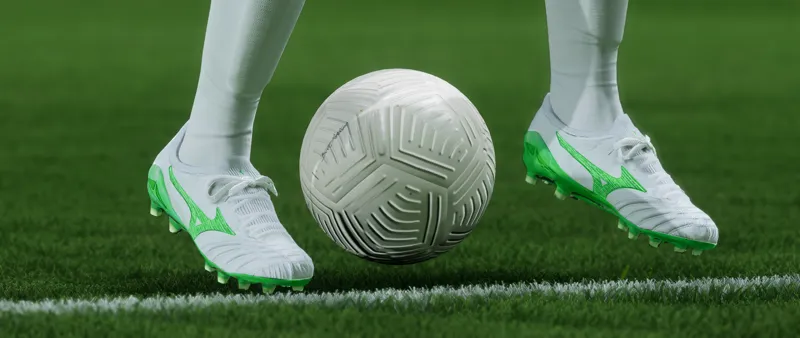
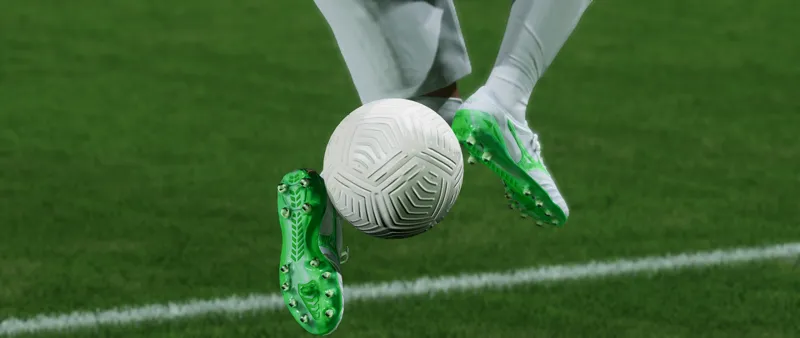
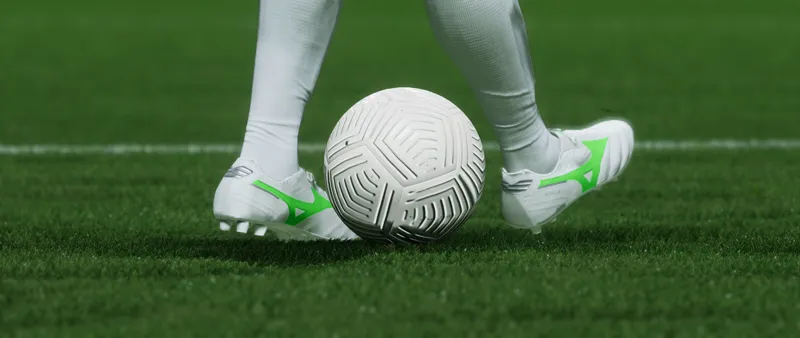
✍Next on our lineup for 📦25.0, Mizuno ''Frontier Pack''🍃💨
Previews ⌛️📸👇
📸Morelia NEO 4 Beta ''Frontier Pack''🍃💨 📸2, 3, 4 & 5
📸Morelia 2 ''Frontier Pack''🍃🎯 📸6, 7, 8 & 9
Comments (4)
I have the bootpack. Was wondering how to add the new boots to my current bootpack
It is not possible to make changes in the '.fifamod' file, but with the use of the textures that I make available, through the FIFA Editor Tool you can create your own personal mods, either to replace some Boot from the main Bootpack, as are these separate mods that I post 👇 https://www.patreon.com/posts/mod-nike-vapor-1-118104762 ...Creating the mod and positioning it below the Bootpack in the Mod Manager will replace the models of the chosen IDs; Or you can create your own personal Bootpack from scratch... for both methods you will need knowledge on how to import texture and mesh files... We have a tutorial I made back then for FIFA21, but it's basically the same process for FIFAs 22, 23 & FCs 24 & 25 👇 https://www.patreon.com/posts/tutorial-6-off-51680107 The file that allows you to make substitutions are the Projects, files that you will open in the FIFA Editor Tool and you will have total freedom to change and make it to your personal taste, like the project of our last Bootpack 👇 https://www.patreon.com/posts/project-access-1-117580388
why my games crash evry time im in the game ?
I have no idea... it could be anything from a damaged game file due to a poorly performed Update or for some other reason, to a Mod with problems that could be causing this... I recommend that you test your mods being applied and executed individually until you discover the cause or Repair and even reinstall the game if it is a game file that has been corrupted.