
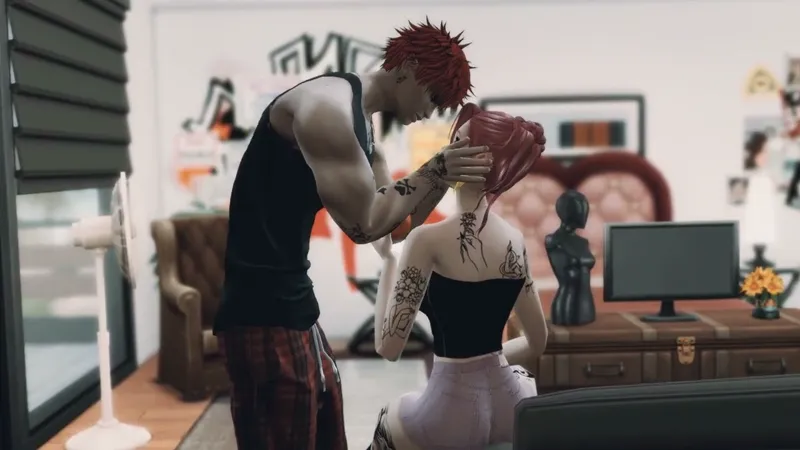
No Clipping ~ Short explanation
So, I tested my animation in the game as always. It works perfectly fine. I have to keep saying this because some people might not fully understand it and usually don’t read the description. You are not allowed to use sliders, like mod sliders or anything like that. The Sims need to be EA size, so normal size, to make the animation play properly. My animations don’t have clipping. Clipping means that faces normally don’t go through each other, and hands don’t go through the body, because I animate in a way that prevents collisions from happening in the first place. But of course, that only works if you stay at normal EA size and don’t use exaggerated presets, and instead work with the standard EA proportions, because I can only work with the model I have. I also created and adjusted my own presets, for example.
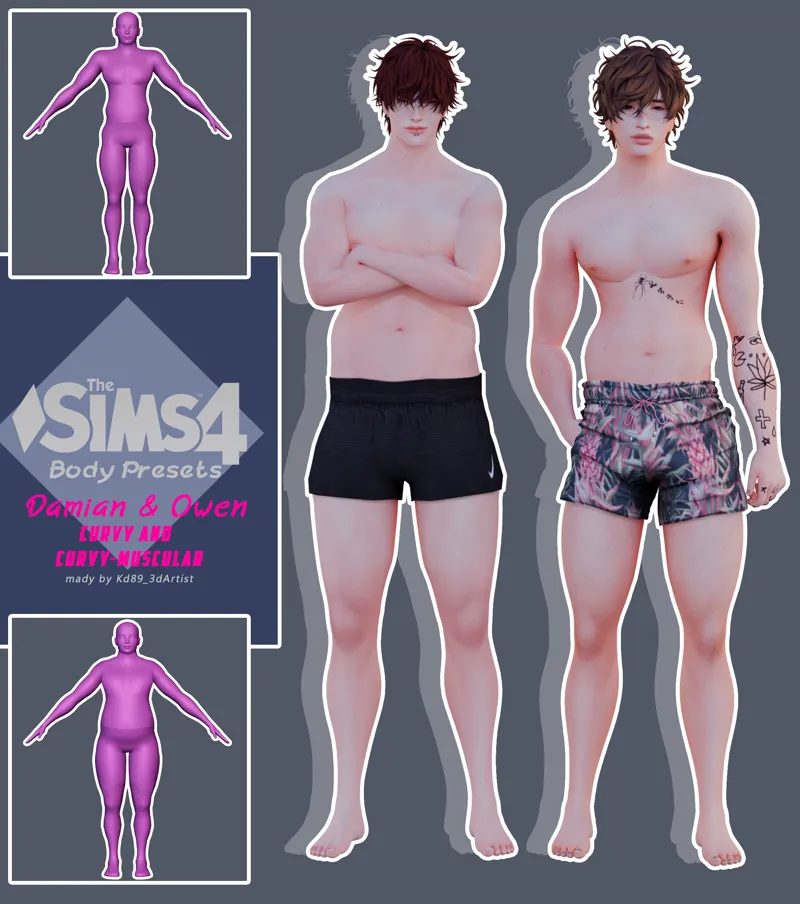
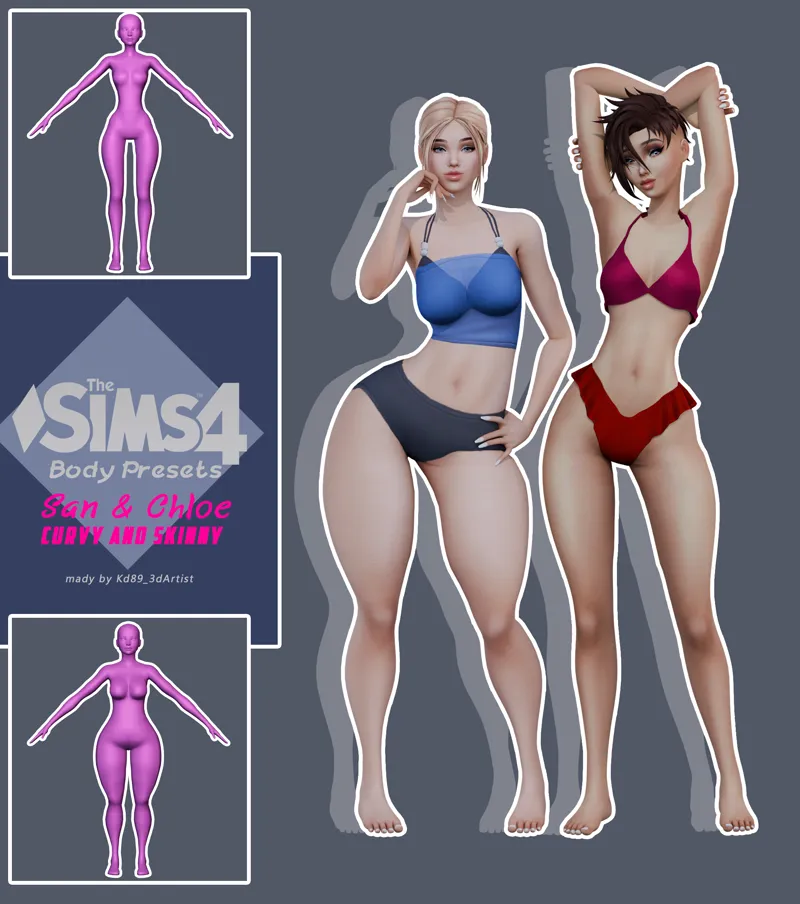
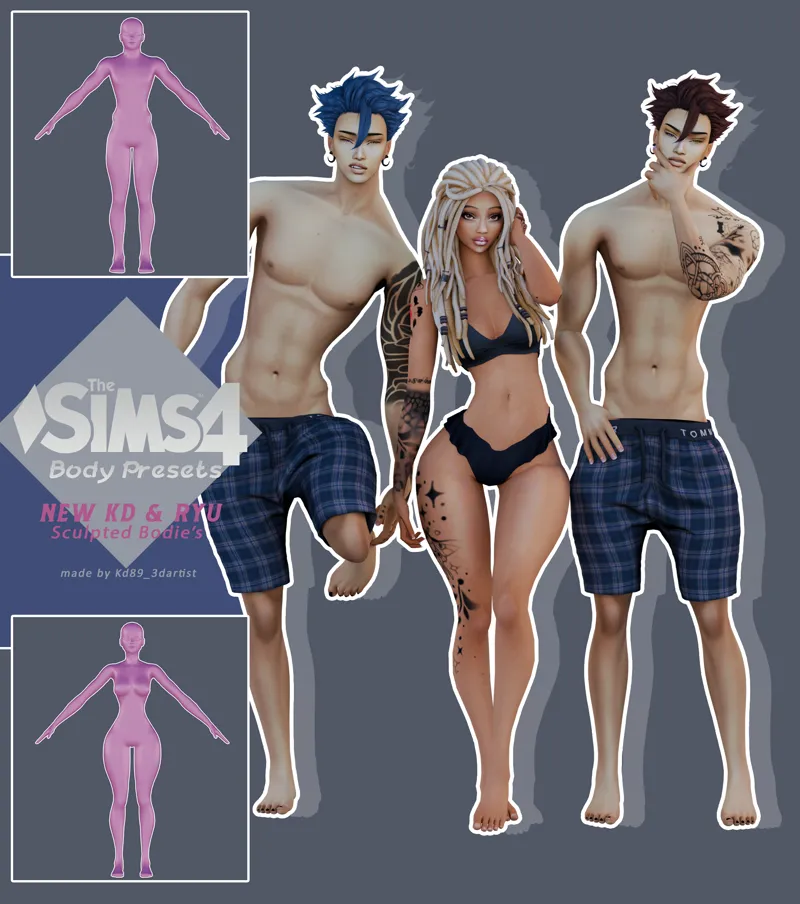
So I would suggest that if you use presets, you can also use mine. For Free🩷
But normally, there shouldn’t be any clipping or collisions, because I animate using physics simulation. That means I animate in a way where the hands, the mouth, or the head never go through the body, because I simulate collisions. So when hands touch a body, the other body reacts to it. This is a technique that people who are not familiar with it might not understand, but it is actually quite professional, and that’s why I need to explain it, because it’s important. I sometimes get messages from people who don’t fully understand why it’s not working properly. But it’s not just about me, it also depends on how your Sims are made. It works best if you use the normal sizes, basically always.
My proof videos show that my animations work very well with my presets, because I adapted them specifically for that. So I would recommend using my presets or something similar for your characters. And don’t stretch your faces too much. If you push the face too far forward or backward, the kiss won’t work anymore because the proportions change, and then a lot of things stop working. That’s just what we have to work with. There’s no more than that available.
The Sims 4 is simply an old game, and the engine doesn’t give us much freedom without script mods. That means as a package animation creator, you can only work with what’s available, and you have to use a lot of tricks to make it work. Otherwise, the Sims 4 engine just says no, I’m not doing it. I experienced that myself with my fairy animation. That’s why you have to be really careful about how you implement things in the game. This was just a small explanation of why some people have problems and others don’t. 😊
So always keep in mind, The Sims is an old game, and I’m trying to fix or improve the issues the game has with animations that don’t use scripts. That’s why I try to make my animations as professional as possible. But for that, you have to follow certain guidelines. That’s why I always say, please don’t use sliders, always use the original size. My animations and poses are always high difference. That means the male part is always taller than the female. Of course, you can use them for any gender, but these are just requirements to make the animations and poses work properly in the game. Not because I can’t do it differently, but because the game doesn’t give me any other options. Or more specifically, the game engine.
I hope this was clear enough so you can work with it, and always remember, if you download mods or CC, please read the descriptions carefully. It’s very important so you don’t accidentally do something wrong, then wonder why it doesn’t work, and end up blaming creators or other people for something that could have easily been avoided.
So yeah, this is just an informational post, but I hope it helps and that you understand it a bit better now. You can definitely look forward to my animations, and I’m really excited to see your reactions when you try them in your game.
Thank you. 💖😊
Comments (1)
That is proof of truly good work. That is exactly why I love it ;33