
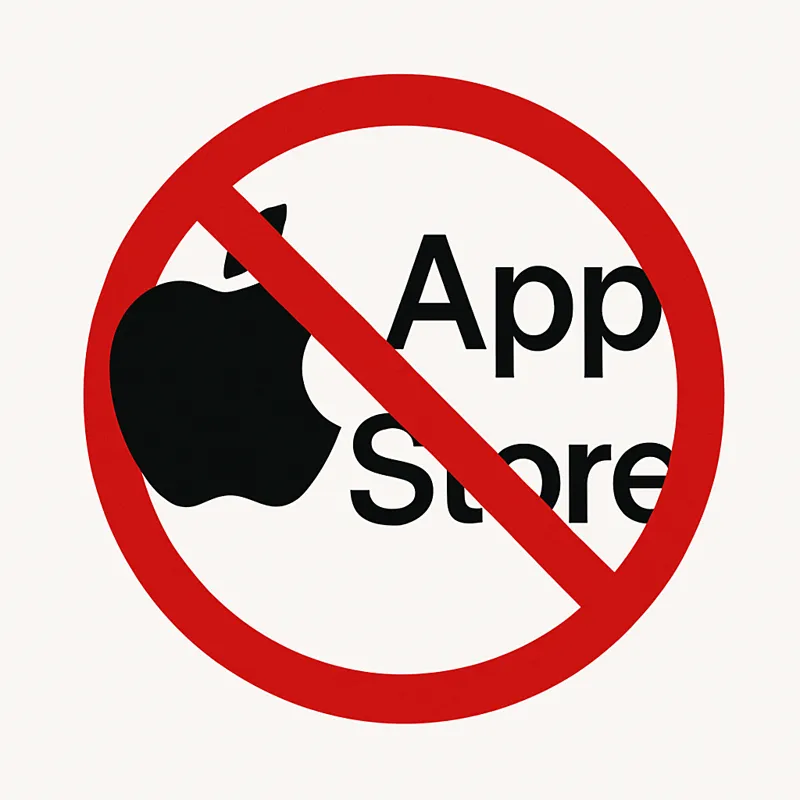
Stop using iOS app for Payments~
Important Tip – Save Money & Support Me Better 💡
Support Creators 💖
Did you know that Apple takes 30% of your pledge if you sign up or upgrade through the Patreon iOS app (iPhone/iPad)?
😟 That means:
You pay more, but…
I receive less, because a big chunk goes to Apple – not to me, the actual creator you're supporting.
That’s a huge cut – and it goes straight to a giant corporation, not to me or any of the creators you actually want to support.
✅ Here’s what you can do:
➡️ Use a browser (on your phone or computer) to join or manage your membership: www.patreon.com
➡️ This way, your full support goes directly to me – not to Apple or other third parties.
Unfortunately, there’s no way for me to disable or block in-app purchases on Patreon.
My work shouldn’t be making tech giants richer.
EAT THE RICH FUCKERS!
Please don’t use the App Store to support creators – it really matters for all of us here on Patreon.
Thank you so much! 💖
Comments (4)
Does anyone know if it fixes it to cancel membership through the app and then redo it through chrome?
Yes, that should work! 🤫 If you cancel your membership through the iOS app and then re-subscribe through Chrome (or any browser on desktop/mobile), it will bypass Apple’s extra fees. It is definitely cheaper for everyone if IOS is not used.
APPLE TAKES WHAT OF MY WHAT TO THEIR WHAT 😀
Money they get a large share from you for themselves, and I also have to pay Apple fees if you buy there, even though I don't want to.