
My Grocery Shopping List Mod + Hot Pockets
Updated Version 8/21/2026 Grocery Shopping List
Getting food in the Sims is way too easy. You click on the fridge, oven, microwave etc. and there's always an endless supply. Now, things are going to get just a little bit more challenging (aka realistic).
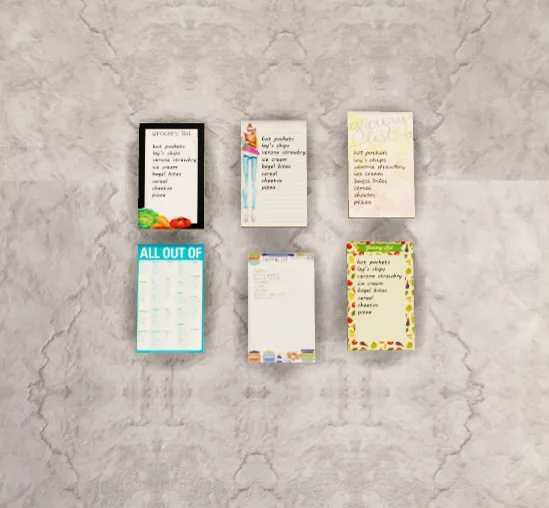
I present to you, My Grocery Shopping List Mod!
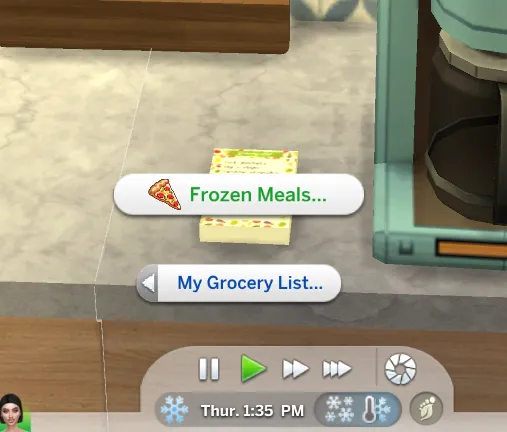
Found under the appliances misc category. The name is My Grocery List - Insimnia. The thumbnail looks like a white rectangle laying down.
HOW TO USE (RECIPE):
1. Download the Grocery List Mod below.
2. Download the recipe file attached at the bottom of this post.
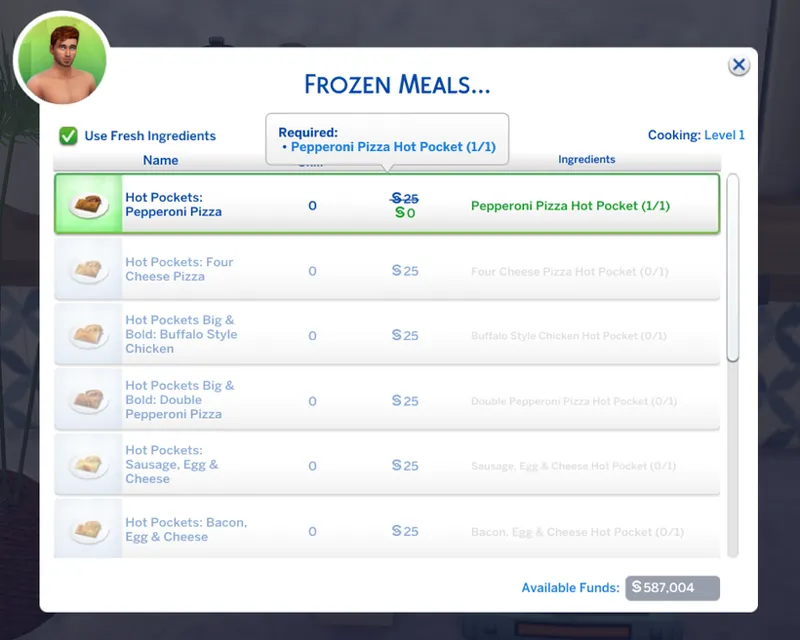
3. Click on the Grocery List to check what ingredients are needed. If you don't have them all, the recipe will be grayed out and your Sim will not be able to cook.
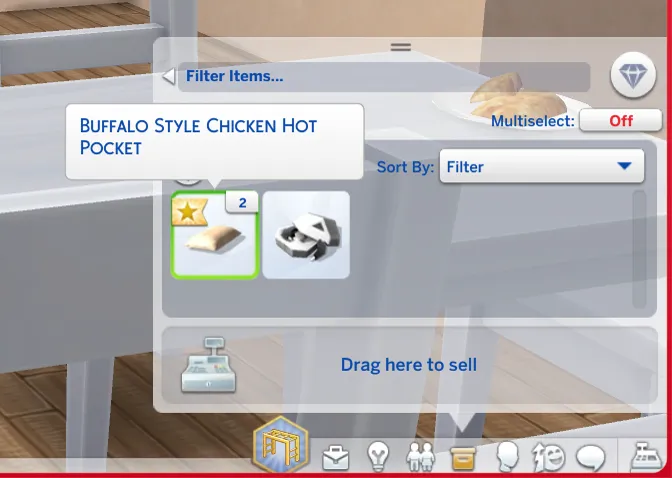
4. Make sure to click "open" on the ingredients if necessary, then put ALL of the required ingredients in your Sim's inventory or the fridge to "unlock" the recipes in the Grocery List Mod.
5. Once you have all the required ingredients, click on the Grocery List, and you are now able to click on the recipes.
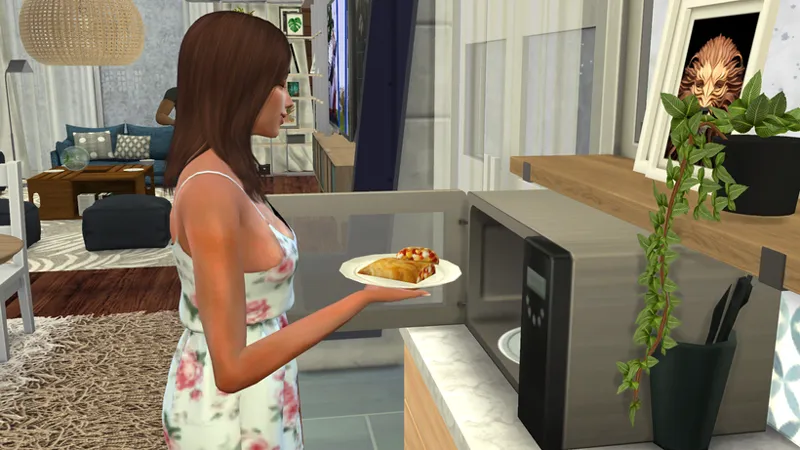
6. For this particular recipe, make sure you have a microwave available. Even if you have the Hot Pocket already, the recipe will still be locked if you don't have one.
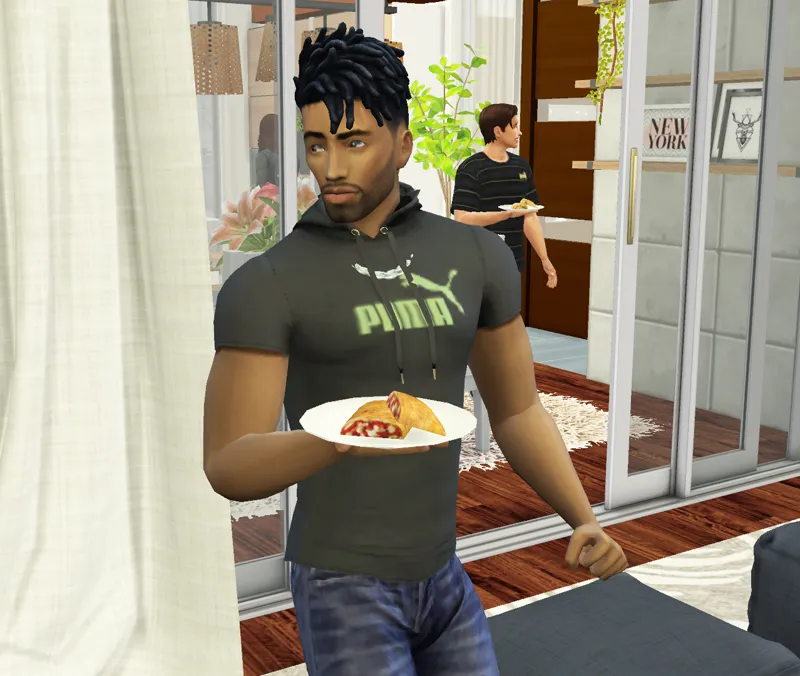
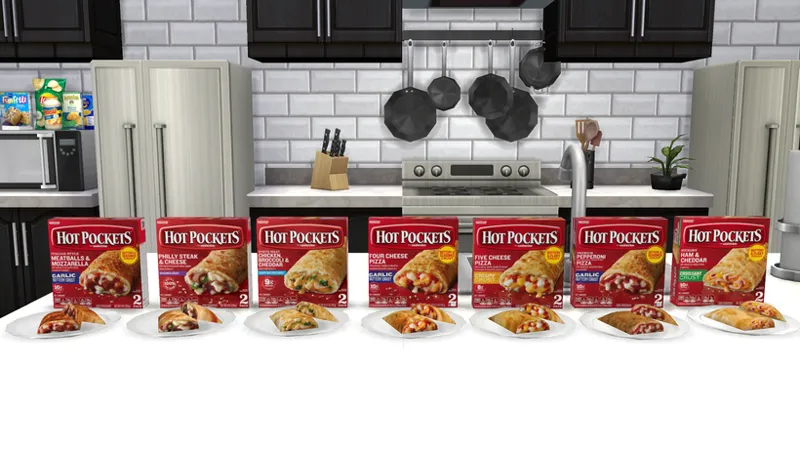
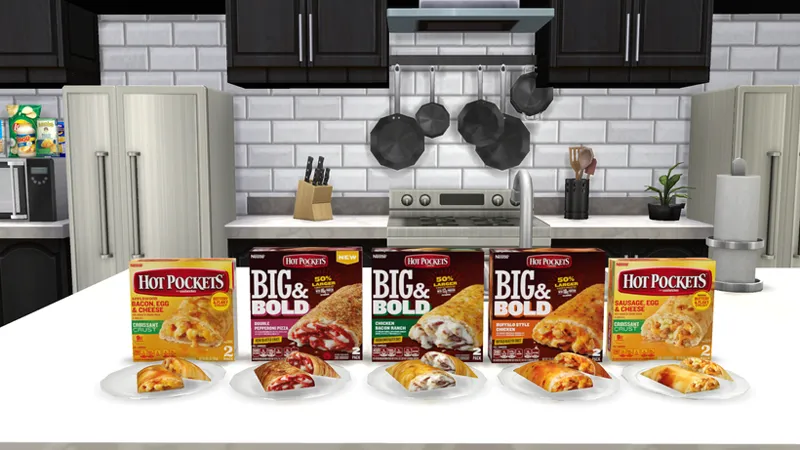
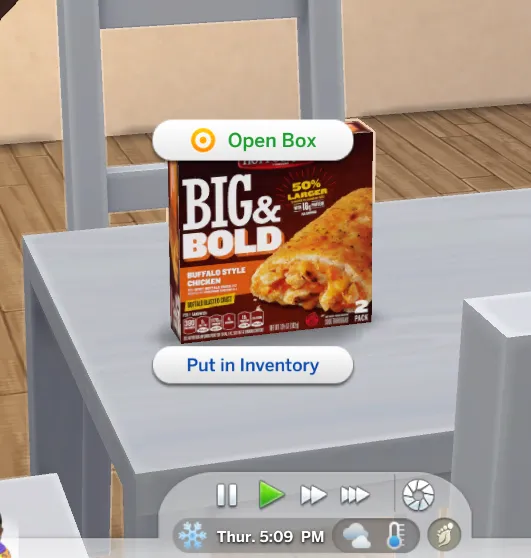
The Hot Pocket boxes are found under Appliances Misc. or just search "Hot Pockets" in the search bar ORRR you can download the updated version of the custom register since I added these items on there.
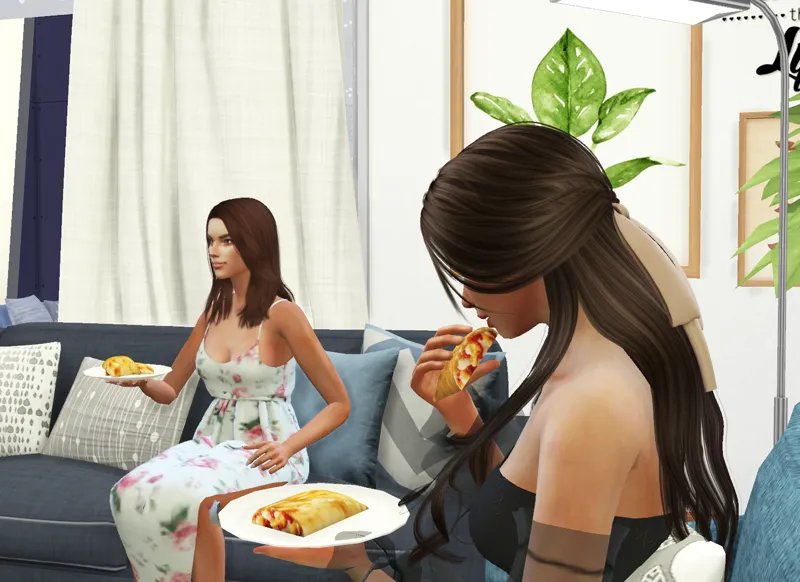
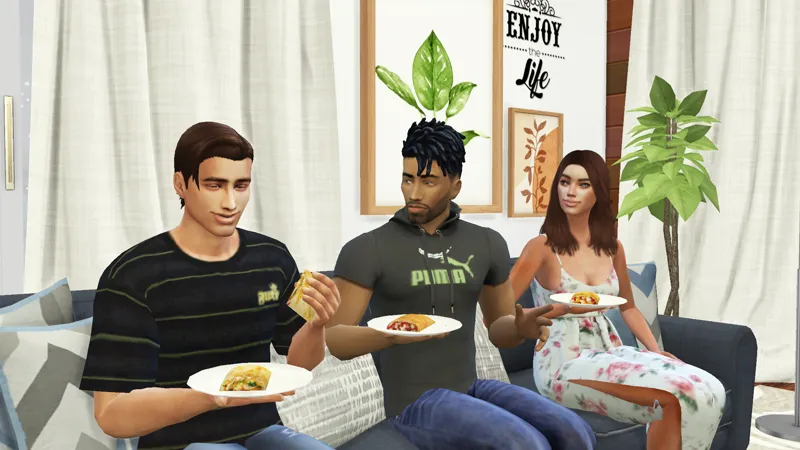
For the first set of recipes available in the mod, here are 12 different kinds of Hot Pockets for your Sims to enjoy!
Dragging it to the fridge will unlock the recipe for everyone in the household. If the Hot Pocket is found in a Sim's inventory, the recipe will unlock only for that Sim..
HOW TO INSTALL:
1. To download the Grocery List Mod, download the InsimniaMyGroceryShoppingList file.
2. Simply drag and drop the PACKAGE file directly to your Mods folder.
3. To download the Hot Pockets Recipes, download the InsimniaHotPocketRecipes file and drop the PACKAGE file directly to your Mods folder.
Terms of Use
Please do not recolor, convert, and/or edit my meshes
Please do not reupload
Please do not include my items in uploaded builds. Link back to my Patreon page for others to download separately