
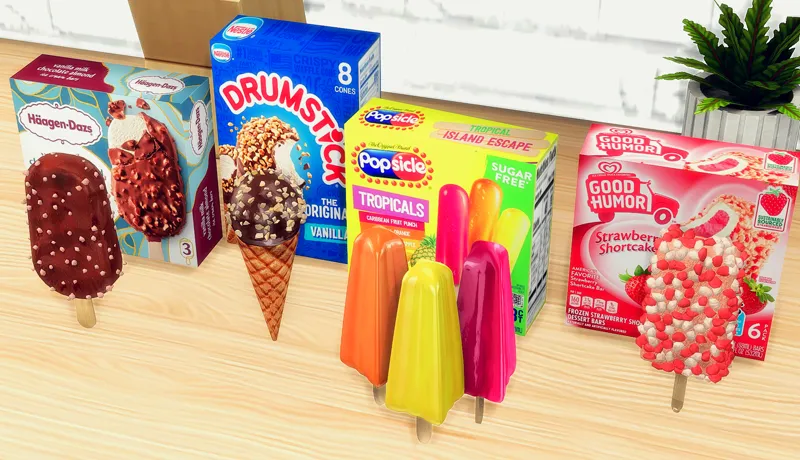
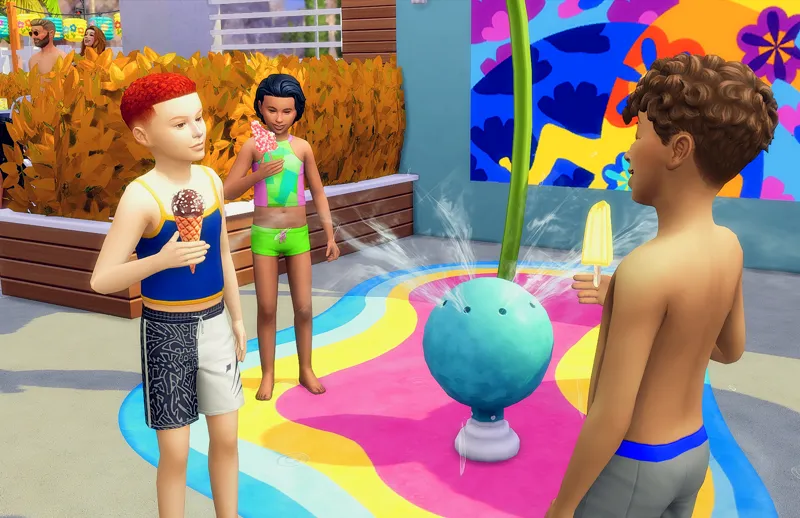
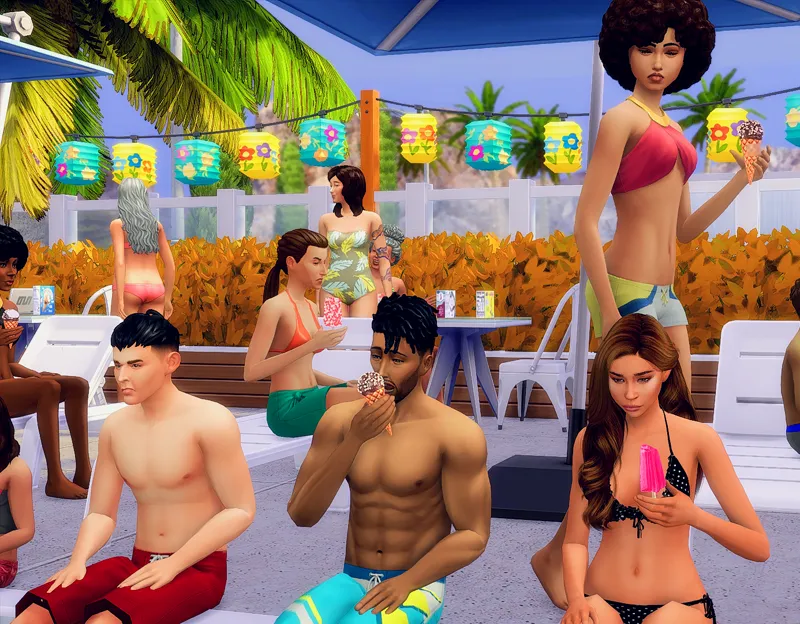
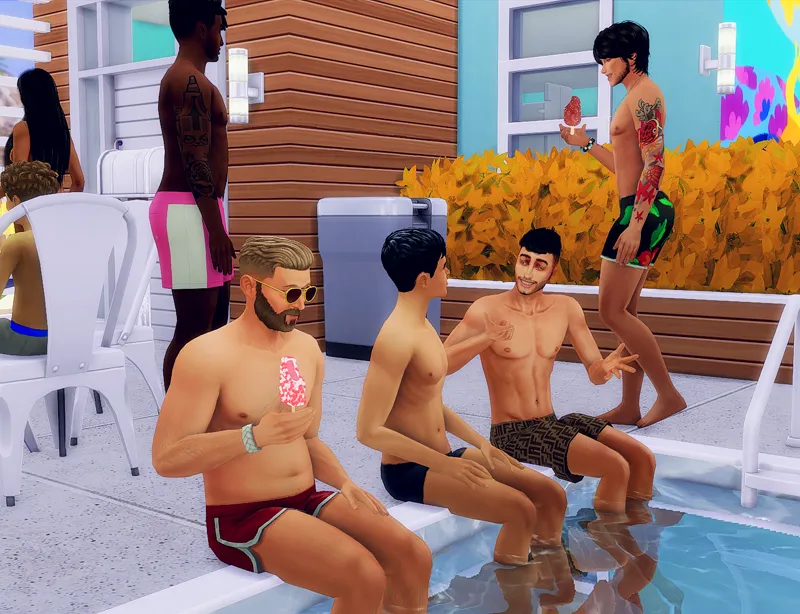
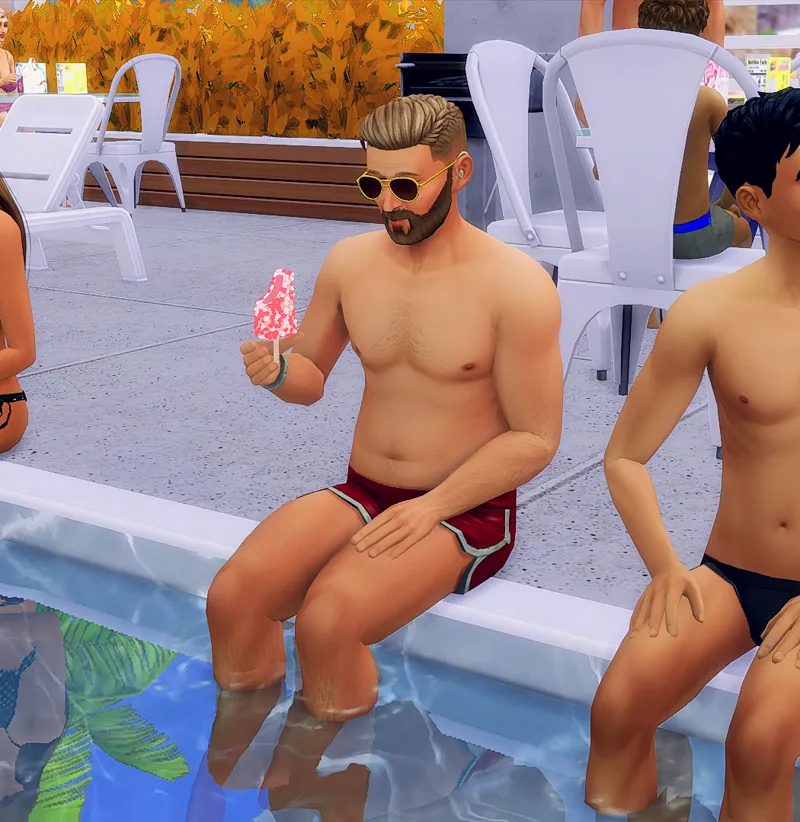
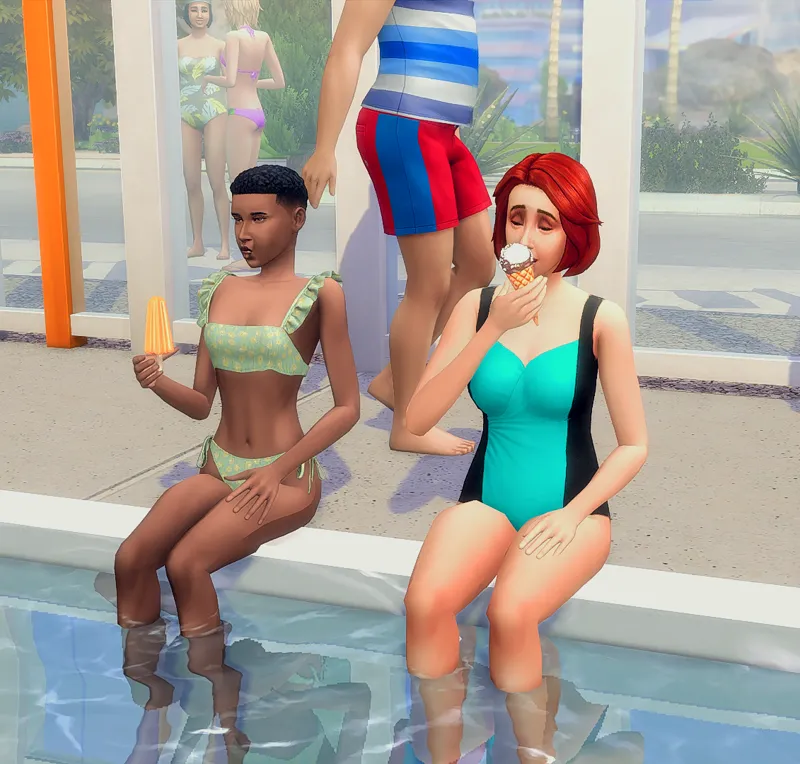
Assorted Ice Cream Bars & Popsicles Custom Recipe
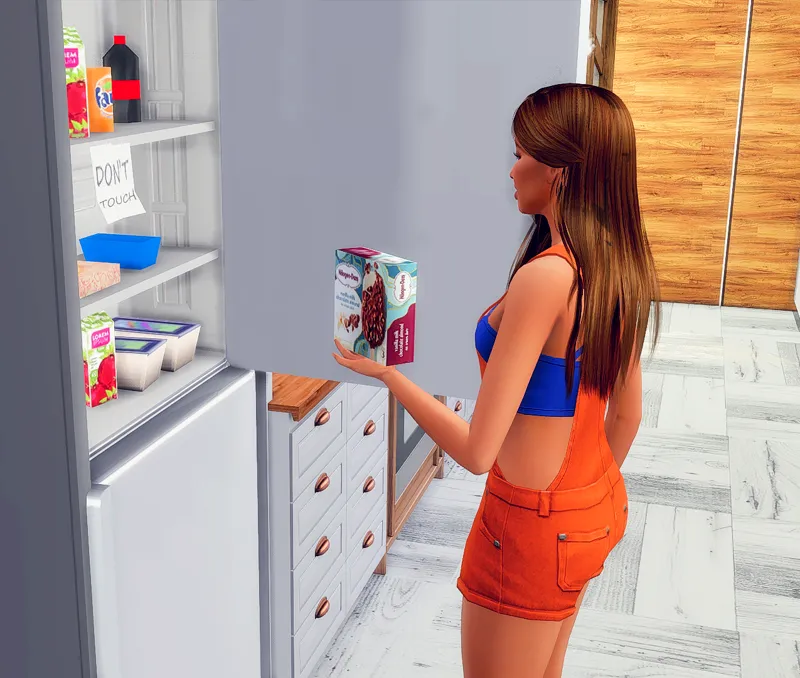
Btw! I am aware that when placed on a surface, the ice cream/popsicle is "floating." The reason is that if they were positioned so that they touch the surface, when the Sim is actually holding and eating it, the ice cream/popsicle will be positioned in the middle of their hand, meaning, it will look like they are holding the actual body of the ice cream and not the cone or the stick. I recommend having the Sim be standing or just sitting when eating. After all, it looks more natural eaten not at a table 😜
NOTE: This functions the same way as custom recipes (even though there is no cooking involved)!! Meaning you would have to click through the Grocery List mod to use them!
REQUIRED MOD:
The 6/13/25 version of My Grocery Shopping List mod. Please delete the old version after updating to the latest version.
OPTIONAL Custom Ingredients (See the pics for the ingredients) (Get the custom ingredients HERE)
If you don't want to use ingredients, only download the recipe below.
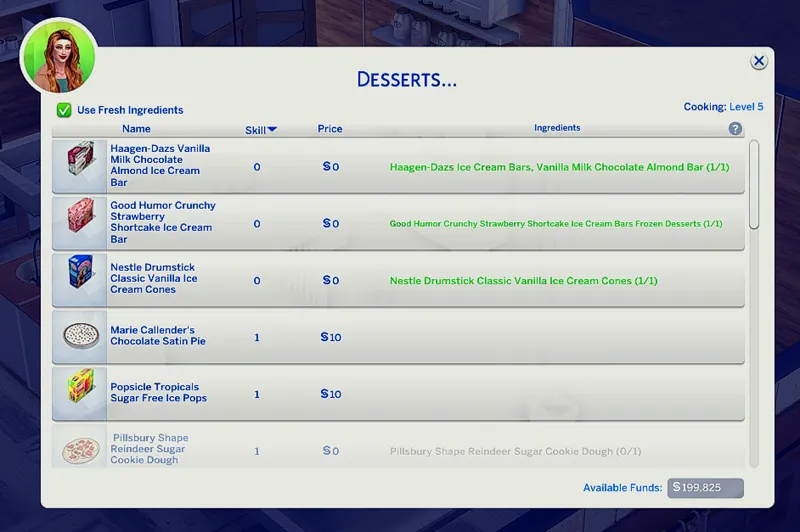
Found in Desserts
Good Humor Crunchy Strawberry Shortcake Ice Cream Bars Frozen Desserts
Haagen-Dazs Ice Cream Bars, Vanilla Milk Chocolate Almond Bar
Nestle Drumstick Classic Vanilla Ice Cream Cones
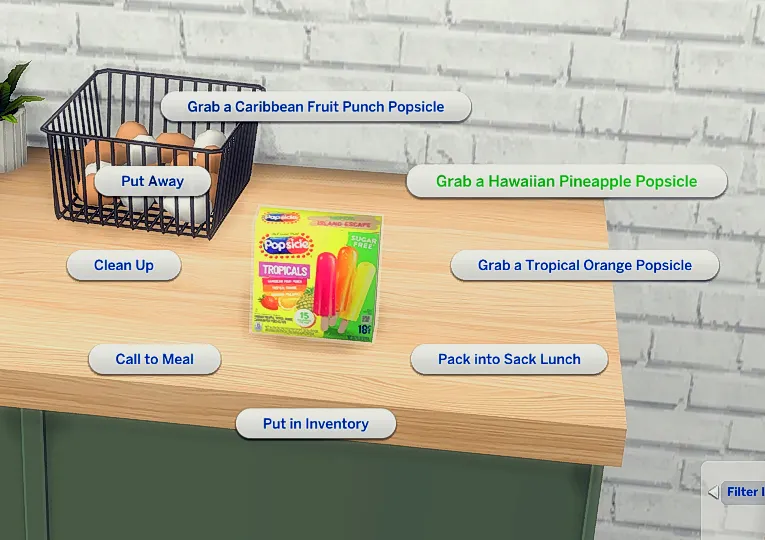
Popsicle Tropicals Sugar Free Ice Pops
If also using the ingredient, it is found in Frozen Desserts in the Custom Register
HOW TO USE RECIPE:
1. Make sure you have the most recent version of the Grocery List Mod installed. (linked above) ALWAYS DELETE THE PREVIOUS VERSION.
2. Download the recipe file attached at the bottom of this post.
3. Click on the Grocery List, find and click the recipe, and start cooking!
HOW TO USE RECIPE (IF USING Insimnia's Custom INGREDIENTS):
1. Make sure you have the most recent version of the Grocery List Mod installed. (linked above) ALWAYS DELETE THE PREVIOUS VERSION.
2. Download the custom ingredient below.
3. Download the recipe file attached on this post.
4. Click on the Grocery List to check what ingredients are needed. If you don't have them all, the recipe will be grayed out and your Sim will not be able to cook.
5. Make sure to click "open" on the ingredients if necessary, then put ALL of the required ingredients in your Sim's inventory or the fridge to "unlock" the recipes in the Grocery List Mod. If there is no option to "open", the ingredient can be used as is.
6. Once you have all the required ingredients, click on the Grocery List, and you are now able to click on the recipes.
HOW TO INSTALL:
1. There are 2 versions. Choose ONLY 1.
Choose _FAST if you want your Sims to finish their food quicker. (takes 6 "bites" to finish)
Choose _SLOW package file if you want your Sims to take their time eating. (takes 10 "bites" to finish)
2. Simply drag and drop the PACKAGE file directly to your Mods folder.
Have More Questions? Check out the FAQ
Terms of Use
Please be respectful and do not release my early access content.
Please do not include my items in uploaded builds. Link back to my Patreon page for others to download separately
Please do not recolor, convert, and/or edit my meshes