


Android Guide
Edited on November 20, 2023
Save issue
When you uninstall a game and install a new version on Android, you'll lose all your progress. So please backup your save files before you uninstall. And when you get a new version, copy it to this path.
You can find the save files in here:
android/data/com.org.milfyday/files/saves
or
android/data/com.org.milfyday.lite/files/saves
Different devices may have different paths, try searching for "com.org.milfyday"
When you install a game for the first time, the save folder is not created until you start a new game. So if you wanna import any save to a new one, start your game first.
For those who install the unofficial versions and can't find the path, try to find it in android/data/ or the previous directory. Other than that I can't offer any help.
And, if you unfortunately lost your save and don't wanna start over, here's my solution. Google and get a 100% save, or download .save file that is a save for you.
Android Tips
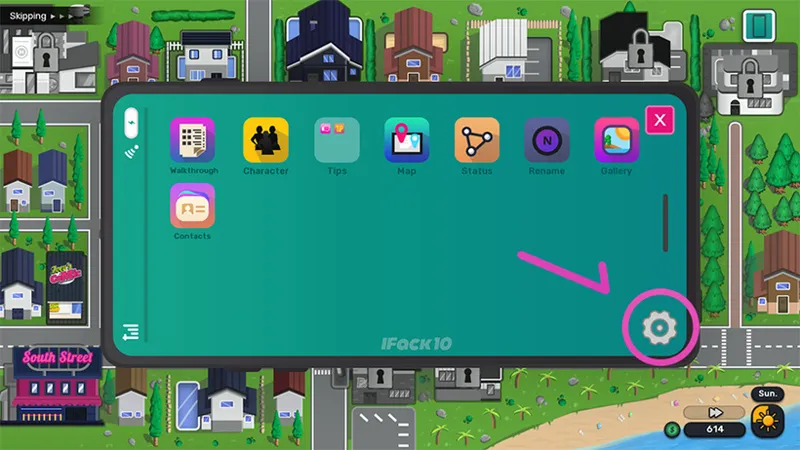
You can open setting menu here. Turn on Quick Menu, so you can open the menu or skip at any time during the conversation.
Comments (1)
Dose it work on los first time on mega I don’t know what I doing