






NVRM (using lilToon in NalulunaAvatars)
Introduction This is a Unity project for exporting avatars using lilToon for NalulunaAvatars. The usage is the same as normal VRM export, bu
Introduction
This is a Unity project for exporting avatars using lilToon for NalulunaAvatars. The usage is the same as normal VRM export, but it is possible to store and export lilToon, which is not compatible with VRM.
Contents
UniVRM
This is a modified version of UniVRM 0.99.4 that supports VRM-incompatible shaders. Since the output file is not a standard VRM file, the extension is nvrm.
lilToon
This is a modified version of lilToon 1.10.3 that can be used with Unity 2019.4.28.
Preparation
Unity 2019.4.28
It may work with other versions of Unity, but I have not tested them.
https://unity.com/releases/editor/whats-new/2019.4.28
NVRM
Please extract the unitypackage file from the ZIP file.
(Attachment at the bottom of the page)
How to use
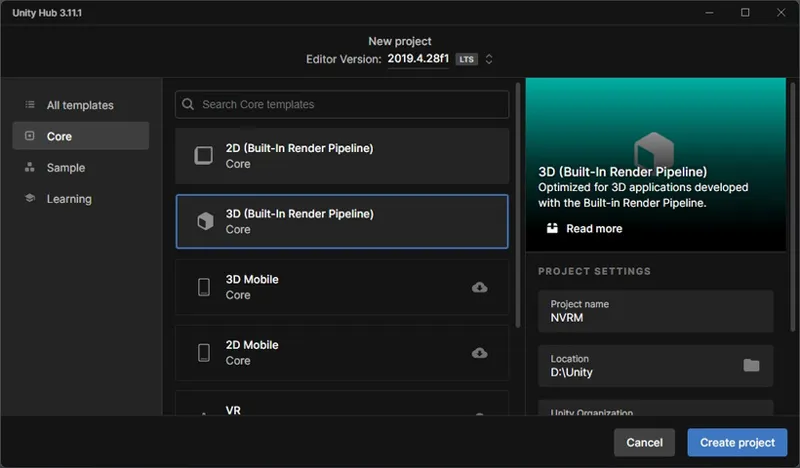
1. Create a new project with Unity 2019.4.28.
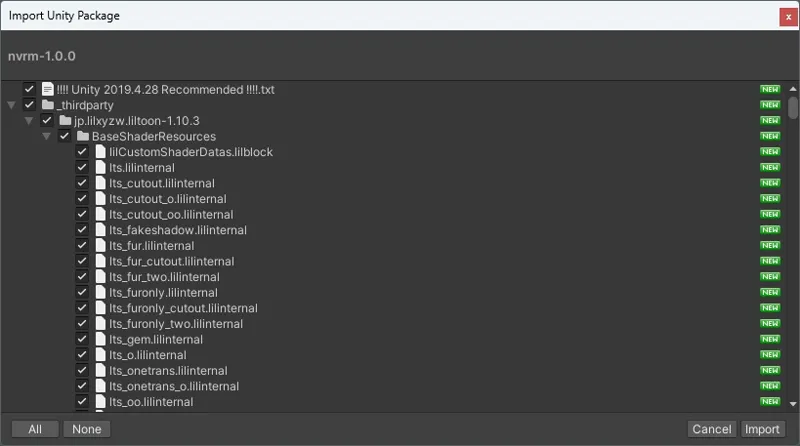
2. Drag and drop the nvrm.unitypackage file into the Assets folder below.
3. When this screen appears, click Import.
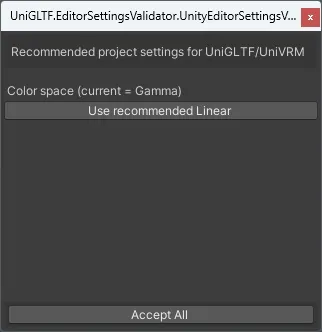
4. When this screen appears, press Accept All and then Close.
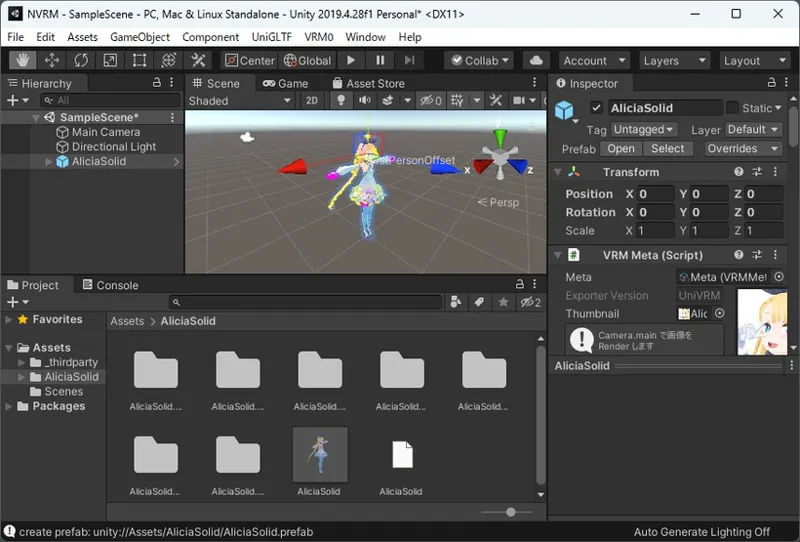
5. Set up your avatar as you would for normal VRM output.
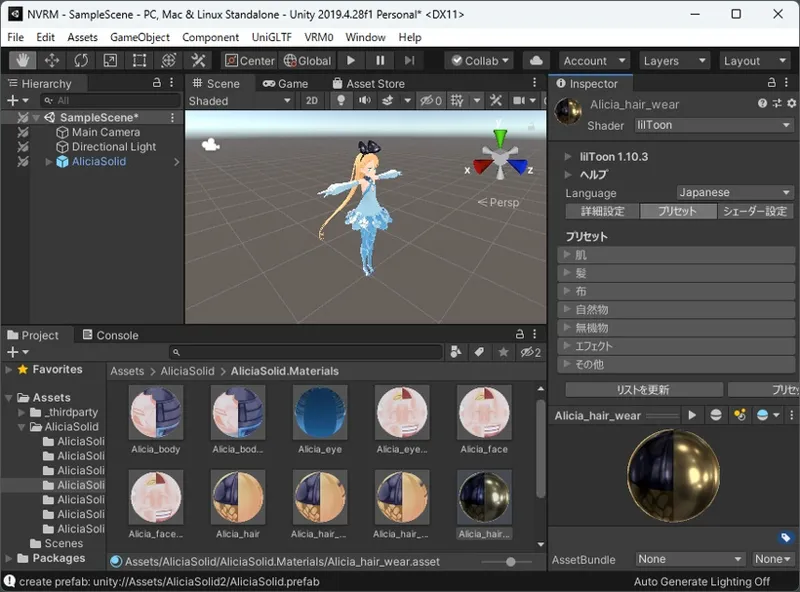
6. You can use lilToon, which isn't available in normal VRM.
7. As with normal VRM output, select an avatar and export it from Unity's menu VRM0 → Export to VRM 0.x. The file extension will be nvrm instead of vrm.
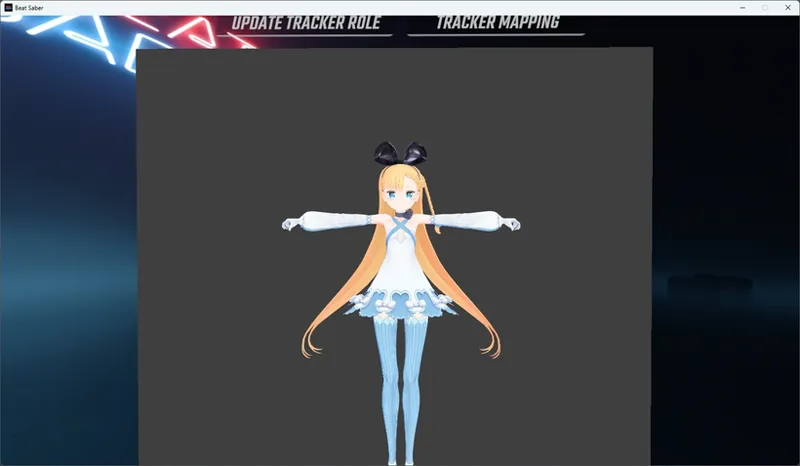
8. The output nvrm can be loaded in NalulunaAvatars.
(Requires NalulunaAvatars 1.3.0 and NalulunaShaders 2.1.0 or later)
LICENSE
This software contains copyrighted materials from third parties in accordance with the following licenses.
VRM
Copyright (c) 2020 VRM Consortium
Copyright (c) 2018 Masataka SUMI for MToon
MIT License
https://github.com/vrm-c/UniVRM/
https://github.com/vrm-c/UniVRM/blob/master/LICENSE.txt
lilToon
Copyright (c) 2020-2024 lilxyzw
MIT License
https://github.com/lilxyzw/lilToon/blob/master/LICENSE
VRC Light Volumes
Copyright (c) 2025 RED_SIM
MIT License
Comments (4)
Hello! I have a strange error when exporting a finished avatar to nvrm - I always see for the first material of the first mesh "unknown shader: lilToon, export as gltf default". It doesn’t matter what kind of mesh it is, what kind of material it is (except for gltf), it is always replaced. The rest of the materials are added normally and are displayed well in the game. If I simply move any other mesh up in the hierarchy, the error will appear on its first material...
naluluna i need help with naluluna avatars
This is very cool! Would it be possible to use other shaders such as Poiyomi with this or is this only lilToon?
poiyomi has beat saber support by default, if you can build your model in a .avatar format, all you have to do is hit the checkboxes at the bottom under third party for beat saber, and then for beat saber fog.