
🏫 NEWLY BUILT | Copperdale High Event Center
The Hub for Every Cougar Celebration! 🐾
Welcome to the Copperdale High Event Center!
More than just an auditorium, the Copperdale High Event Center, also known as The Hub, is a flexible event venue built to evolve alongside your Sims' stories, making every school celebration feel connected, immersive, and unforgettable.
Whether your Sims are celebrating Graduation, dancing the night away at Prom, or exploring future careers during Career Day, the Copperdale High Event Center is designed to become the heart of every Cougar tradition.
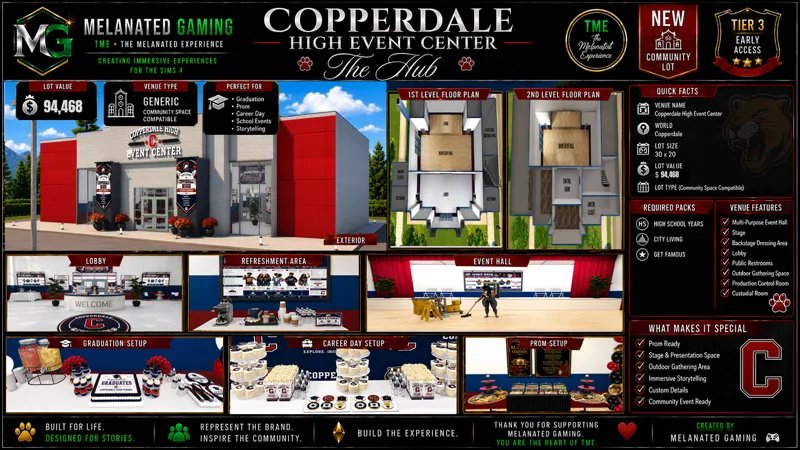
📋 QUICK FACTS
🏫 Venue Name - Copperdale High Event Center - The Hub
📍 World - Copperdale
📐 Lot Size - 30×20
🏢 Venue Type - Generic (Community Space also works.)
💰 Lot Value - §94,468
🏫 VENUE FEATURES
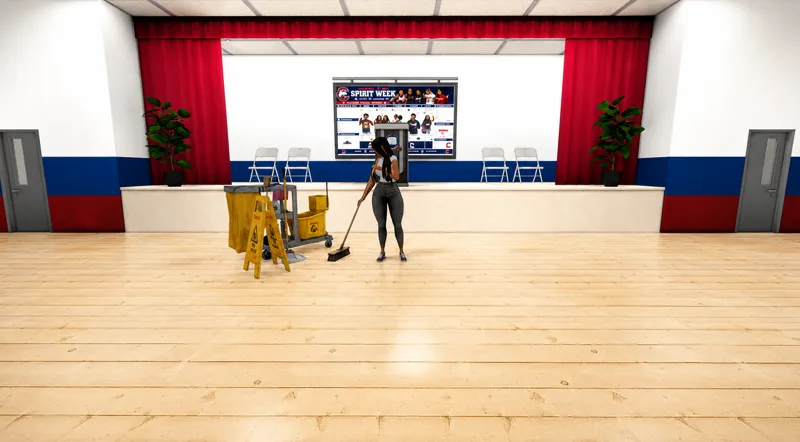
🏛️ Multi-Purpose Event Hall
🚶 Seamless Event Flow
🎤 Stage & Presentation Space
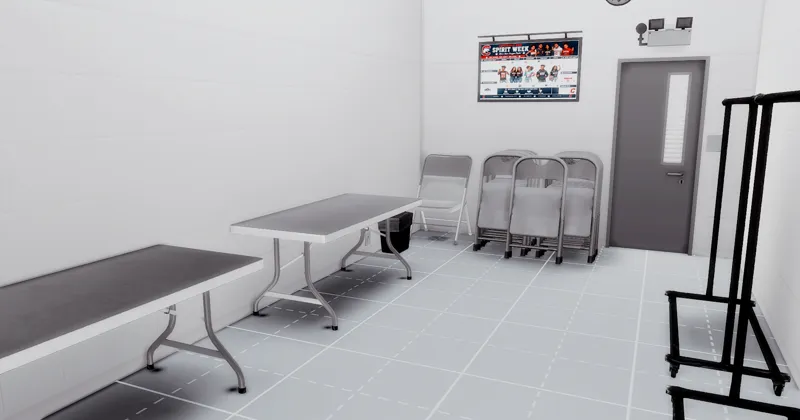
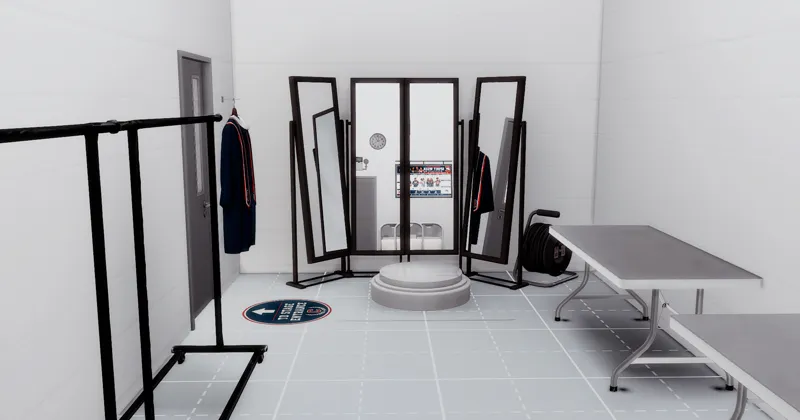
🎭 Backstage Dressing Area
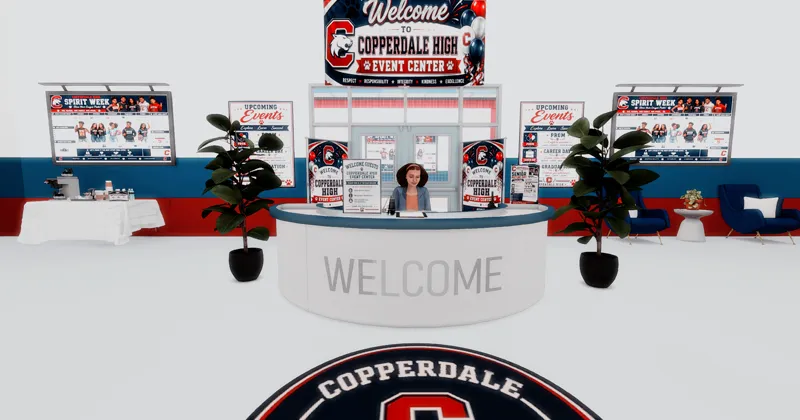
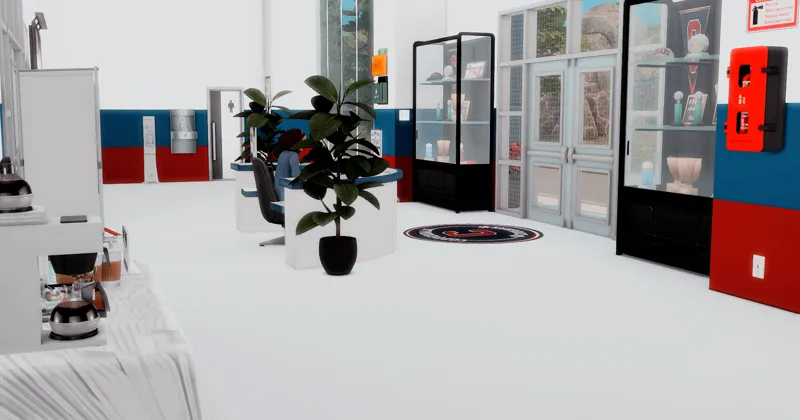
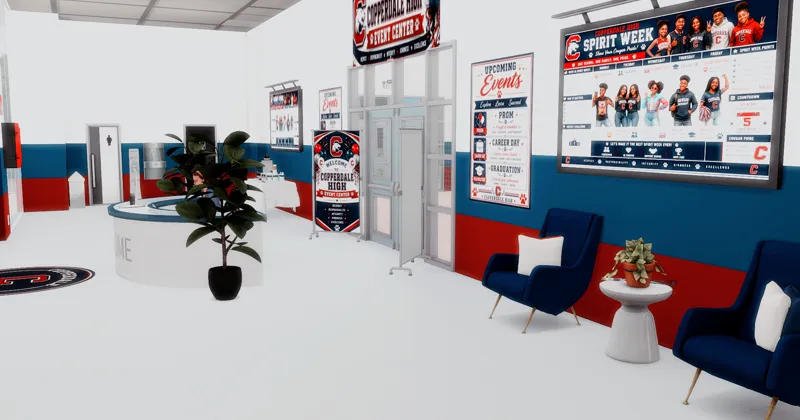
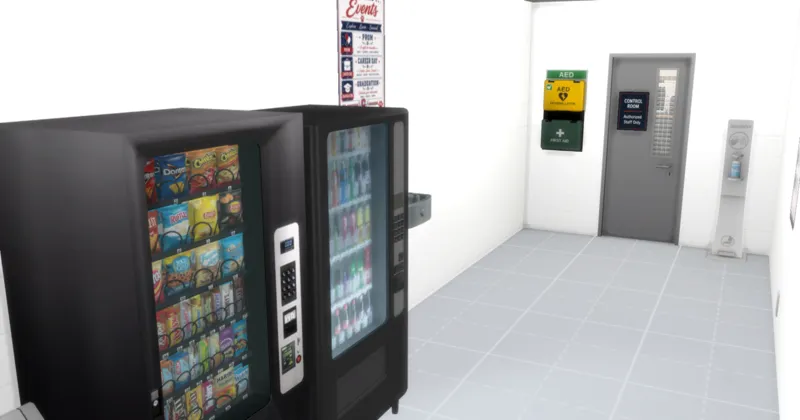
🛋️ Welcoming Lobby Area
🚻 Public Restrooms
🌿 Outdoor Gathering Space
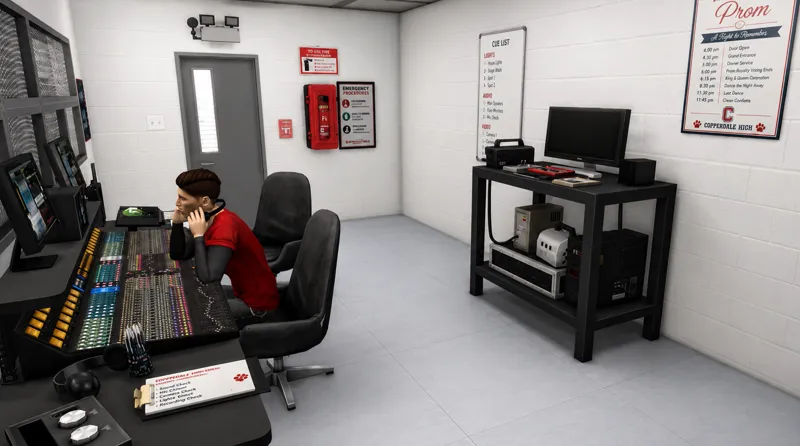
🎛️ Production Control Room
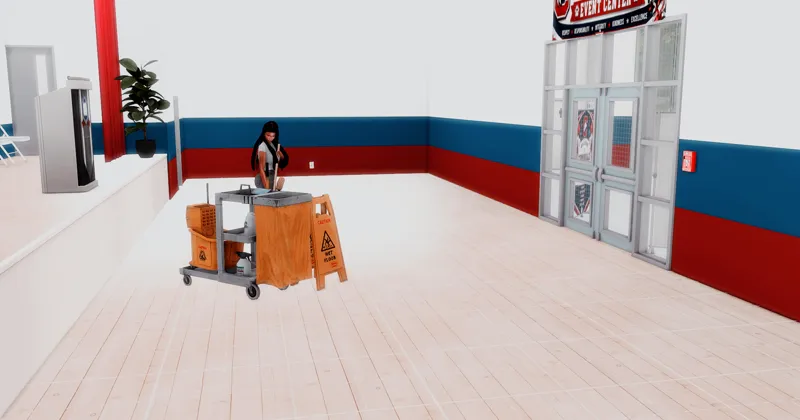
🧹 On-Site Custodial Room
⚙️ FUNCTIONAL ITEMS
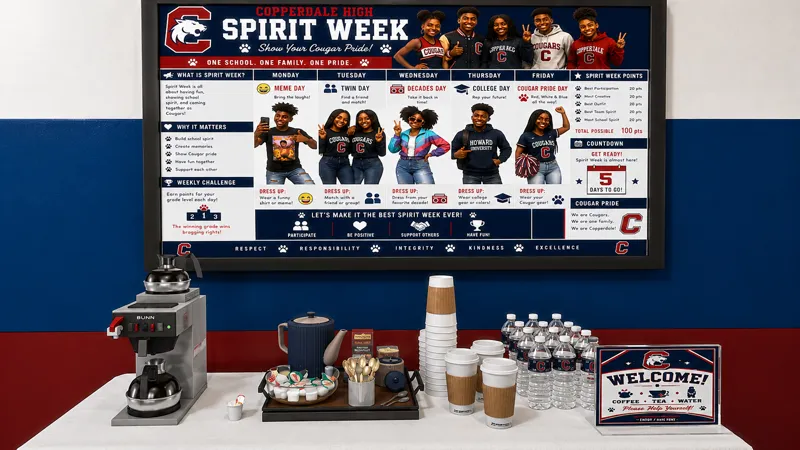
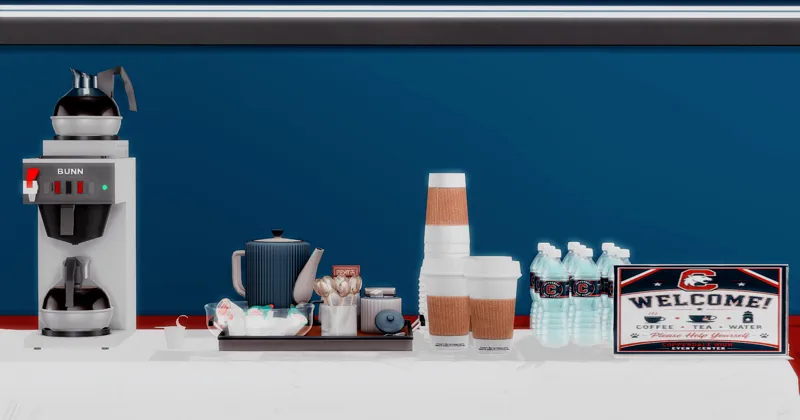
☕ S&S Tea O' Clock
📺 Melanated Gaming Copperdale High Animated Screen (Requires The Sims 4: City Living Expansion Pack.)
🎤 Chérisi Podium (Requires The Sims 4: High School Years Expansion Pack.)
🧹 Adeepingo Functional Custodial Room
🎛 RSVN Elgato Stream Deck
🔊 Wolfram Wall Speaker
🎬 Part of the Copperdale High Event Center Collection
The hub is one chapter in a complete multi-purpose venue series; be sure to download the others.
💃 Prom — A Night to Remember
Transform the Event Center into an unforgettable prom venue.
🔗 Download
🎓 Graduation Ceremony
Celebrate your graduates with a beautifully decorated commencement ceremony.
🔗 Download
💼 Career Day
Prepare your students for the future with an immersive Career Day experience.
🔗 Download
🛠 STANDARD PRODUCTION INFORMATION
Graphics Compatibility: This venue was created and play-tested using DirectX 9 (DX9).
If you are playing The Sims 4 using DirectX 11 (DX11), you may need to Batch Fix the downloaded content using Sims 4 Studio before placing the lot.
Play Testing: ✔ Completed
🔗 CREATOR CREDITS & ORIGINAL RESOURCES
Special thanks and appreciation to the talented custom content creators whose work helps make this build possible. Your creativity and contributions continue to inspire and strengthen The Sims community.
Original mesh links and creator credits are provided whenever required.
📥 INSTALLATION
Download the ZIP file.
Extract the contents.
Place the Tray files into your Tray folder.
Place the Package files into your Mods folder. (Make sure to check for duplicates)
Enable Custom Content & Mods in Game Options.
Enable Include Custom Content when placing the lot.
Use bb.moveobjects on before placing the venue.
📜 STANDARD USAGE GUIDELINES
⚠️ Do not claim this content as your own.
🚫 Do not re-upload or redistribute these files.
💚 THANK YOU
Your support makes projects like this possible.
Whether you download, like, comment on, or share my work, every bit of support helps me continue creating immersive experiences for The Sims 4 community.
If you enjoy this build, don't forget to leave a ❤️, share your screenshots, and tag Melanated Gaming so I can see your Sims bringing this build to life!
Thank you for being part of this journey and for helping bring these stories to life.
Happy Simming! ❤️💚💛
Represent the Brand. Inspire the Community. Build the Experience.
TME • The Melanated Experience
Creating Immersive Experiences for The Sims 4
© 2026 Melanated Gaming. All Rights Reserved.
Comments (2)
I found it
Glad you found it. I always try to make sure everything is in the folders so all you have to do is sort through duplicates, because i do resuse a lot of cc