
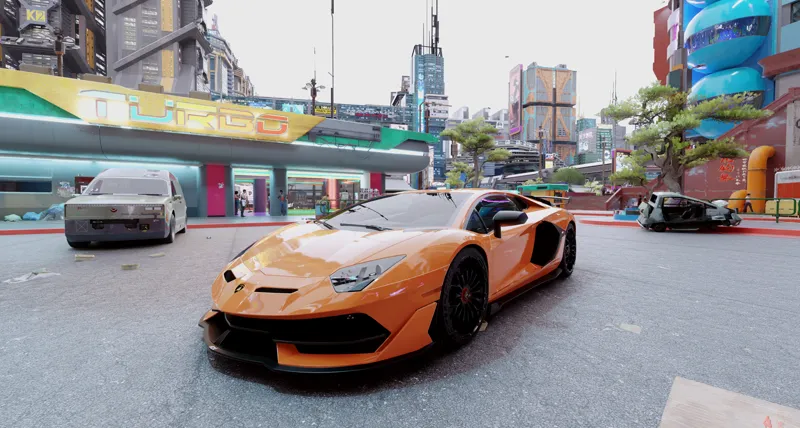


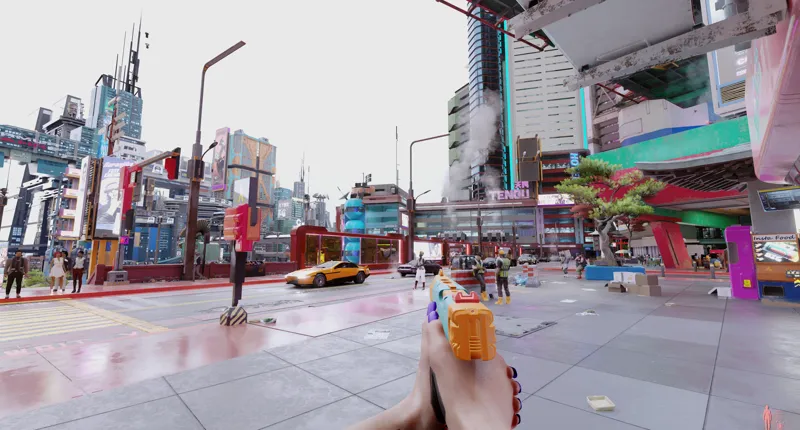

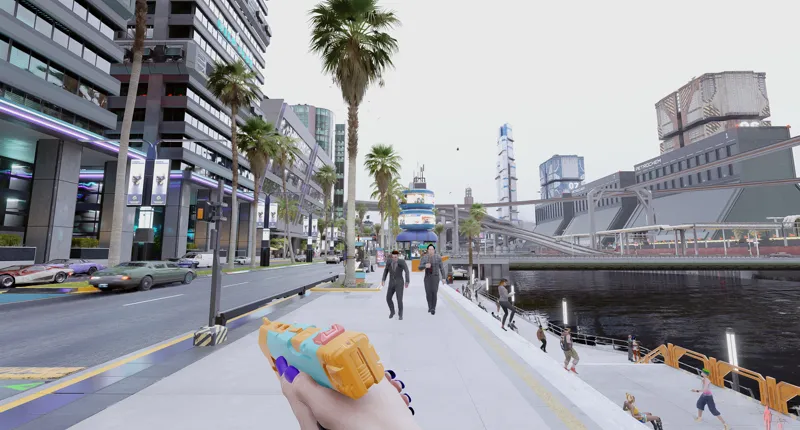
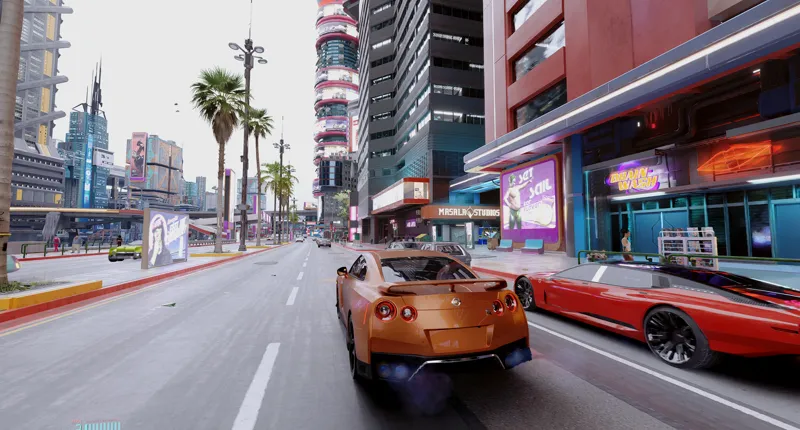

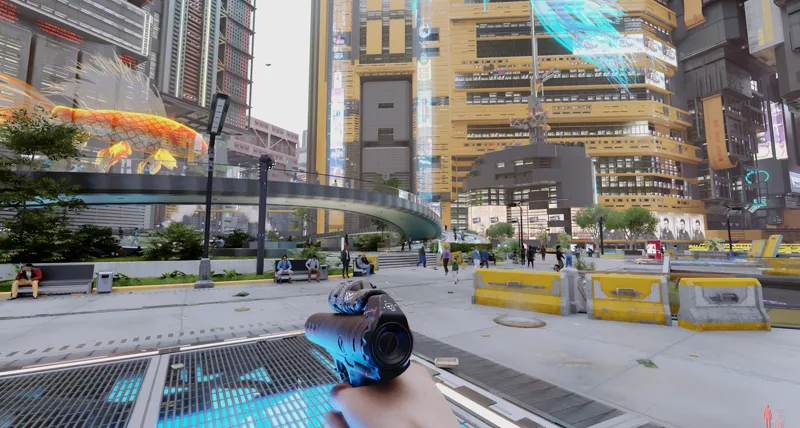
DubstepZz Cyberpunk 2077 December 23 Lighting ReShade Preset Gameplay Screenshots!
DOWNLOAD: https://www.patreon.com/posts/94914003
Comments (17)
i need help please i have 4090 and the game looks horrible unplayable can someone make a video of installation with the other mods and game settings please
looks simply amazing! Installed along with all the mods in the modlist (which is included in the .rar)
I can help you guys with setting up the mods.. Who has rtx 4090?? His tutorial video actually not r8... I have figured it
+1 here. I can't launch the game anymore no matter what I tried
Ok guy's, you'll need to adjust your gamma to 1 if you haven't already, the game shouldn't be too bright if everything has been installed correctly and i recommend adjusting the arcane bloom intensity to suit your image.
Can anyone make a tutorial kn full setup process plzz.. It will help everyone... Can anyone..
All we have to do is wait for the video with installation tutorial.
Gits - fuji file is not found showing on the link .. Can u solve the problem
Pretty sure it’s just being updated rn wish this guy would actually talk to his patreon :/
What monitor do you use?
My game won't boot up with reshade installed 😪 why is this? I just purchased your preset too I'm so sad about this
Ahh no worries. I fixed it! Just had to run my cyberpunk exe as administrator and it worked! So happy now bro!
hi, my game crash all the time since i installed your reshade... do you have a solution, please?
This could be due to arcane bloom in the reshade. You can disable arcane bloom in the reshade menu. Helped me. However, arcane bloom lights up dark areas in the game with extra gamma dynamically. So after disabling the shader you will have troube seeing things in very dark areas (workaround is to install a flashlight mod). Wont affect daylight scenery.
Hi, a few comments about that: Tried it out. First of all: Great work! The most perfect lighting I got for cloudy/foggy weather so far. Also bright daylight, sunsets, sunrises, rain and nights are done very well. Where I think it would need most improvement is dark areas. I dont know if there is anything that can be done with reshade (to lighten up close areas but keep contrast on far away buildings), but with the reshade disabled in game you can see much more in dark areas despite Gits having issues with this already. But dark areas with this reshade are just not playable without extra mods like flashlights due to the "darkouts". This is also unrealistic, as even close to light its way to dark and the light would bleed much more and further into dark areas. Especially visible in the location in your second screenshot. Visit the park and go under a bridge. You wont be able to see into some dark corners despite bright lights above. What is also overexxagerated at the moment are hazy and well lit areas like this: https://youtu.be/E1vmjdwqkms?t=132 https://youtu.be/E1vmjdwqkms?t=911 The lighting is either way to bright, almost blinding within smog and washing out the whole picture. Or the lighting effect on smog/fog in short distance is too high. Long distance its good though. Last but not least: Fog seems to fade out very abruptly and suddenly. There is no smooth transition, its more like fog is in a hard box popping in and out https://youtu.be/E1vmjdwqkms?t=797 You can see it at the top of the skyscrapers at horizon. But most of the time you can see it when moving the mouse from left to right. There will be very harsh gradients of fog fading in and out vertically on a building
hello, With what mod did you transform direct lighting into direct lighting, I also want overcast weather
Hi you can change the weather with the newest Appearance Menu Mod, the link can be found in the full mod list included with this download, thanks