
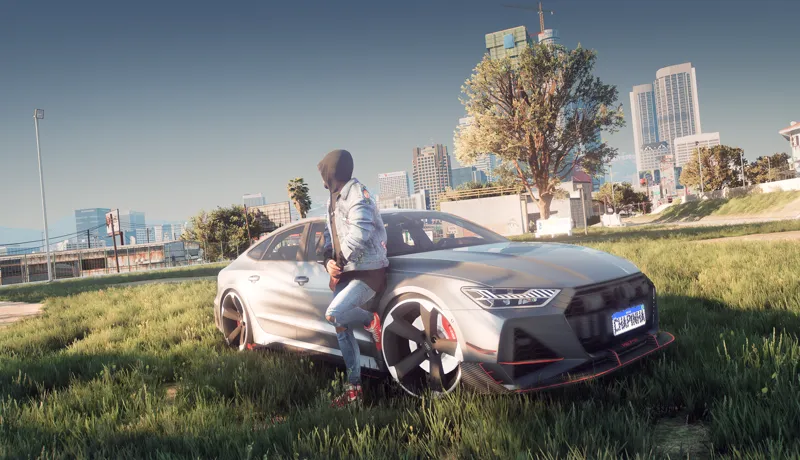
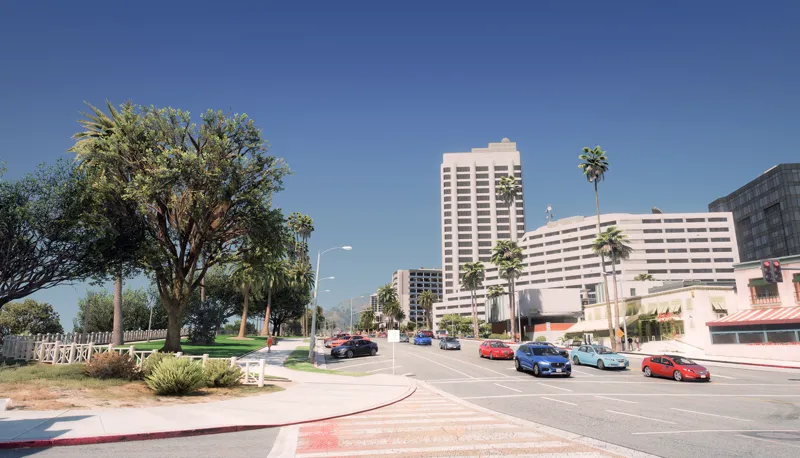
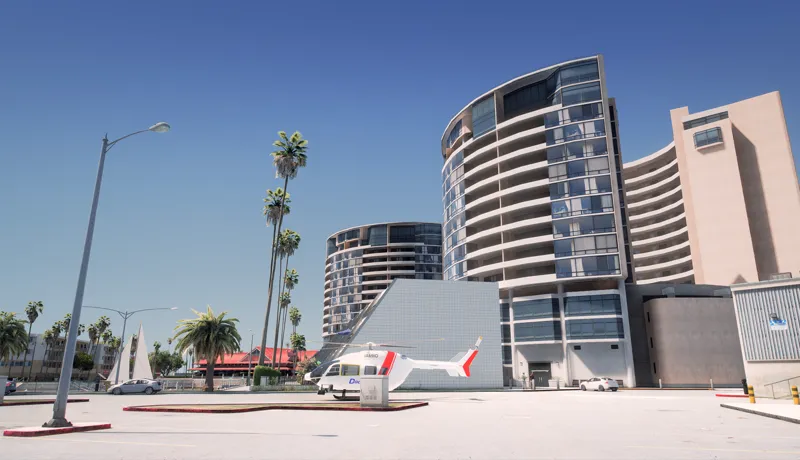


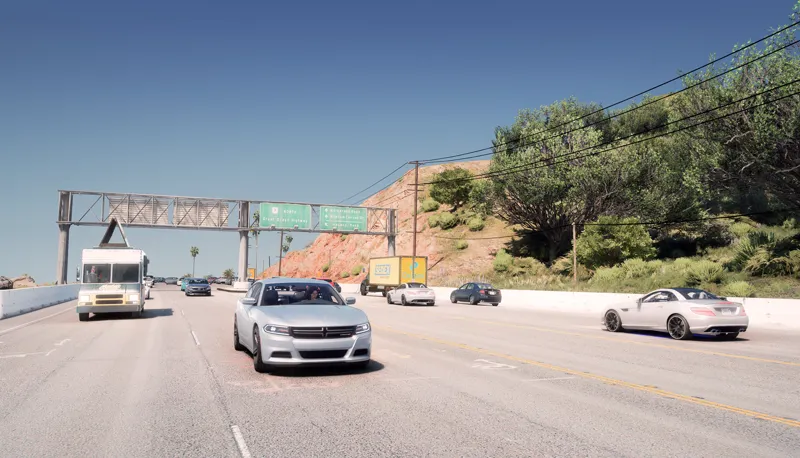
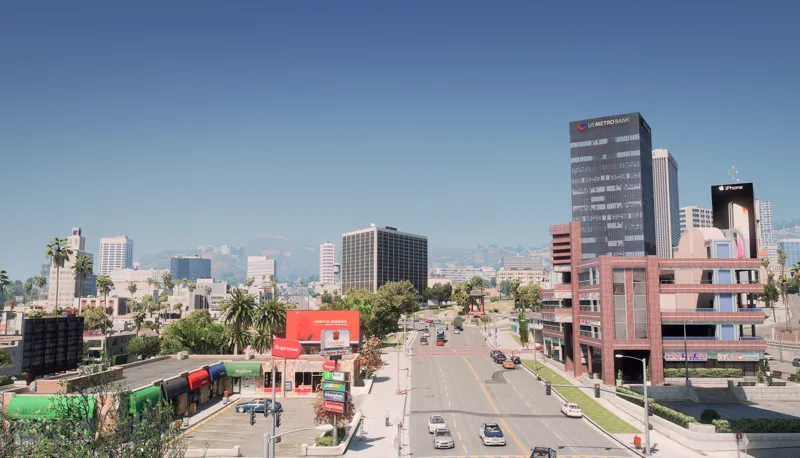


DubstepZz "Photorealism" ReShade Preset Images!
Comments (4)
Just wanted to say this preset looks godly and it looks exactly how it is seen in your videos. I didn't read the README file at first so it looked very hazey but then I saw you had to change the in-game brightness down to 20% and it worked like a charm. So if anyone else is reading this, make sure to set your in-game brightness setting to what is said in the README file of each preset. Thanks for the presets. BTW for everyone asking how to install, PLEASE READ THE README TEXT DOCUMENT INCLUDED WITH THE FILE. The whole installation process is included to show a step-by-step process on getting the mod to work. Once you already have reshade (included with all the fx effects) then it should be as simple as dropping the INI file into your GTA 5 directory.
not sure how to install this either
Hello I buy your reshade, but what car replacement mod did you use?
Hello brother, the truth is I subscribed because I saw that you are an unpolished jewel, but I am not able to make it work with the file, read me, could you explain it and if you have to download a separate program, thank you very much