
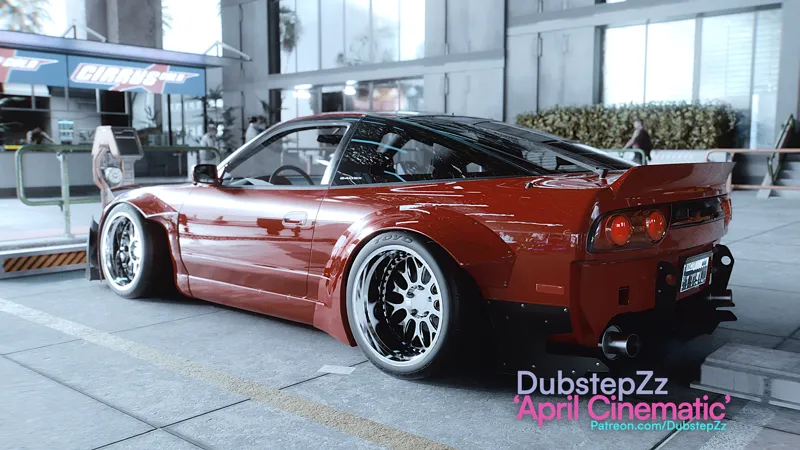


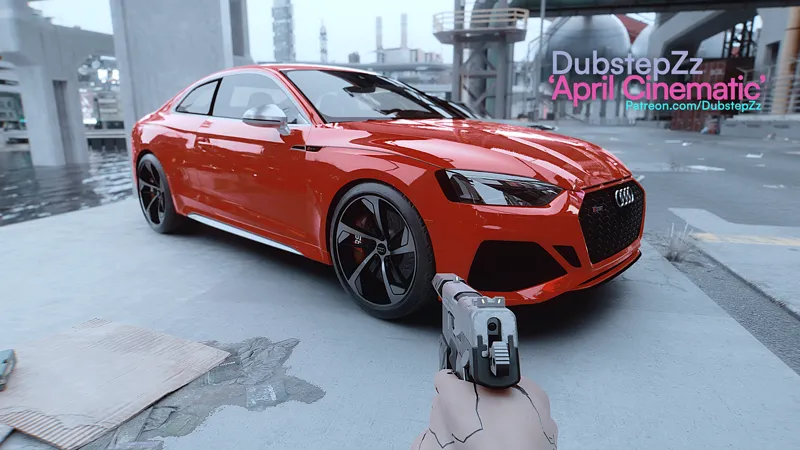


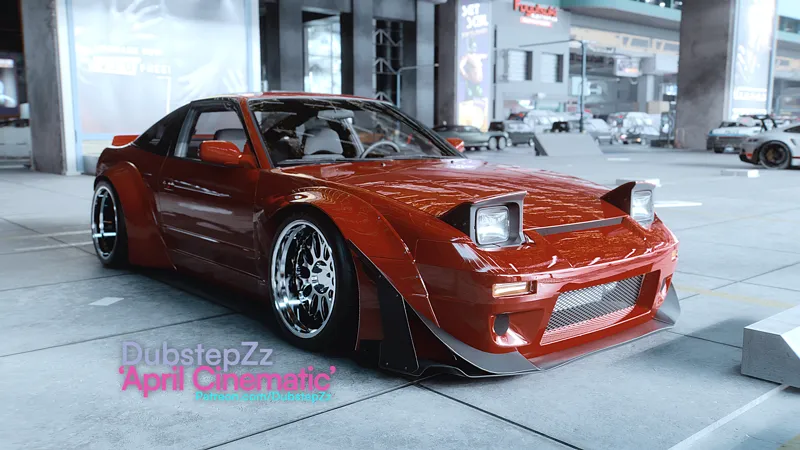

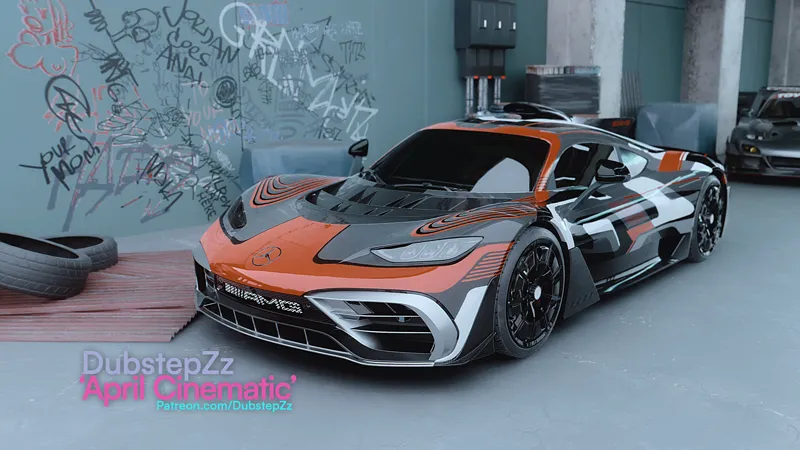
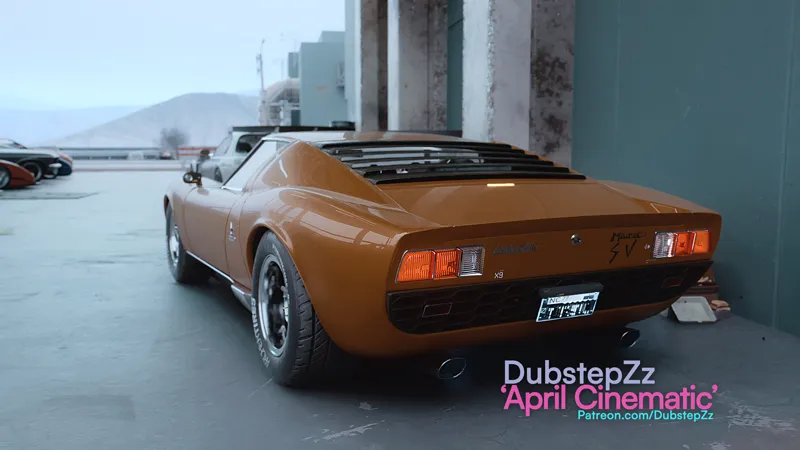
DubstepZz April Cinematic DOF Cyberpunk Preset
DOWNLOAD: https://www.patreon.com/posts/dubstepzz-april-101673152
Download contains the preset with DOF options, installation guide and easy to follow installation video. Also includes full mod list used in my videos, as well as mod list containing 60 vehicles.
Pledge also contains access to my private Discord chat (DM for invitation)
Comments (17)
GITS 3.X " This mod has been set to hidden " ;/
where i can download it ?
I can't run the game, after make all instalation steps.. it crashes
Thank you so much for the tips and suggestions. I've been using Nova Lut (natural) as I prefer this over GITS Fuji (and Legacy). I'm still experiencing the blur issues. Whenever the game hits a certain scene or environment, it becomes permanently blurry and I have to reload the DubstepZz Preset. I've moved around the loading order of presets in the shader to see if that fixed the issue. No luck. I'm using the latest version of Reshader. The issue is the Cinematic Preset. Not sure if it's conflicting with something, or if the settings need to be changed.
i never use Nova Lut I downloaded ever file and downloaded this path tracing : https://www.nexusmods.com/cyberpunk2077/mods/10490 which he never says.
I also had 2 additional questions regarding the instructions provided: 1) The instructions said to place the "reshade-shaders" in this same folder (Cyberpunk 2077\bin\x64). I don't see this file. I only have the DubstepZz April Cinematic DOF Cyberpunk ini file. 2) Do I need to install the 01 GITS 3.X FUJI mod?
Has anyone help you yet on your problem
I'm experiencing issues with blurriness. For example, when I click on the map, everything becomes blurry in the game. Does anyone know how to fix?
I just signed this here, and apparently, just advertising! The guy doesn't help and doesn't answer anyone just like he does in his videos on YT! Sad that! You can add a hotkey to the DOF in Reshade select the right-click DOF, choose a hotkey on the keyboard. So you activate and deactivate the DOF whenever you want and it will no longer interfere in any scene or moment.
i paid today for the reshade packs but says still locked
Hi ! i buy the packet Gold Tier and i dont receive nothing... why ? someone can invite me in @DubstepZz discord ?
So its when HDR is active in Cyber punk, you need to turn off HDR in the CP2077 settings and the reshade will work just fine
This is for Fivem or Cyberpunk as well
Please DM with screenshots for help
Yea man it sucks, can we get some help please?
yea mine was weird too had to mess around with some of the reshade plugins.. still cant get mine to look like this tho :( and DOF is super blotchy
Everything is super bright and white idk whats going on. Any idea? Specs Tuff Gaming 3090 24gb Rog max Mother board Z690 DDR 32 GB trident Z5 Intel i9 12k Rog monitor 2k