







Real air traffic for Assetto Corsa
Alive Airspace | Real air traffic for Assetto Corsa
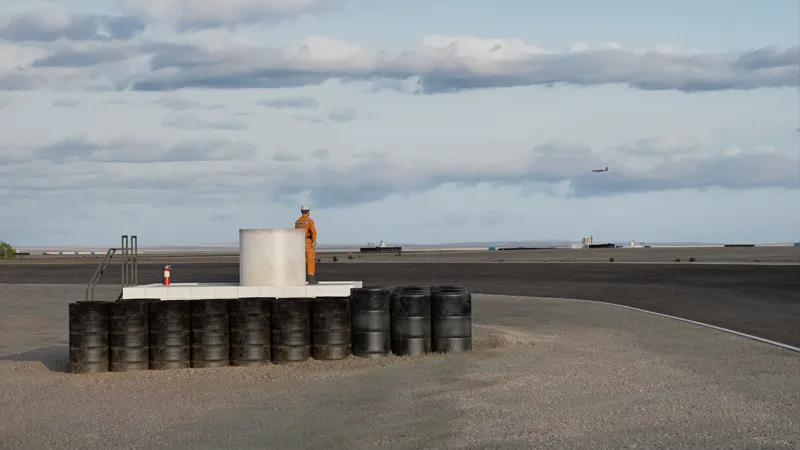
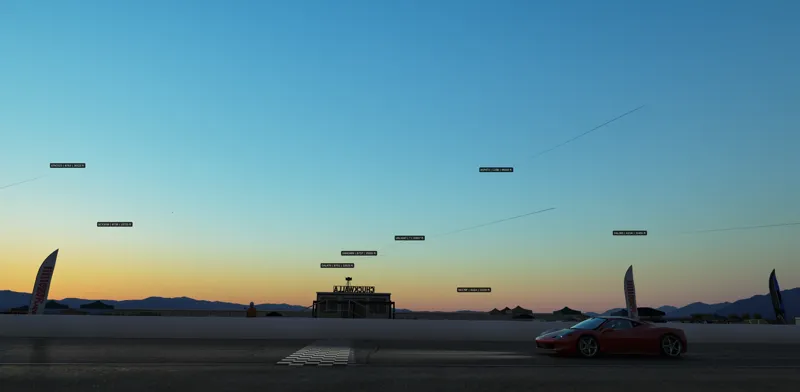
Tracks like Chuckwalla, Daytona, Donington Park all have airports right next to the track. Others are located under flight paths and have lots of overhead traffic.
So I made Alive Airspace, a free Lua app for Assetto Corsa and Custom Shaders Patch and PURE. Load a circuit and it puts the aircraft flying around that part of the world into your session (provided the track has geo coordinates set up).
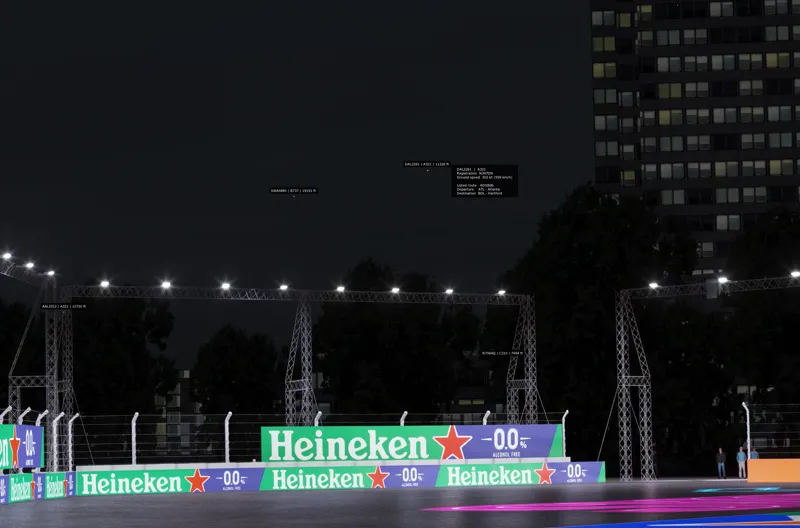
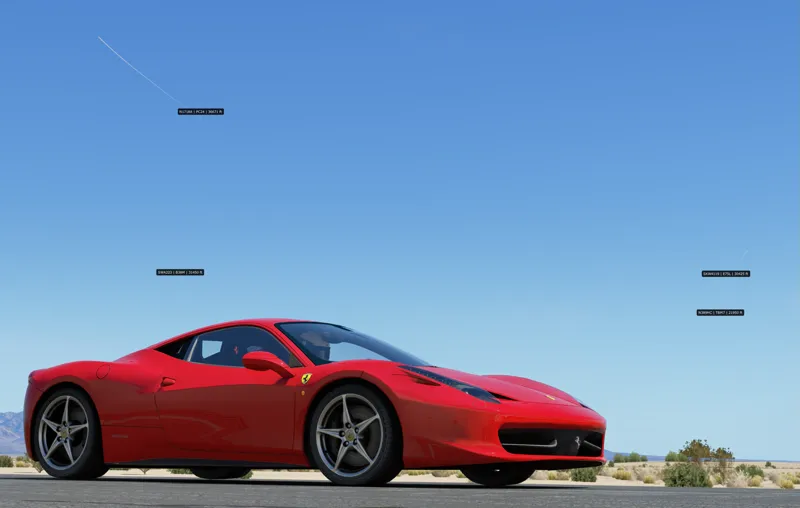
Toggleable labels, or for even more info hover over a plane and you can see its reported ground speed and, when available, where it’s flying from and to. It's a kind of 'set it and forget it' you can close the app when you're done, and the planes will stay on screen flying away in the background.
Check out a video of the system in action in the skies above Chuckwalla.
https://www.youtube.com/watch?v=Kv2mOBSGTTk
Note - it can take around 20 seconds for the planes to show up in game as it waits for the data, and starts making the motion tweens between the reported positions
Where does the traffic come from?
Aircraft broadcast their position, altitude, speed and callsign over radio. A network of independent ground receivers picks up those signals and shares them with ADSB.lol. The app takes the coordinates from your track and requests traffic within 40 nautical miles by default. It checks roughly every 15 seconds and runs about 20 seconds behind live, giving it enough information to draw a smooth turn between reports. How busy your sky gets depends on local traffic and receiver coverage. Thanks to the ADSB.lol contributors who make that possible. ADSB.lol open data and licence
You don’t need an account or an API key. The default aircraft feed allows public requests. Flight labels use a separate public callsign directory for the listed departure and destination, and the optional satellite feature downloads public orbital data. The app caches those lookups. ADSBdb · CelesTrak
A few things to look for on your first drive
The aircraft themselves. The app recognises 196 aircraft type codes, with family-based models, moving rotors and propellers, navigation lights and strobes.
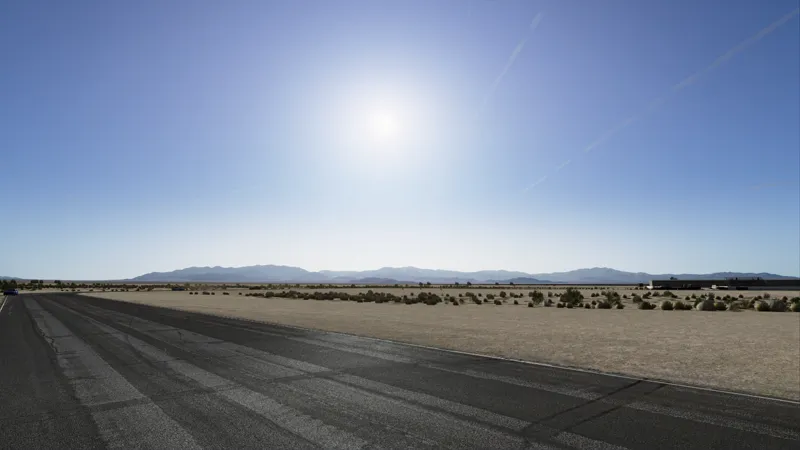
Contrails at sunset. Suitable high-altitude jets leave narrow engine trails that spread, drift and fade with age. A trail can still catch the last pink light while the circuit below is already in shade. Recent recorded paths can carry over between sessions. There’s also an optional button to generate three to six decorative trails for screenshots.
Aircraft slipping into cloud. Above 10,000 ft, the model and its lights fade nose-first into cover. The experimental single-screen cloud mask does a decent job where white cloud meets blue sky. Pale horizons and colourful sunsets can still fool it, so the occasional trail will show through. VR and triple screens use a broader weather fade effect where trails just fade away when the sky gets cloudy.
The night sky. Switch on the ISS and Starlink checkbox and you can catch sunlit passes over the circuit. Their positions follow real UTC, while your session lighting determines when the sky is dark enough to see them. Each has its own label toggle. This effect may be a bit too much right now, but there is toggles to turn it off, or reduce the brightness of the satellites.
To install, uzip the folder into your assettocorsa/apps/lua directory, then open alive airspace from the in-game app sidebar. Low-spec mode is there if you want lighter graphics.
Alternatively, drag the .7z folder onto Content Manager and install from there.
If you catch any contrails misbehaving please send me a screenshot with the weather preset and time of day. That’ll help me tune the next version.
Enjoy!
Ty
Comments (5)
This is freaking awesome!
The more realism the better. This game is seriously goated even after 12 years...
What a fantastic idea this is. Excellent stuff!
You might actually be the GOAT
Woah! That’s amazing. Thank you!