
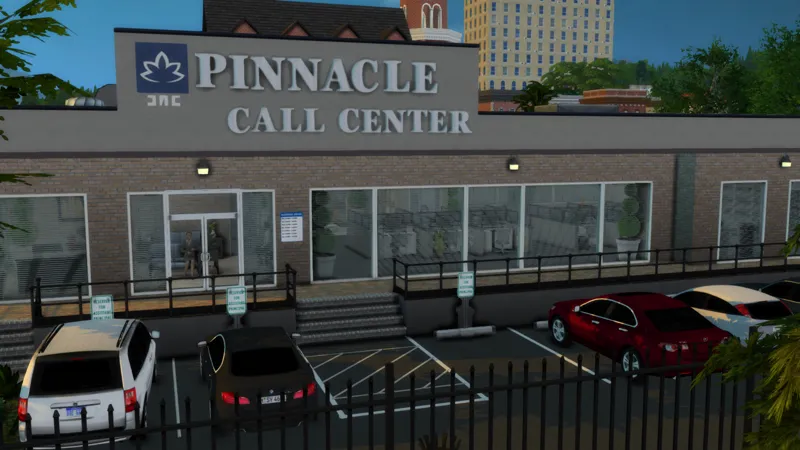
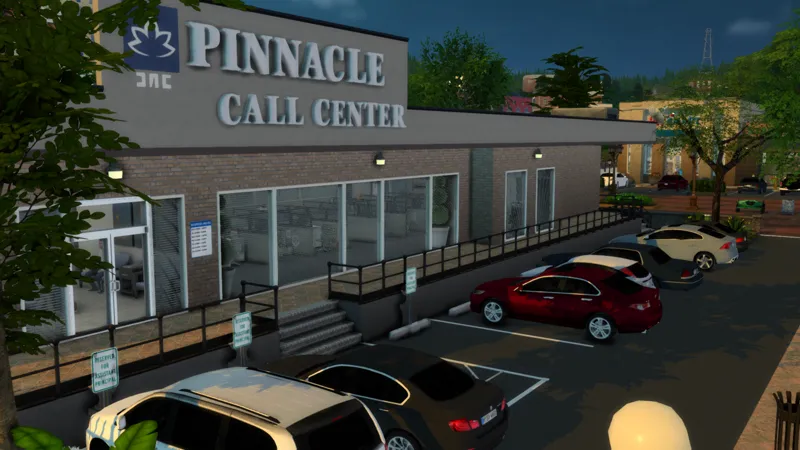
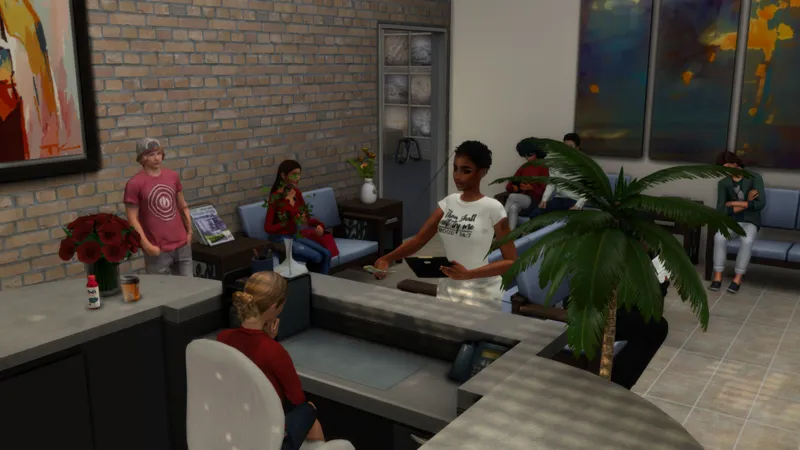
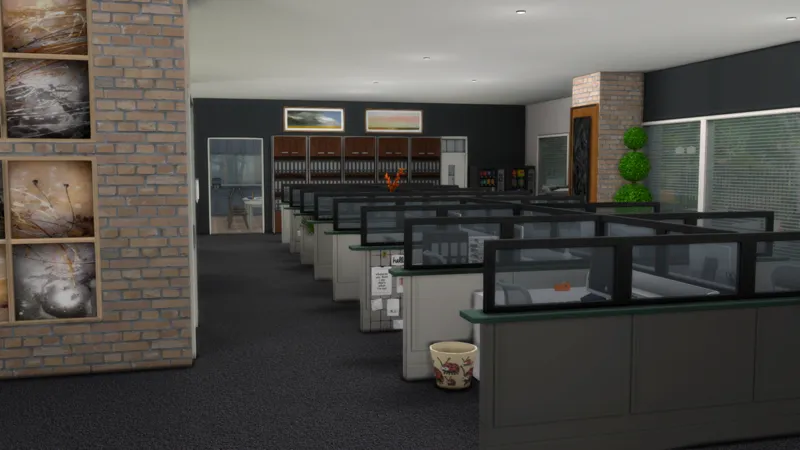
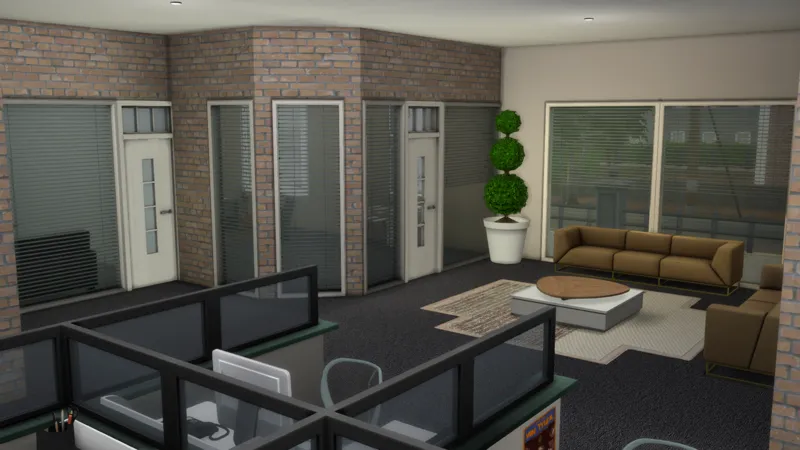
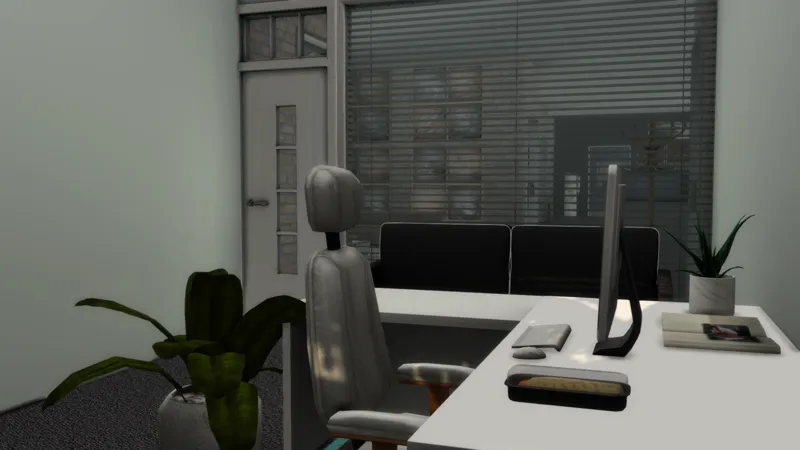
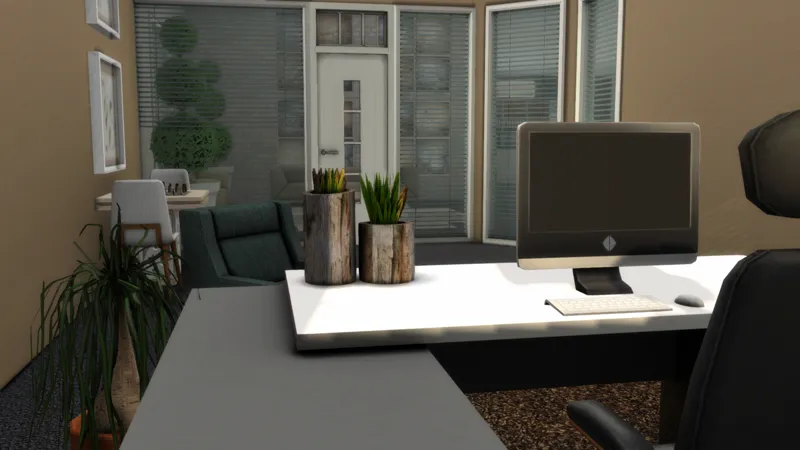
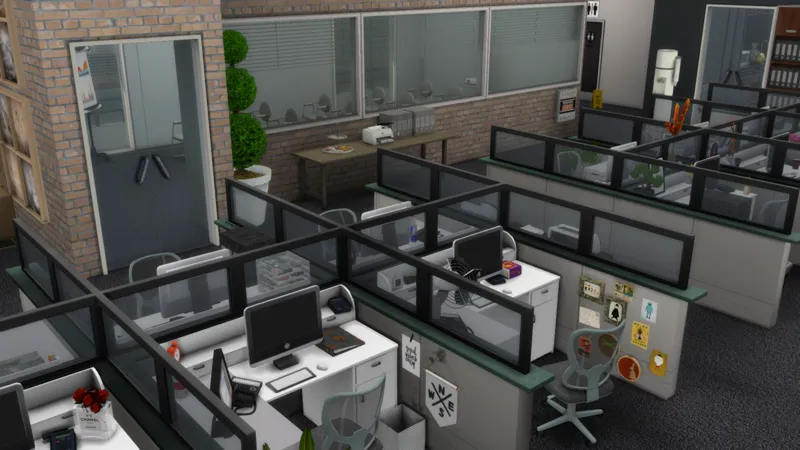
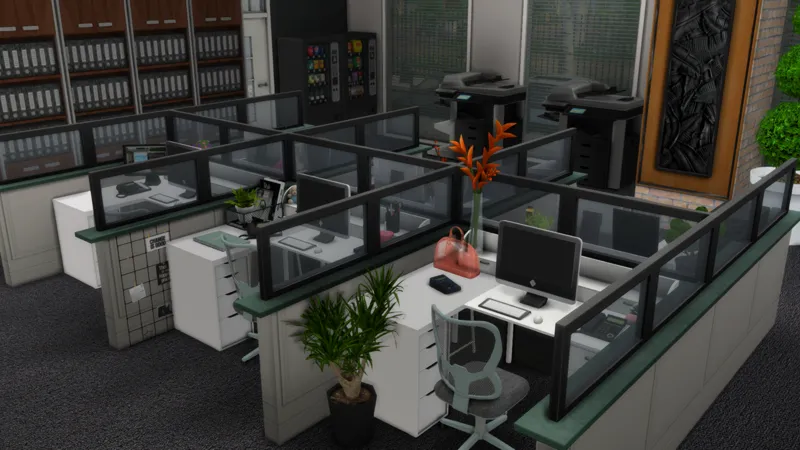
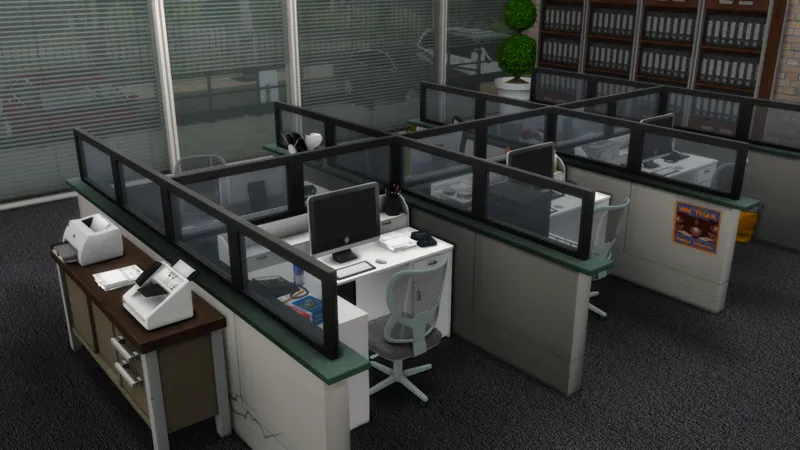
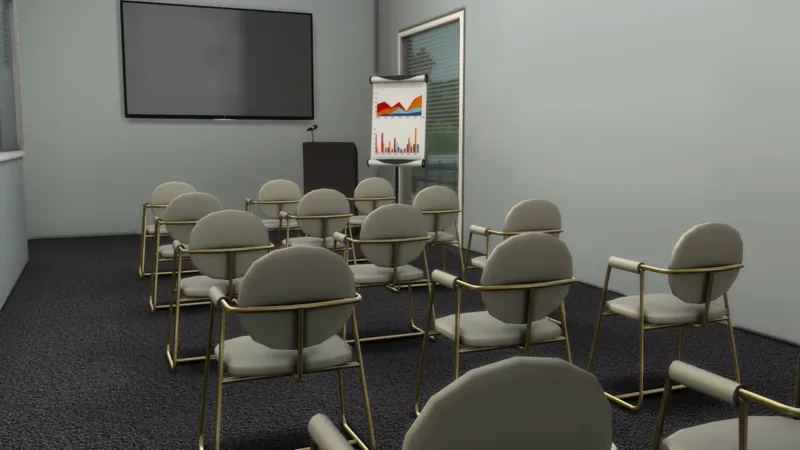
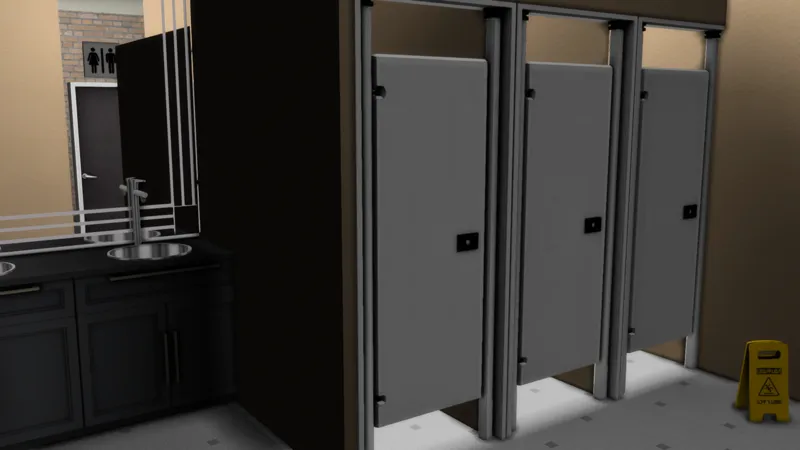
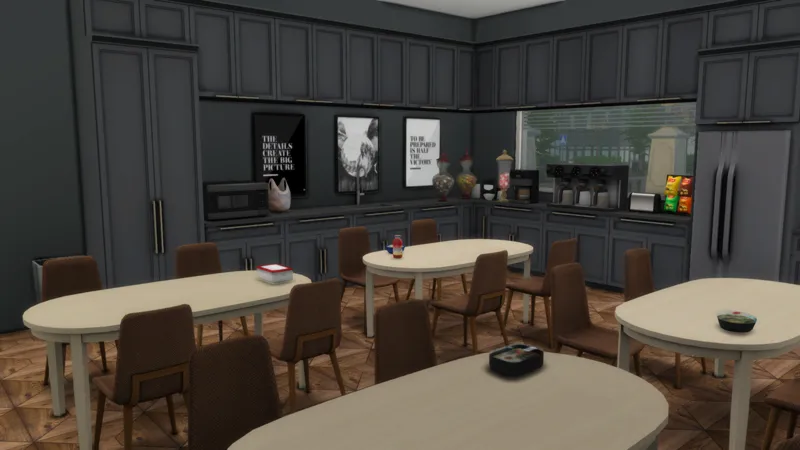



Functional Call Center | Sims 4 Build
Hey Everyone,
I got a new build for you guys from my Undergrad! lp. It seems like many of you wanted this build, so here it is!
How to make this call center functional
Download Zerbu's Turbo Careers Mod Pack
Change lot type to a business workplace
Or a writers workplace to create a magazine or publishing office
Or tech gurus workplace to create a tech office
Create and assign some of your sims to whatever career you've chosen above to have them work on the lot, instead of random sims
Then wait for your sims to start their workday and ENJOY!
You can also use this as an office for your freelance career sims. Just create a club filled with other like-minded sims and set their interest to writing, gaming, making coffee, or friendly interactions. Then set their club gathering to the office and now your "coworkers" will be there working whenever you are on the lot.
| Generic | 40 x 30 | Place on any lot |
If you can't find this lot on the gallery, try searching my origin id in your library; either AlexisArielG or LivelyLex
Make sure to turn on bb.moveobjects on before placing, or the call center is going to look a mess!
| Download |
| CC I Use |
Comments (26)
I downloaded this like 4 times, its NOT showing up in-game.. please help us! Thank you
Did you click show custom content in the gallery? If you put all the contents in the tray files in your tray folder, you should see in in your library
None of your CC lots are showing up in my game. Help, please
I'd like to know where did you put this lot in your game? (i like it a lot but don't know in wich neighborhood I should place it).
I placed this lot on the 40x30 lot in Brindleton Bay's Sable Square. You can also place it in Del Sol Valley's Mirage Park
I downloaded this call center and i don't care what i do, but my sim won't sit in the chairs to the computers. I have moved the desk, taken down cubicle walls and they just wont sit!! Someone help!!!!!!!
The latest patch update for bunk beds threw off the functionality of some chairs. Sims 4 Studio is testing out a batch fix to help with this issue but trying it removes chairs from your saved games.
Which Sim expansion Would you need with this, i love it!
Can we get the University dorm next... maybe.. possibly :)
Hey, are the chairs on the lot still functional after the latest patch?
I can't get my sims to sit in the chairs. Why????
Okay thanks I’m going to have to download again
Thanks for the post, but it says the servers is down for downloading the turbo career, is there any other way for us to download it?
I was just able to download it from the link. When you clicked to download the mod, did it redirect you to onedrive?
Thank you so much for sharing this! Really love your builds. Also, will you be sharing the dorm from your Undergrad LP eventually?
Yes, I will be sharing my undergrad builds as more videos come out
Okay is it suppose to be a zip folder bc it’s just downloading as a regular cc download
Yes, it is set as a rar file and you should be able to open it with winrar, 7zip, or any other file extractor program
Okay so when I download it’s a regular file that goes into tray folder right?
When you download it the files in the tray folder go in your sims 4 tray folder and the files in the mods folder go in your sims 4 mods folder.
Is the cc included in the call center ? Like when I download it Will all the cc appear?
Yes, everything is included in the download
Is their a video on how to get the house in the game to work
Here is the best tutorial I could find: Start at 1:48 https://www.youtube.com/watch?v=QqL4yZmeCJw
what reshade do you use? 😩😩😩
I use a mix of lighting mods and reshade. With reshade, to get your game to look like mine is to turn on FakeHDR to make the game more saturated. Turn on MXAO and turn off edge smoothing to add deeper shadows. That is really all my reshade consists of. Here is a link to the lighting mod: https://softerhaze.tumblr.com/post/634787489178173440/lighting-mods-snowy-escape-update-added