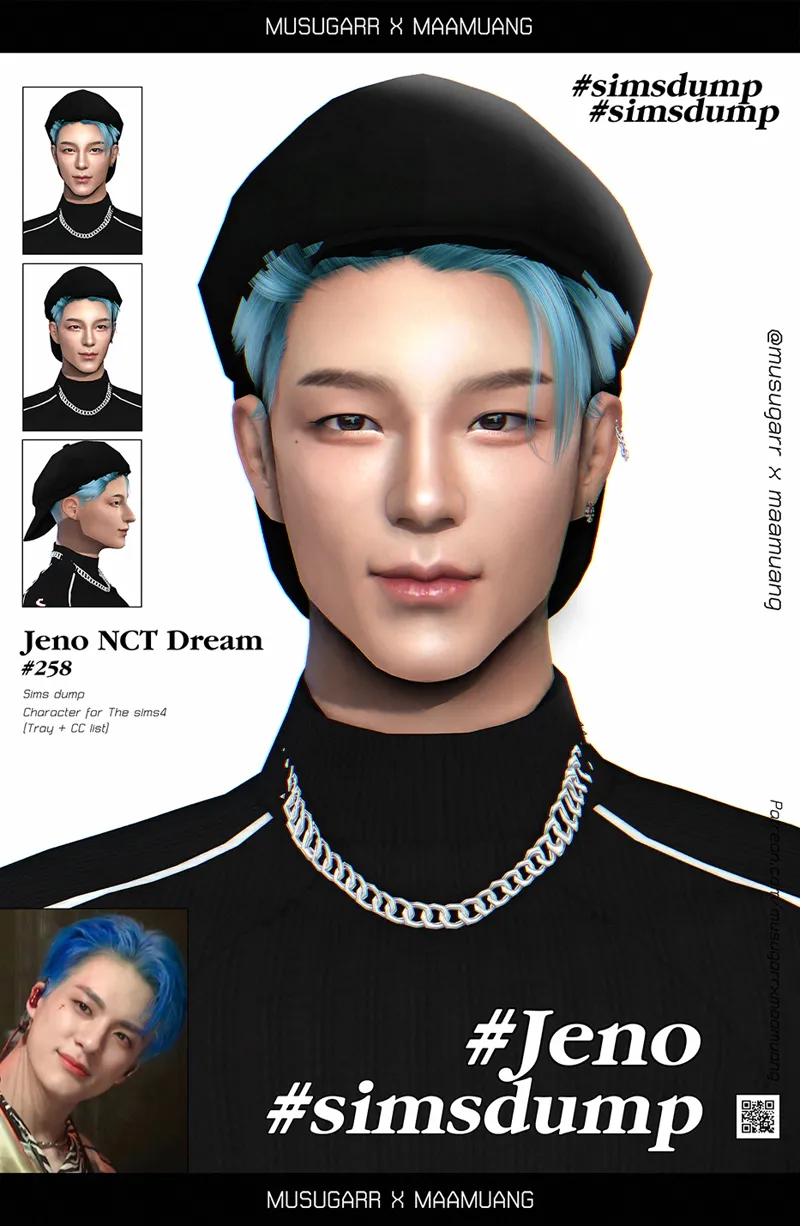
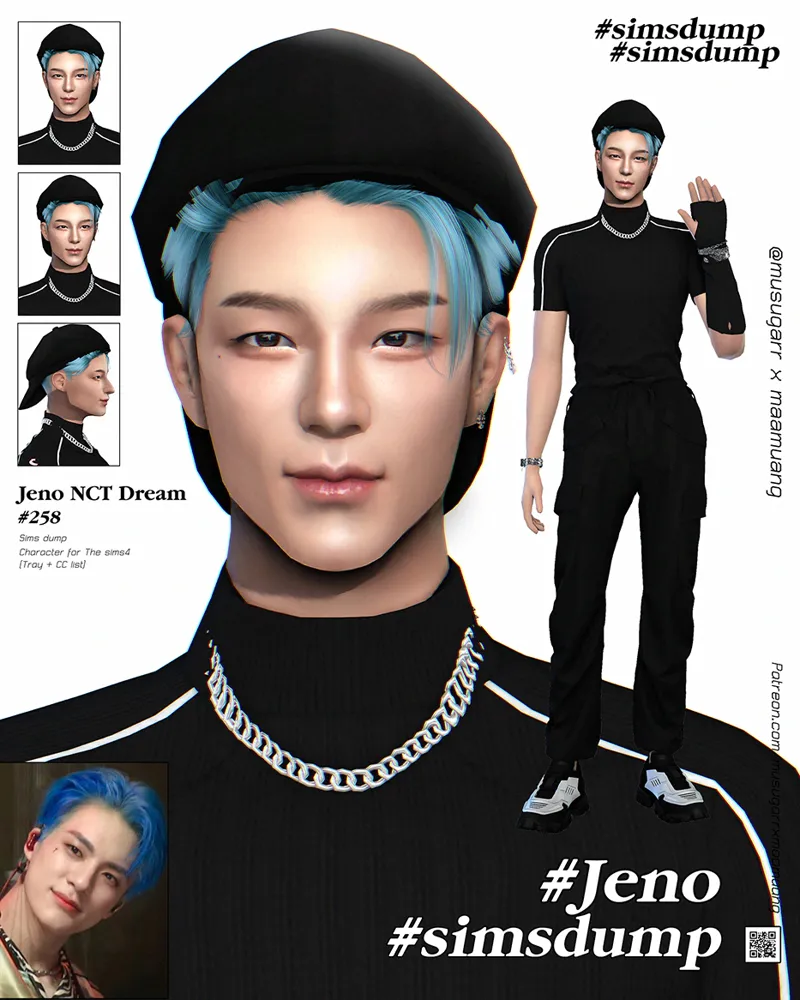
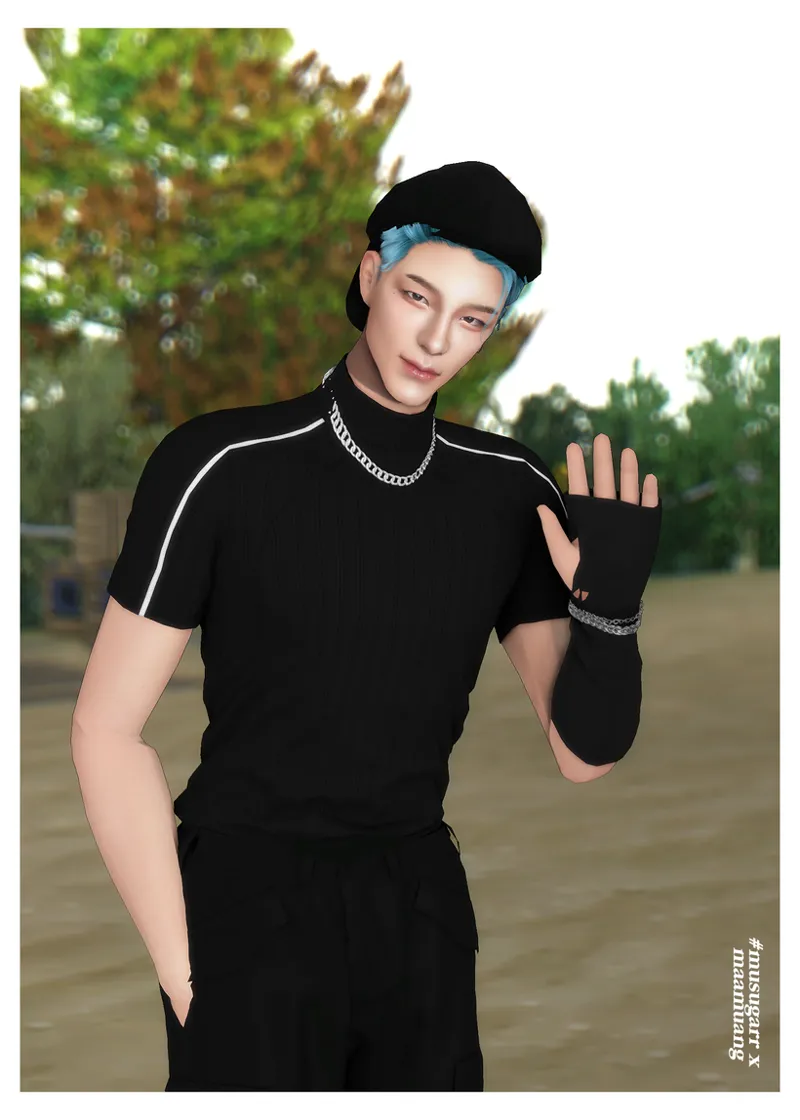
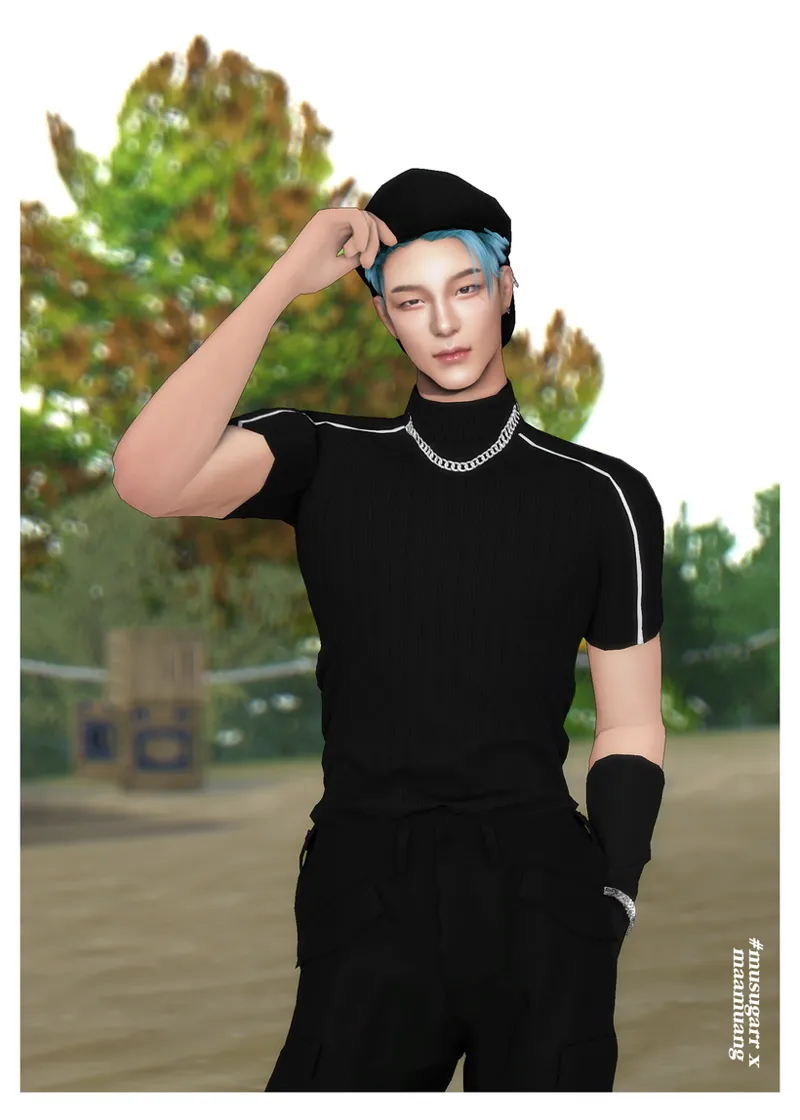
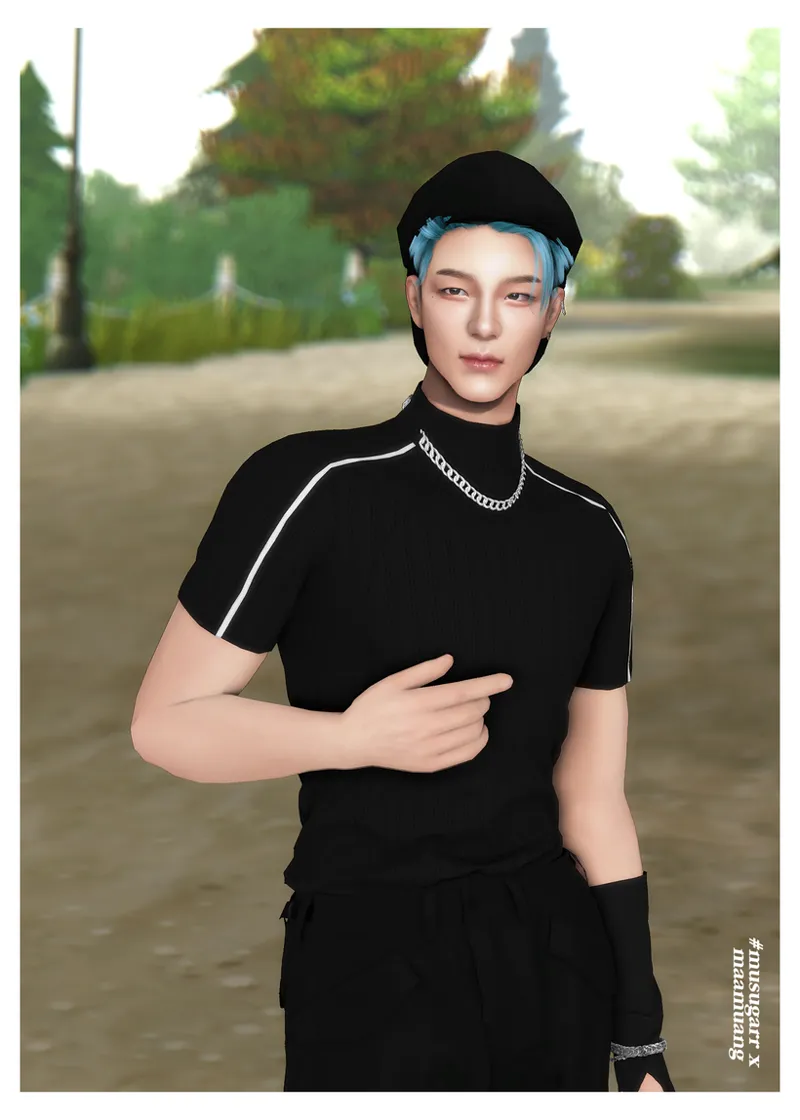
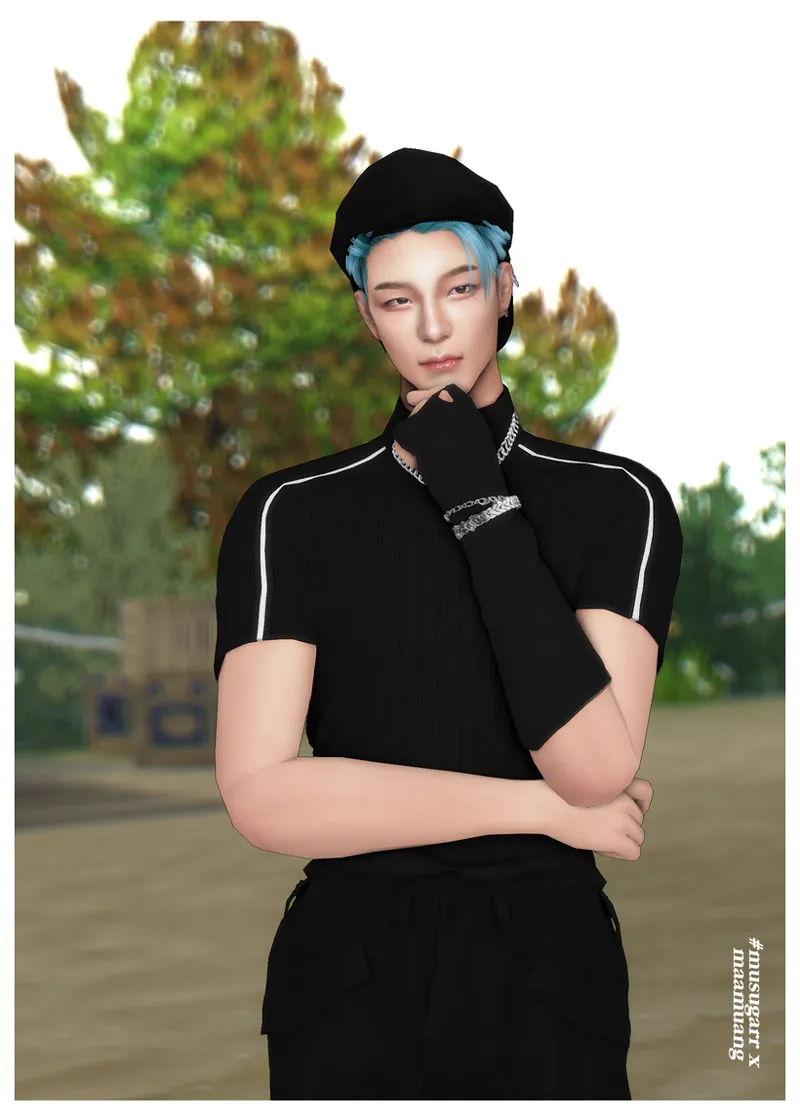
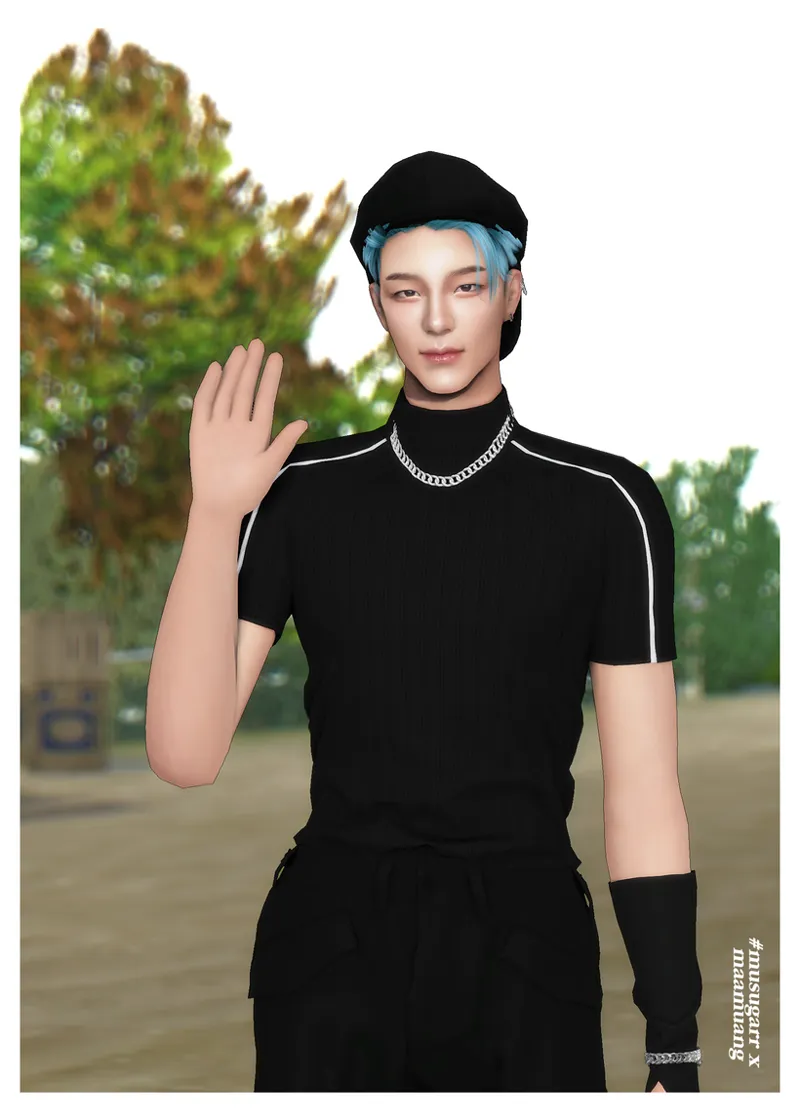

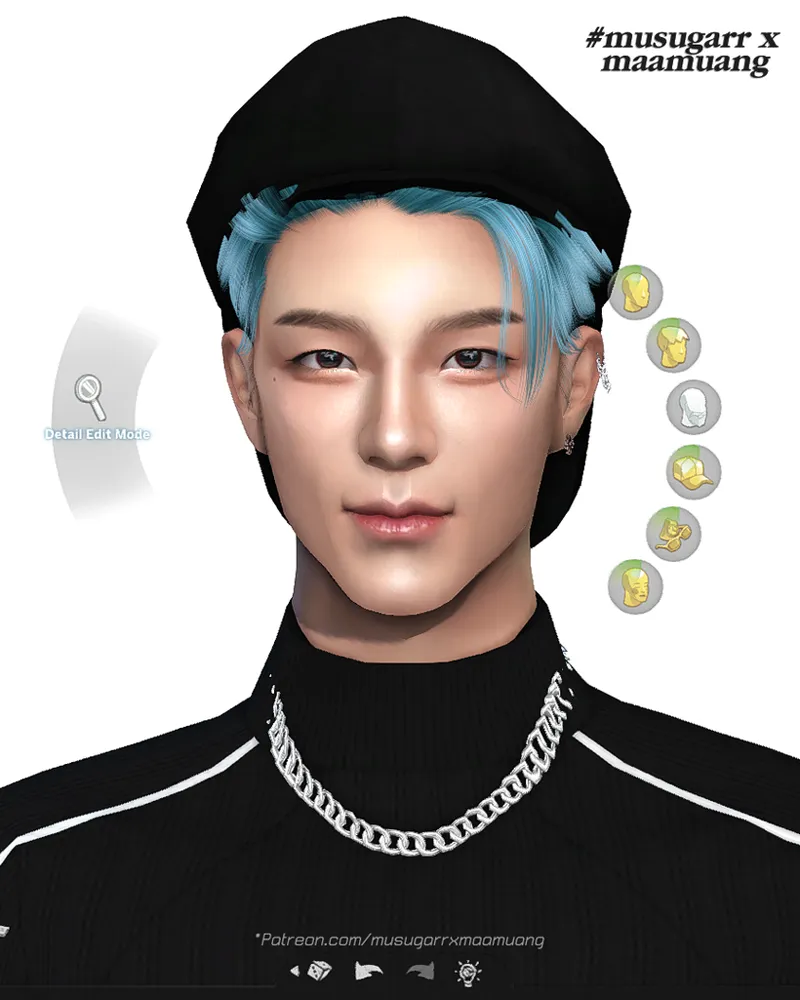
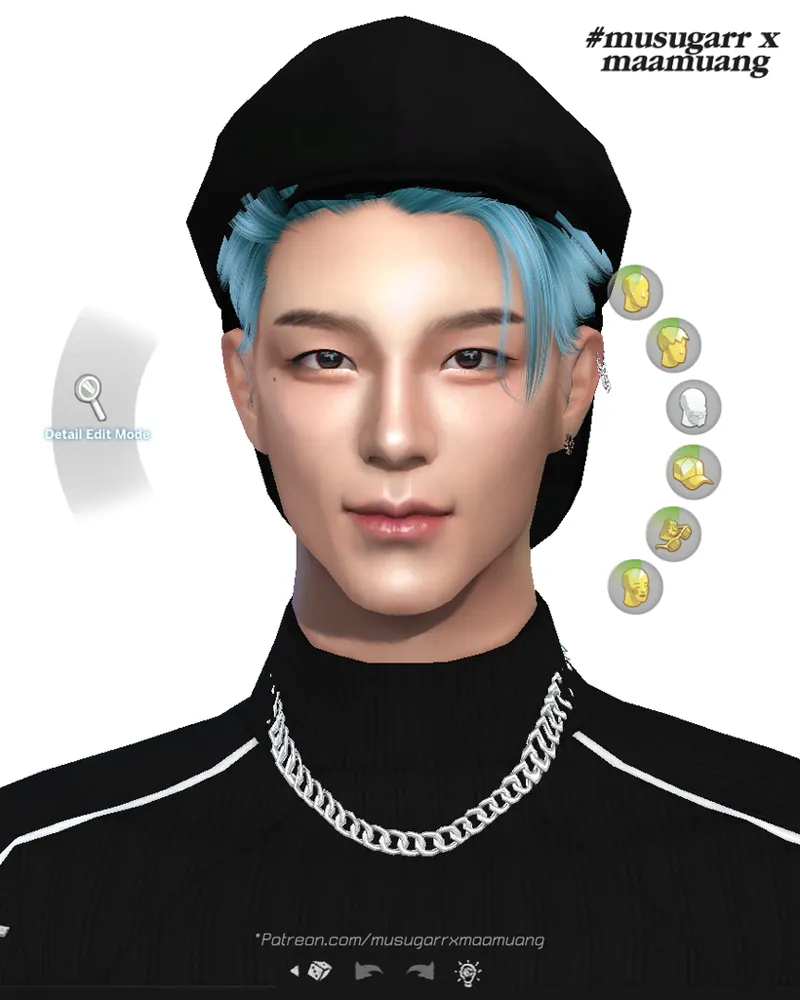

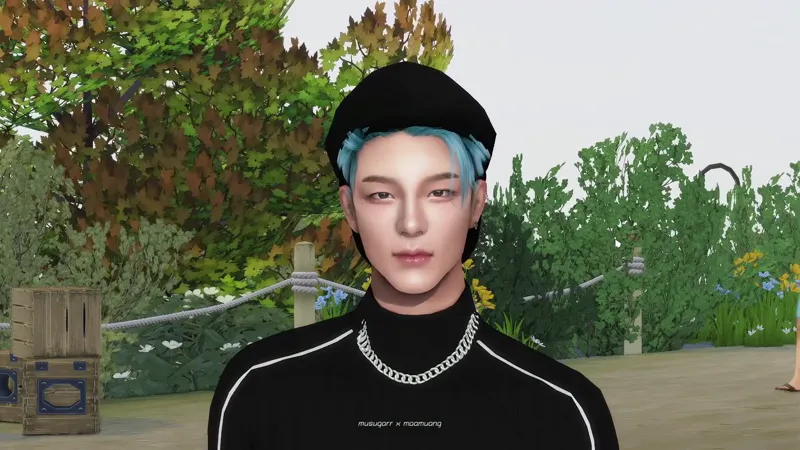
Jeno NCT Dream | Sims dump [Gift] #258⭐⭐⭐
*IN GAME / GSHADE ON (Video)
Note :
At first, I wasn't planning to update him. But then I remembered that so many of you have been asking me to bring back some of my older characters. And with all the excitement around Wind Up featuring Jeno and Jaemin together, I got really excited too! 🤣🤩🤩
So I decided to update Jeno one more time. However, I didn't have much time because I really want to finish Jake (ENHYPEN) first. As a result, I only made a few small adjustments to Jeno this time.
I'll definitely revisit him again in the near future. In my opinion, his jaw still isn't quite as perfect as I'd like it to be, so I know there's still room for improvement. 😂
Please be patient and wait for me—I promise I'll keep working on him! 😂😂💕
T.O.U🍒
Do not re-upload
Do not claim my sims as your own creation.
Do not modify my sims.
Do not resell
Do not discredit idols
Do not conversions to other games ( e.g., Second Life, GTA, IMVU, etc.)
ห้ามรีอัปโหลดผลงานใหม่
ห้ามแอบอ้างว่าเป็นผลงานของตัวเอง
ห้ามดัดแปลงผลงาน
ห้ามขายต่อ
ห้ามทำให้ไอดอลเสื่อมเสียชื่อเสียง
ห้ามแปลงไฟล์ตัวละครไปยังเกมส์อื่น (เช่น Second Life, GTA, IMVU, หรือ เกมส์อื่นๆ )
🎀How to download / Install my sims ❗❗ (วิธีดาวน์โหลด/ติดตั้งตัวละคร) ❗❗
🐣Gshade : CLICK HERE << (You can choose whether to download it or not.😍)
--------------------------------------------------------
🍒Download CC list : CLICK HERE <<
Some CC items require paid / join to unlock before you can download them. However, if you choose not to join to unlock them, you can simply use other CC alternatives instead. It will not affect the character’s face.
CC บางชิ้นจำเป็นต้องโดเนท paid / join to unlock ก่อนถึงจะดาวน์โหลดได้ แต่หากคุณเลือกที่จะไม่เข้าร่วมเพื่อปลดล็อก คุณก็สามารถใช้ CC ตัวอื่นแทนได้ ซึ่งจะไม่ส่งผลต่อใบหน้าของตัวละคร
--------------------------------------------------------
🍒Download Tray :
When place files, do not place them together with the folder. If you place it with a folder, the game cannot see my sims. You need to move the files inside the folder.
คำเตือน : เวลานำไฟล์ Tray ไปวาง อย่านำไปวางทั้งโฟลเดอร์ เพราะจะทำให้เกมส์ไม่เห็นตัวละครในแกลลอรี่ เอาเฉพาะไฟล์สีขาวไปวางก็พอค่ะ