
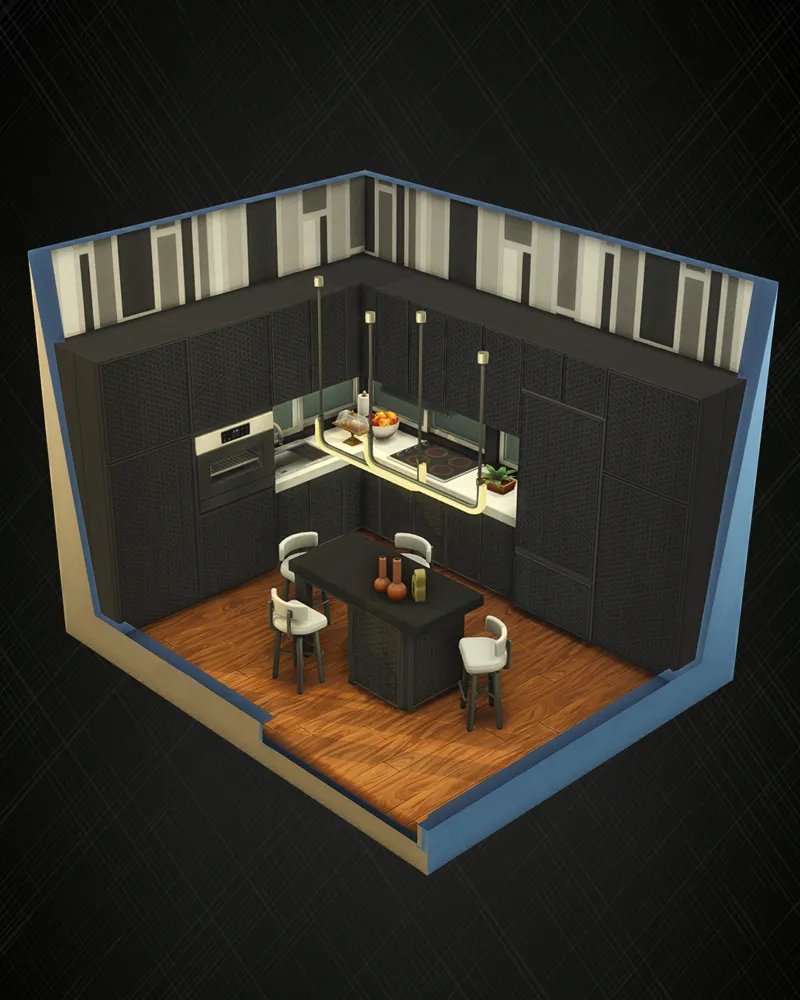
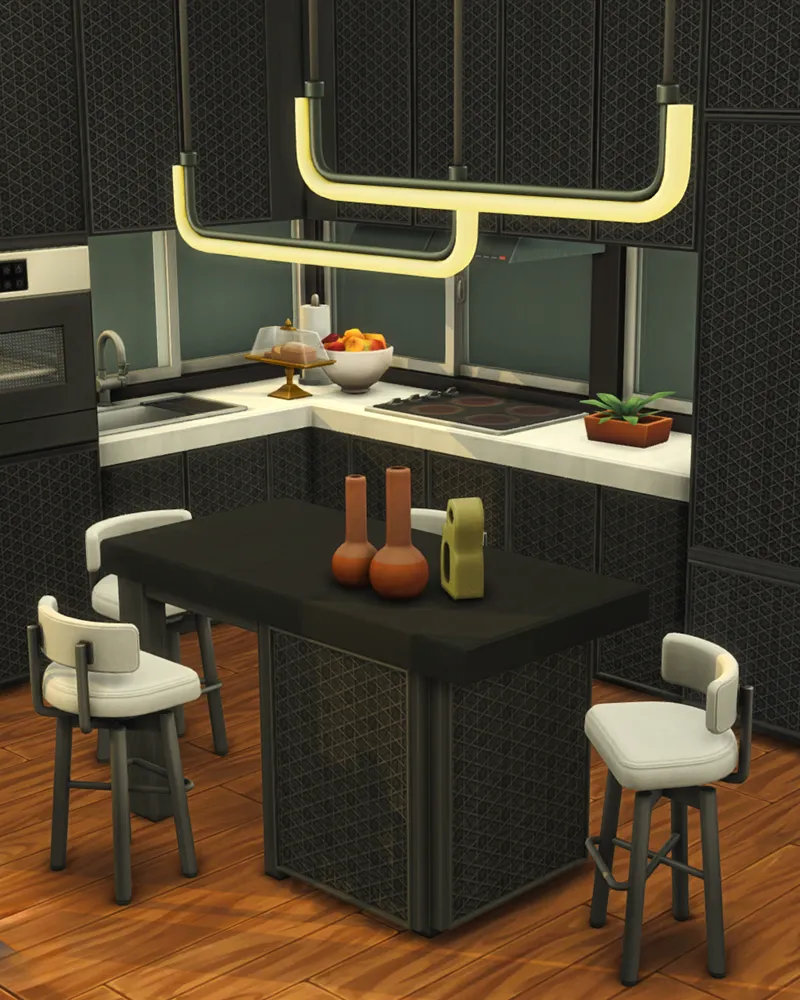
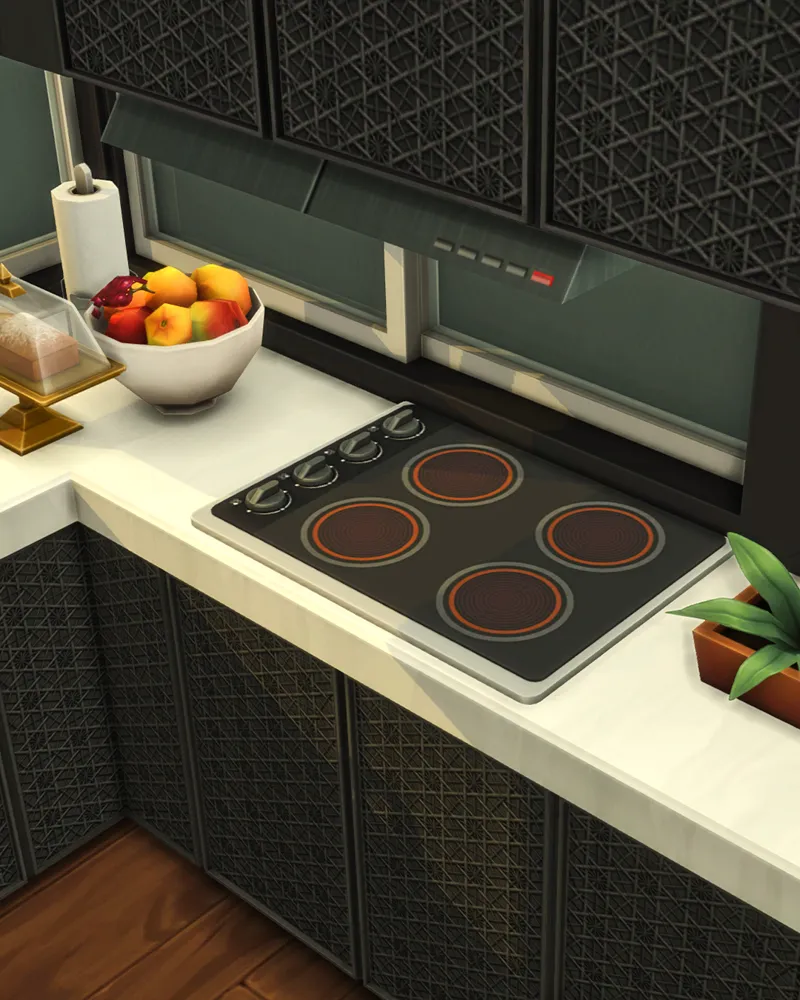
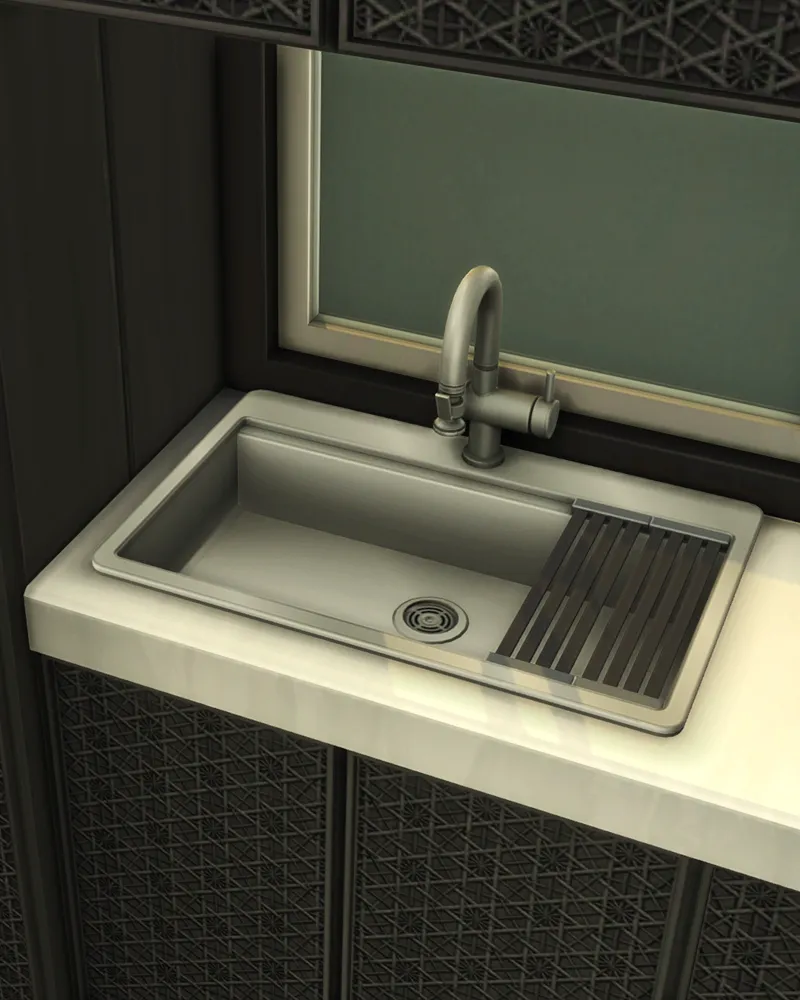
Signature Kitchen #1 (Sims 4 Room Build)
If you’ve been wanting to try out the Stylish-Wood Signature Kitchen CC Pack in your Sims 4 homes without starting from scratch, I’ve got something ready for you: a complete sims 4 room build download made with the pack.
This modern kitchen is fully functional, beautifully designed, and easy to drop into your game.
This kitchen pairs beautifully with my Stylish Appliances CC Pack, adding even more functional pieces like a wall-mounted microwave and other must-have appliances for a complete modern setup.
How to Install
Download the Room Zip File.
Place the files in your Sims 4 Tray folder.
Make sure the Stylish Wood Signature Kitchen CC Pack is installed in your Mods folder.
Open Build Mode, check your Gallery Library.
Check that the “Include Custom Content” filter is turned on so the room shows up.
Place the kitchen room in your lot and enjoy!
That’s it, your Sims can start cooking and enjoying this kitchen right away.
Comments (6)
Thank you as always!
I love this so much!! Thank you!! When will this be released to the public? I would love to be able to make a plan, but for now, I can't...
Thank you so much
☺️
Super nice room, ty!!!!
Thank you!