
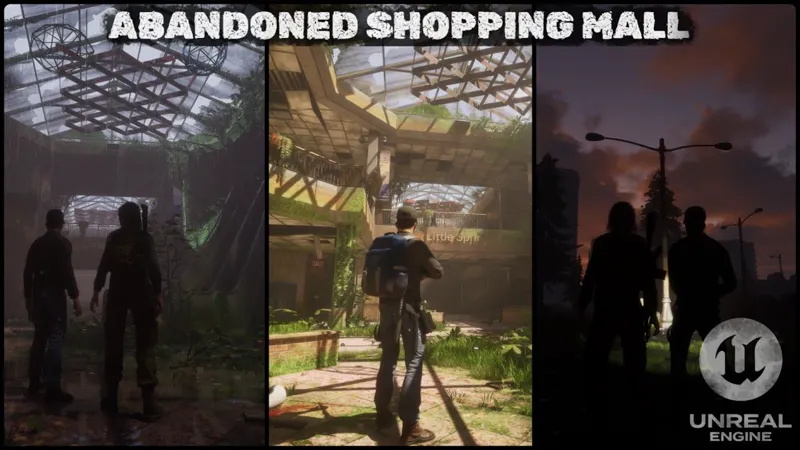
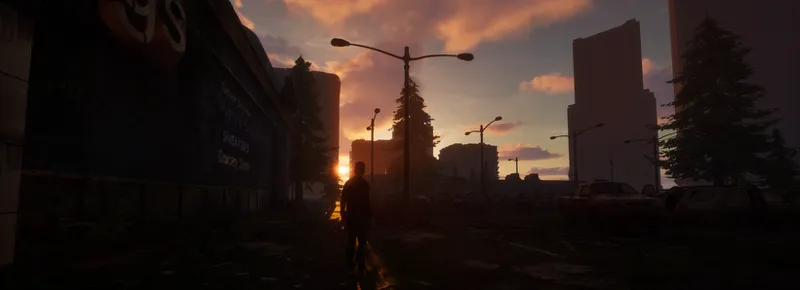







Abandoned Mall - Gameplay Demonstration Scene Based On AGLS v1.5 (UNREAL ENGINE)
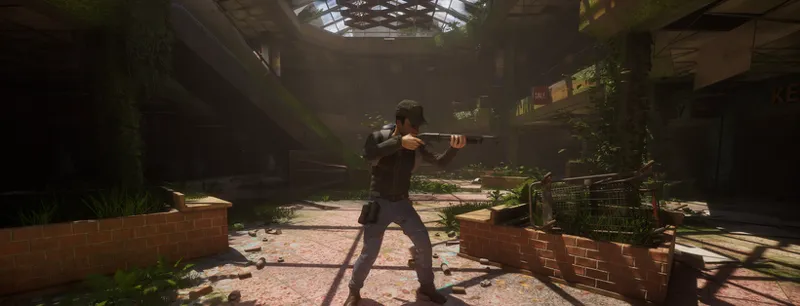
I present a simple demo scene that I worked on for about 2–3 weeks. The entire project was developed mainly to outline general knowledge about video game creation. From a gameplay perspective, the scene is based on my project, Adventure Game Locomotion System (AGLS) v1.5.
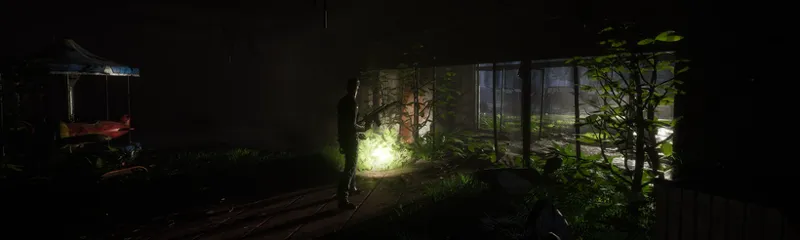
As for models, textures, and shaders, I used several asset packs available on the FAB platform (list below). I also decided to implement a few small details to enhance immersion, including:
basic facial expressions for the Companion AI
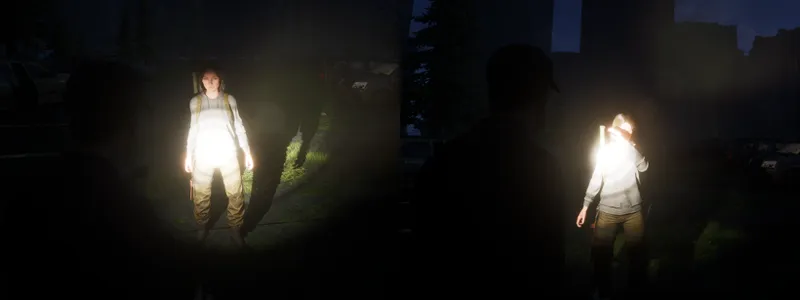
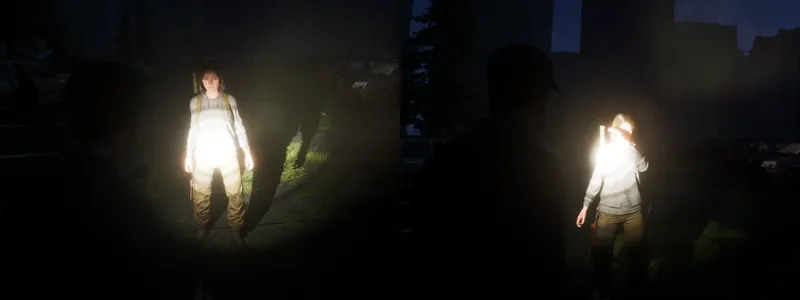
Companion AI reacting to flashlight blinding
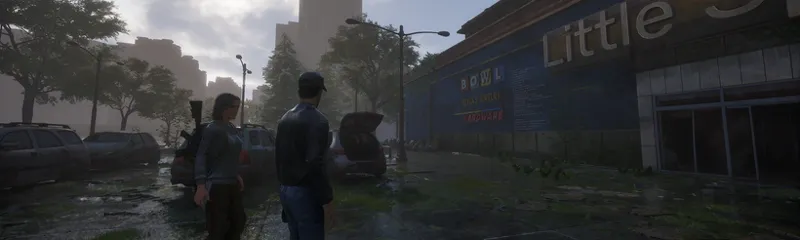
clothing wetness simulation
foliage interaction
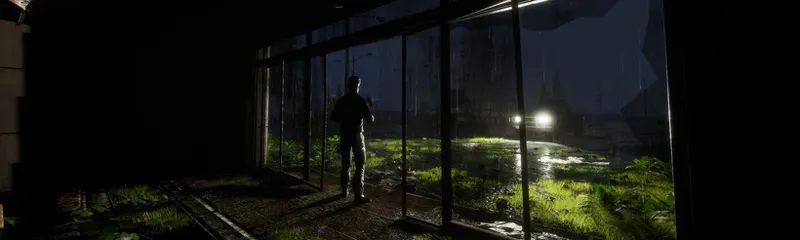
and global wetness with interior masking
This demo should not be considered the start of a full game production. Rather, the project can be used to test AGLS v1.5 in more practical conditions.
Packaged Project download link | For Windows System | Estimated file size to download - 4.3GB:
Download Link
List of FAB packs used to produce the scene:
Abandoned Mall - Gameplay Demonstration Scene Based On AGLS v1.5 | UNREAL ENGINE (YouTube)
Comments (9)
Feedback: - the font is the old font from ALS 1.0, please change it for a more modern and easy to read one. - the suddent camera changes are making me sick. the way the camera was moving in IWASL was better. Playing 5 min and I get a headache. - too much about UDS. It is fun, but who cares about the time change or the weather? We want to see the AGL features - Not enough fighting. Players like fighting, how good are you at handling fights compared with Ascent for example? More shooting, punching.
Hi Jacub , This is a packed demo but where is the 1.5 version for ue5.5 to be downloaded ? i can't find it here on your patreon. I'm using unreal 5.4 but sadly the companion is never finished and the 1.4 version for 5.5 project is crashing when ai and companion is active, wich is sad. The updates are sadly all too the newer version but i guess not everybody is looking forward into those newer unreal engine versions to be used. Also what i noticed is when close any project from very old versions too new versions is that it gives always a crash report. Any idea what it causes the crash report after closing any project?
Hi. The "Abandoned Mall" scene is available only as a packaged project. The project files are not available due to the inclusion of content from other creators purchased through FAB. However, regarding the gameplay mechanics themselves, you would need to download the appropriate AGLS project. If you are still using UE5.4, then the latest compatible version for that engine is AGLS v1.2, which was last updated at the beginning of 2025. Currently, the newest version, v1.8, is available only for UE5.7. Unreal Engine does not support backward compatibility, so if you must remain on version 5.4, your options are quite limited. Further development of CompanionAI was introduced in v1.3 and later versions. Since v1.2, there have been major changes. It’s worth reviewing the most important ones by browsing the posts or downloading the file "AGLS - 1.2 to 1.7 Patch Notes" from Patreon posts: https://www.patreon.com/posts/ue-5-7-v1-8-0-no-153909783?utm_medium=clipboard_copy&utm_source=copyLink&utm_campaign=postshare_creator&utm_content=join_link. I decide to switch engine versions when a new release from Epic Games appears stable and I determine that it includes important changes — for example, updates to Motion Matching, Retargeting, Chooser, Smart Objects, State Tree, and so on. These tools are essential for AGLS to function today. For the AGLS v1.4 version (specifically v1.4.2) on UE5.5, I did not encounter any issues related to engine freezing or crashing. A significant FPS drop may occur during asynchronous class loading into memory, but this is only temporary. The error you mentioned when closing the project is related to the CustomCable plugin — specifically to releasing RHI. I was only able to fix it starting from v1.7 for UE5.7. However, the appearance of this message does not affect the functionality of the project or its packaging in any way.
This is an amazing showcase demo thanks for the awesome work,
There is a download text "Packaged Project download link" But its the demo. Is there any chance to get the project ? I have those assets and would love to have this project ready to go for learning purposes. Very nice work. I really love it. Keep going sir !
I have a verision that I’m working on 1 month of i want companion réaction what can I do
your game is amazing, I loved it
Dude, I opened your project on my X99 + AMD RX 265 and it still runs at 12 fps even on medium. This video helped me recently: https://www.youtube.com/watch?v=c2MH20OPSw0&t=1821s I had huge maps with 12 fps and then they all went to 50 fps on high. I recommend it for your project. I hope I helped in some way :D Cheers
Hi. Unfortunately, I’m not sure whether the provided PC specs are good in terms of performance. I developed the project on an RTX 5070 Ti and AMD Ryzen 7 7800X3D. I also used FAB assets, which are not always designed with optimization in mind. That said, I did try to apply many optimization techniques — such as using HISM, reducing WPO, avoiding light overlapping, limiting shader and texture complexity, reducing iterations of translucent materials, using simplex collisions where possible, and many others. However, I didn’t focus on more detailed aspects such as model topology, quad overdraw, draw calls, virtual textures, Lumen optimization, distance fields, etc. It’s possible I’ve overlooked some important factor that’s causing such a drastic performance drop on a different PC 🤔.