
Fame And Reputation In Reward Store
✅ Check this mod's status for current patch on this Spreadsheet
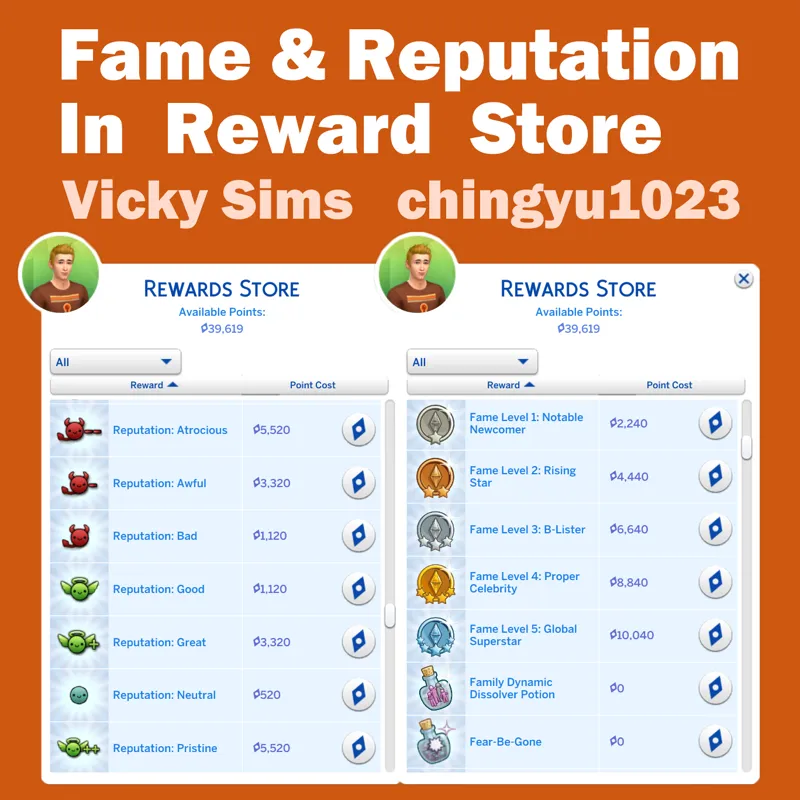
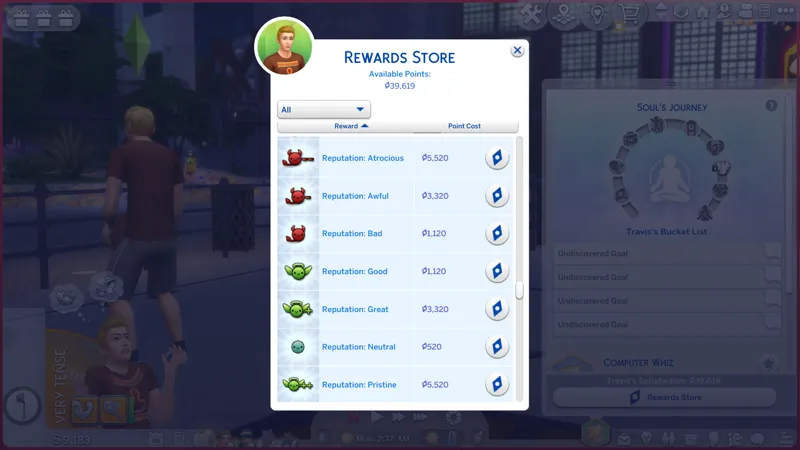
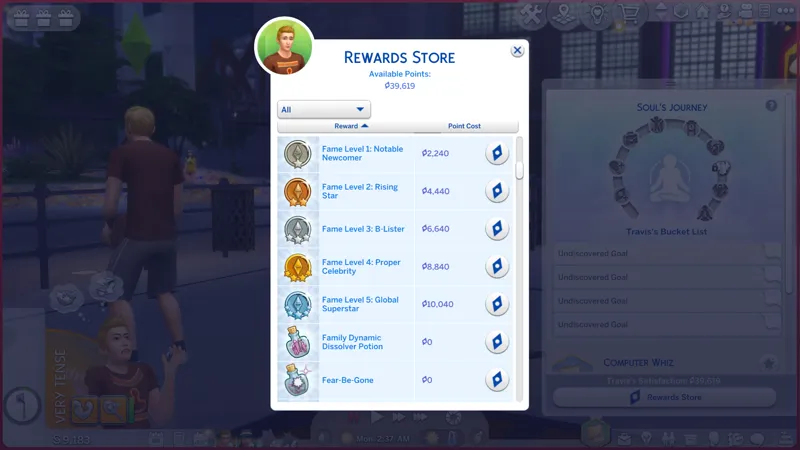
⏩ To immediately reset fame levels and reputation status through the reward store. An additional way to spend your Sims' excess Satisfaction Points.
Before you give fame to a non-celebrity Sim, you need to either turn OFF your "Sims Begin Opted Out of Fame" game settings or manually step into the spotlight in the Fame Info panel for a specific Sim.
How to change your get famous game settings: Game Options -> Pack Settings -> Turn OFF "Sims Begin Opted Out of Fame"
How to manually step into the spotlight for a specific Sim: In gameplay mode, Simology -> Public Image -> Fame Info Page -> Step Into The Spotlight.
You can now adjust the fame levels and reputation status levels to be higher or lower with the reward store.
You are also recommended to use this with my Exchange Store, which you can exchange satisfaction points for fame points to give your Sim more fame perks.
🧩 Requires EP06 Get Famous Pack
🆗 Compatible with any overrides of reward store tuning because this uses an injector instead. There should be NO conflicting mods.
🔑 Requires Lot 51 Core Library
~
👑 Mod Info HERE
~
🔎 My Reward Store Mods:
All Chingyu Infos You Need:
👁🗨 Terms of Use
▶ I need to see a screenshot or LE report to help you figure out what's wrong!
👁🗨 My Official Site
If You Like My Mods, Please Consider:
👇 DOWNLOAD INSTRUCTIONS:
Extract the downloaded zip and put the package(s) into less than FIVE folders deep in your Mod Folder. Do NOT keep the zip in your Mod folder!
Require installing Lot 51 Core Library v1.16 or later versions (lot51_core.ts4script) in your Mod folder
Go download Lot 51 Core Library in your Mod folder
-------Be sure to agree to my TOU before you download and use my mods -------
🔻 Download:
Comments (1)
Thank you so much!