
Skin and ext_config for Leipzig - Porsche Test Track
【Release】
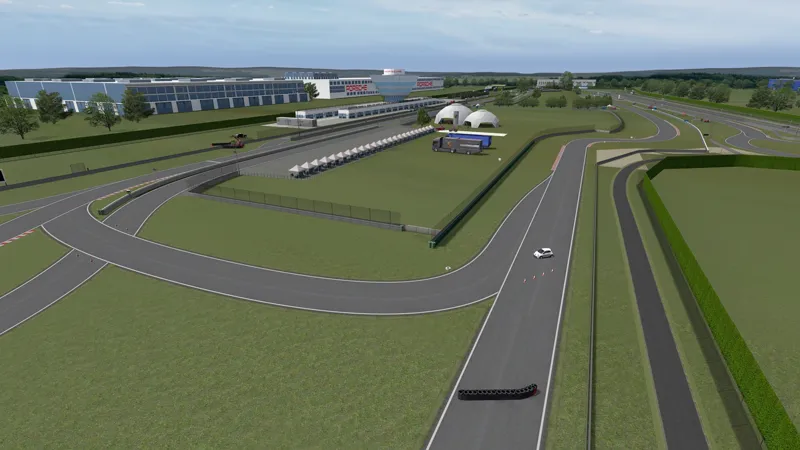
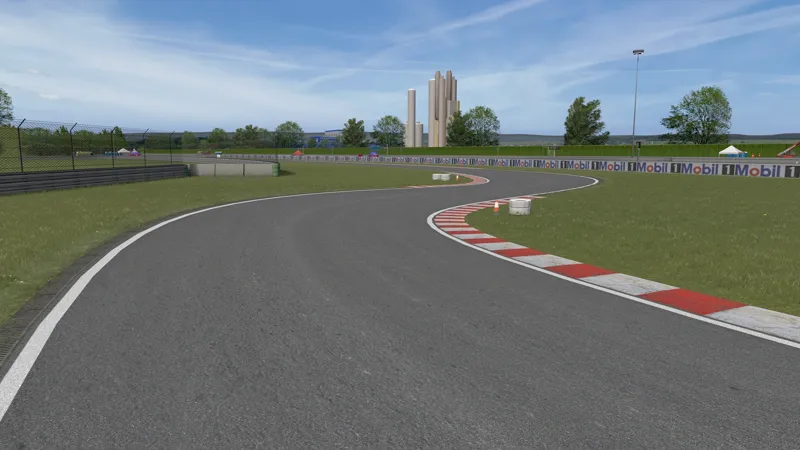
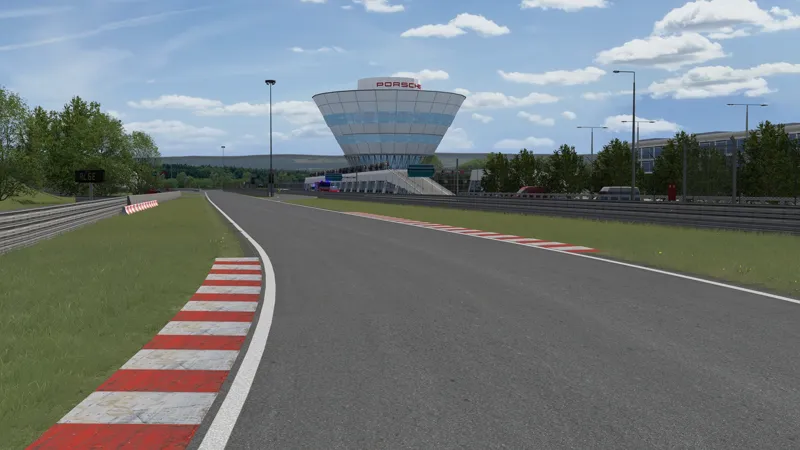
Skin and ext_config for Leipzig - Porsche Test Track
1. Install Reworked Porsche Leipzig Track 1.0 by DaBaeda
https://www.gtplanet.net/forum/threads/assetto-corsa-pc-mods-general-discussion.307899/post-13817516
2. Install Update for Porsche Leipzig Track from CrisT86
https://www.gtplanet.net/forum/threads/assetto-corsa-pc-mods-general-discussion.307899/post-13820500
3. Install my skin and ext_config
Put the downloaded and extracted files in the db_leipzig_porsche folder.
4. Activate skin
5. Start AC
Does not overwrite files.
Update Details;
Fixed problem with normal map textures not being applied to buildings. (They were unnaturally too bright looking.)
Changed the green texture at the edge of the road to a grass texture.
Updated textures for kerbs and 150m, 100m, and 50m signs.
The flag was hidden because it was too far from the pole.
Other minor fixes have been included in ext_config.
Credits & Thanks;
Skin and ext_config by shin956
grass and kerb (edited) textures by kunos
The grass edge texture was taken from the GTR2 version of Leipzig.
Enjoy.
Comments (3)
Just played the track with all the new stuff. Im confused. Why is the track missing the most important parts? It’s not an 1:1 recreation. For this track, the only correct version is from Project Cars 2. So i would start porting that version.. i would actually pay money for someone to port that track to AC..
Beat track ever
We are all waiting for London and Cape Town e-prix