
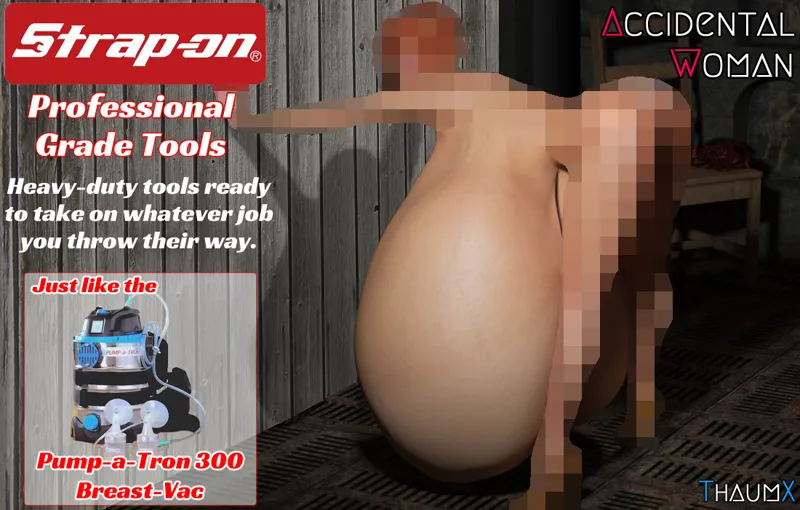
Professional Grade
Fun post for you here. Some talk about jobbing, and a few other things like the soon-to-be-posted topic poll.
We've also got a fancy blog post index, that sorts out blog posts into some relevant topics, in case you're curious about a certain subject. It's thanks to Secondarian, who actually did the hard work of sorting them. ^-^
For those unfamiliar, Strap-on is a play on Snap-on, a major tool brand.
Comments (5)
Okay I have another question. What the hell am I supposed to do with the AWR files exactly? I decided to download the most recent public version today to get up to date on the prologue, but I can't figure out how to get the awrs loaded into the game. Every time I try my laptop keeps telling me that it can't open that type of file and ends it. But I'm not even sure I'm trying to load them on correctly.
The AWR files you use matter, particularly in this case because 7.0 used a different format for the files, which was improved for 7.5 and beyond. Once you have the awr files, extracted into a folder somewhere, launch the game. On the asset load page that pops up, use the file selection browser to select all the awr files, and then click load to load them. That's it. They aren't going to do anything if you try to run/open them outside of the game.
Cool
Tried downloading the game but for some reason not having any luck (just has an internet explorer icon when download and am unable to do anything with it). Is there a program I should be using?
Patreon ate the first reply, so let's try again: You need to use 7zip or winrar (or your favorite archive extraction program) to extract the .7z archive. Then open the html file inside. Don't forget to download the AWR files (you need to extract those too)