
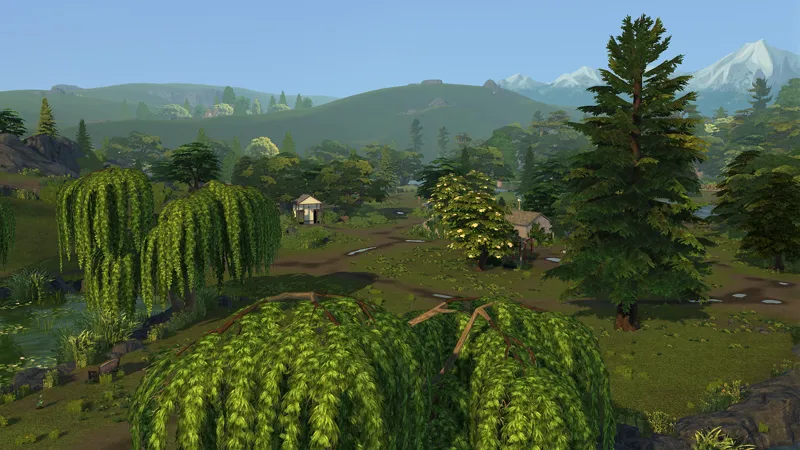
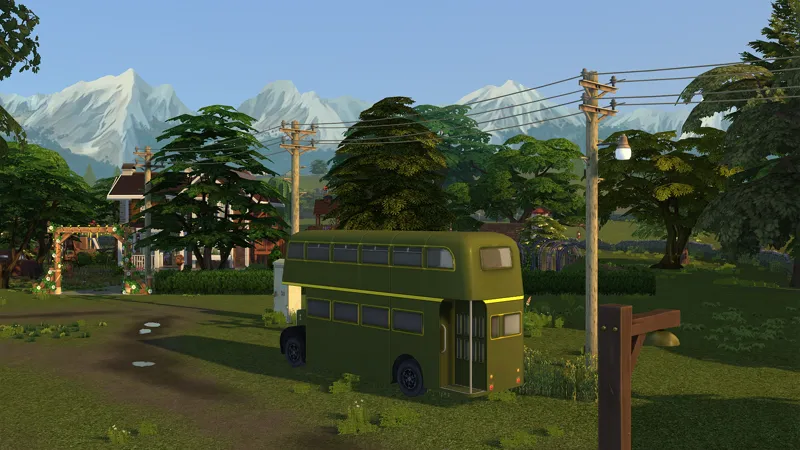
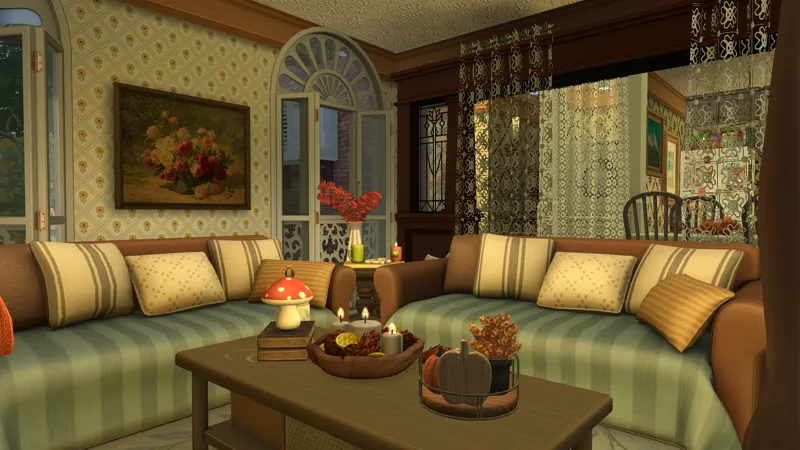
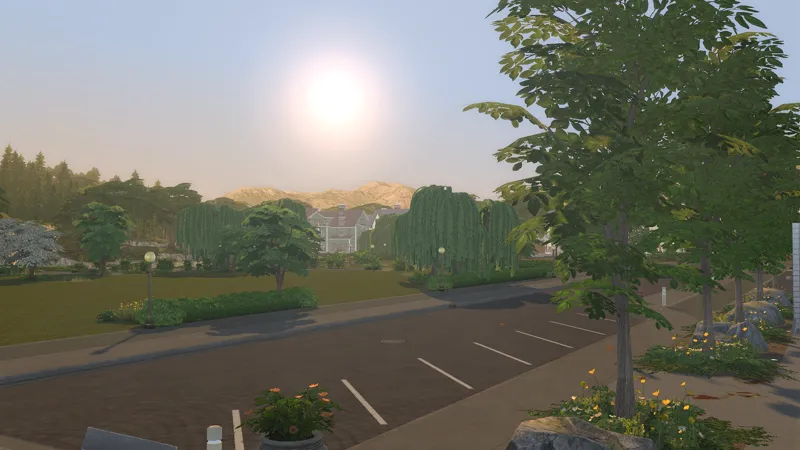
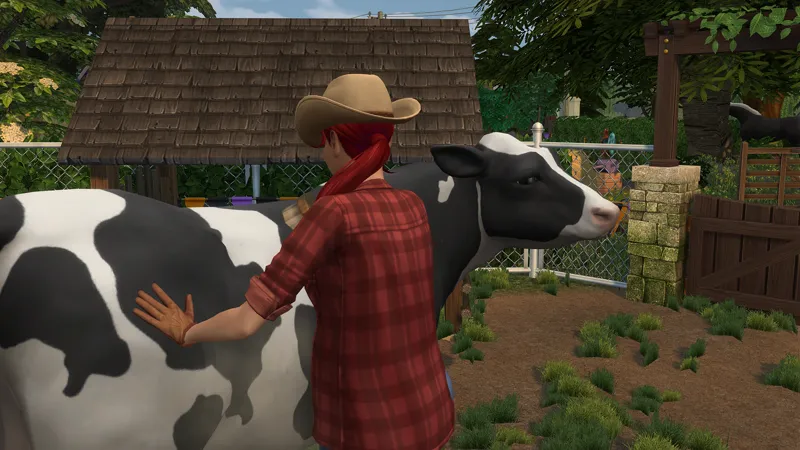
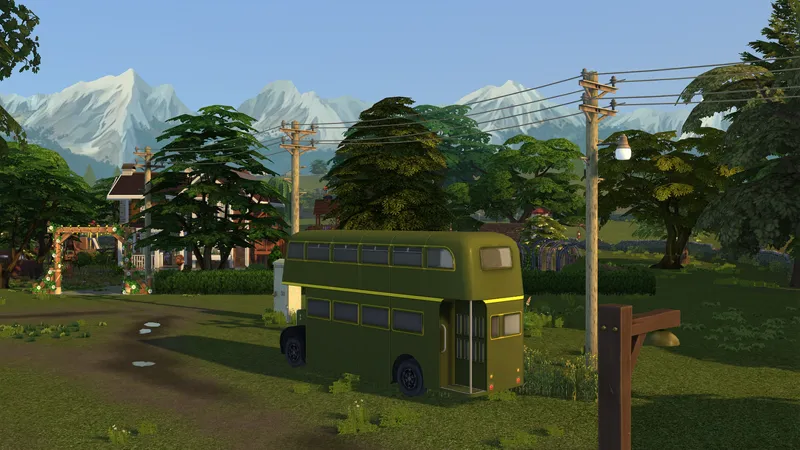
THE SIMS 4 | Realistic Reshade Preset
The preset was made on the current version of ReShade, Version 6.7.3
You will need to install the correct shades in order for the preset to appear like mine.
Gameplay friendly
You will need:
Standard effects
SweetFX by Ceejay.jk
Legacy standard effects
📸 How to Install qUINT
Download ZIP
Once downloaded, unzip the file.
Open the unzipped folder and copy all files into your ReShade Shaders folder.
By default, this is usually here: C:\Program Files (x86)\ReShade\Shaders\
If there’s also a Textures folder inside qUINT, copy its contents to your ReShade Textures folder: C:\Program Files (x86)\ReShade\Textures\
📥 How to Download & Install the Preset
Download the preset file
Go to where The Sims 4 is installed on your PC
Usually this is: Program Files\EA Games\The Sims 4\Game\Bin\
🌿 Optional:
I also use the Softerhaze Sunblind lighting mod 🌸