







HOW TO MAKE YOUR MAKEUP WORK IN-GAME
First of all, I don't know how to do makeup, hahaha.
However, lately I've been working with the makeup looks from Inf1n1ty N1kk1.
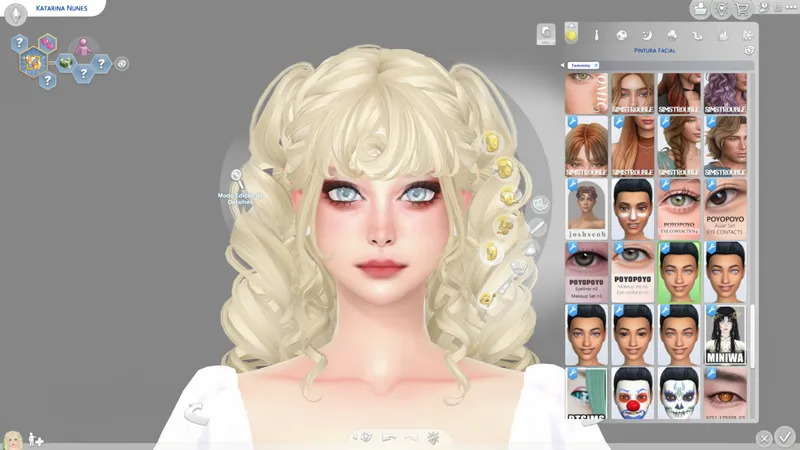
And I had a problem where the makeup simply wouldn't show up on the Sim's face.
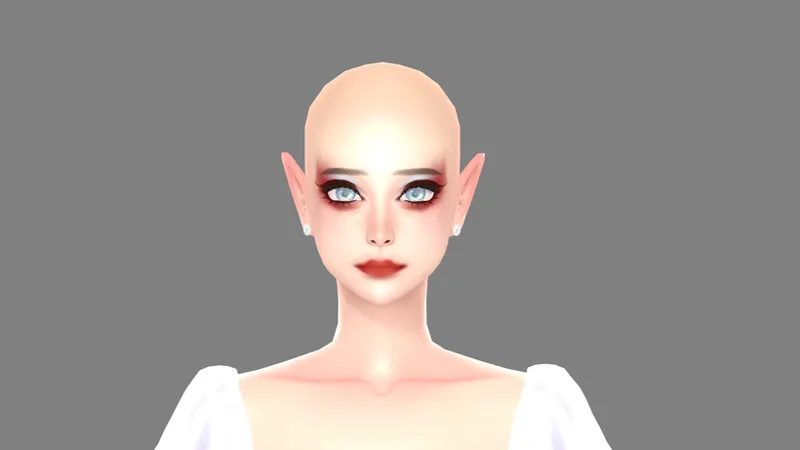
Then I remembered that a friend (@koya) had taught me a trick to use with my tattoos, so I decided to try it out with makeup, and it worked (I swear I didn't expect it to work).
Open your file
Go to the warehouse.
Then search for "cas part" (remember: if there is more than one swatch, you have to do each swatch separately).
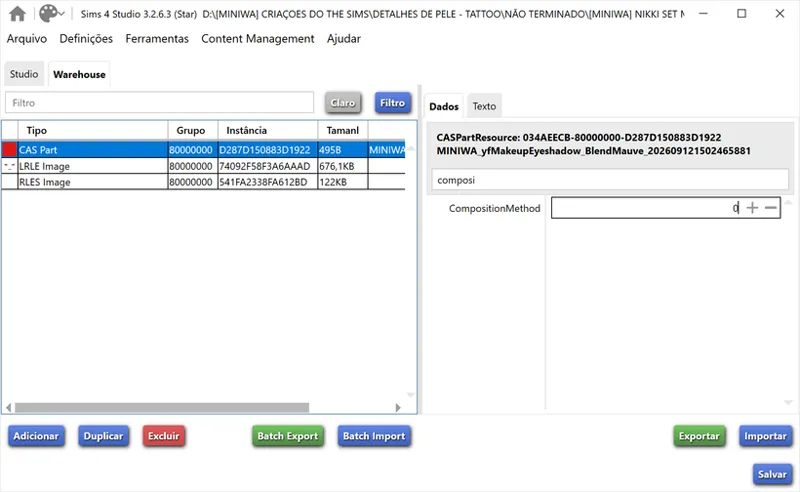
In the filter, search for "composition method".
Where it says "2" (image above), change it to "0".
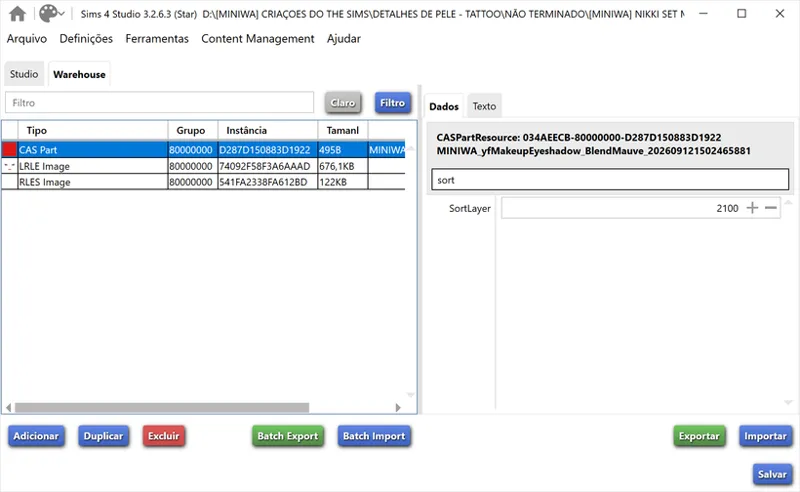
then search for sortlayer
And where it says "2100" (image above), enter a value between 3100 and 8000 (or higher, depending on your preference).
And that's it—just save, make more swatches, and test it in the game.