

February 22, 2022
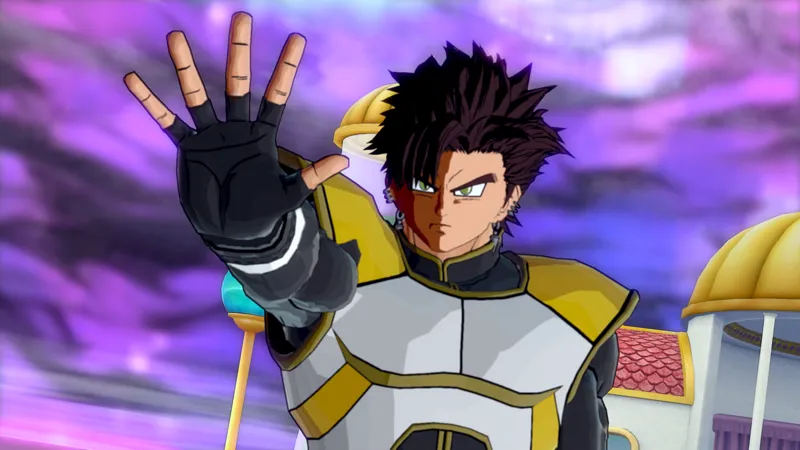
Shakaro's ReShade Preset
Second picture is with it OFF.
Comments (4)
K
Karxen · June 19, 2024
Sorry for bothering but do you mind telling me what Reshade version and game graphics (For example glare) you used while making this? It just doesn't look like the pictures at all. (Sorry if I bothered you)
S
Shakaro! · June 19, 2024
These are very old, I'll be releasing a new shader preset soon. ~ Shakaro.
S
Shawn Sin · February 22, 2022
How do I apply the Reshade?
S
Shakaro! · February 22, 2022
If you have ReShade installed, all you would have to do is install this ReShade preset (the .ini) file and drop it in the rsm folder. Then boot up Xeno and press home/7 on the keypad and select it from the drop down menu. After that press insert/0 on the keypad and if you followed the instructions correctly, the ReShade preset should be applied