
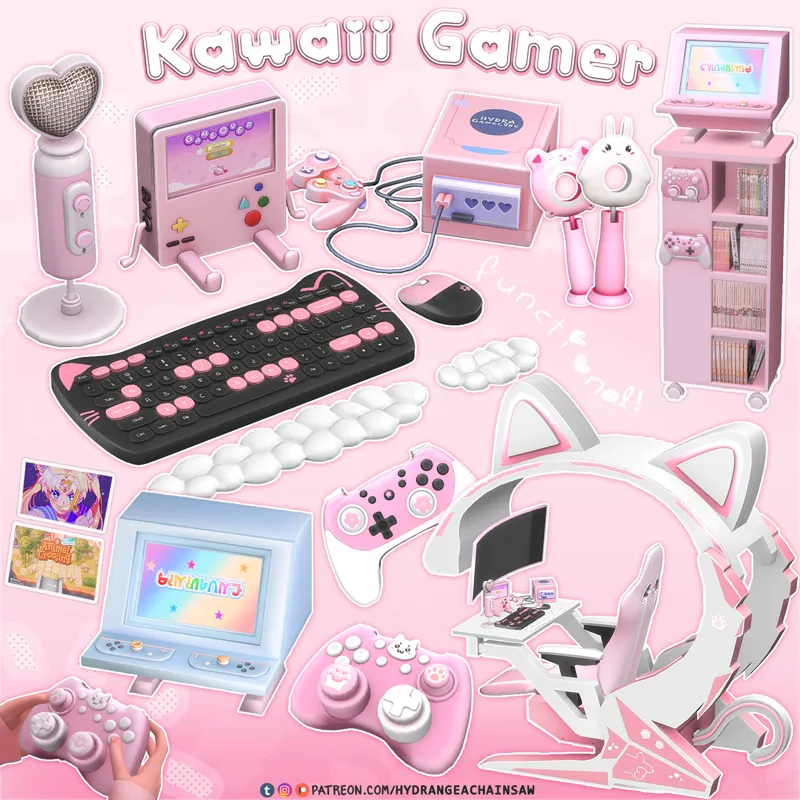
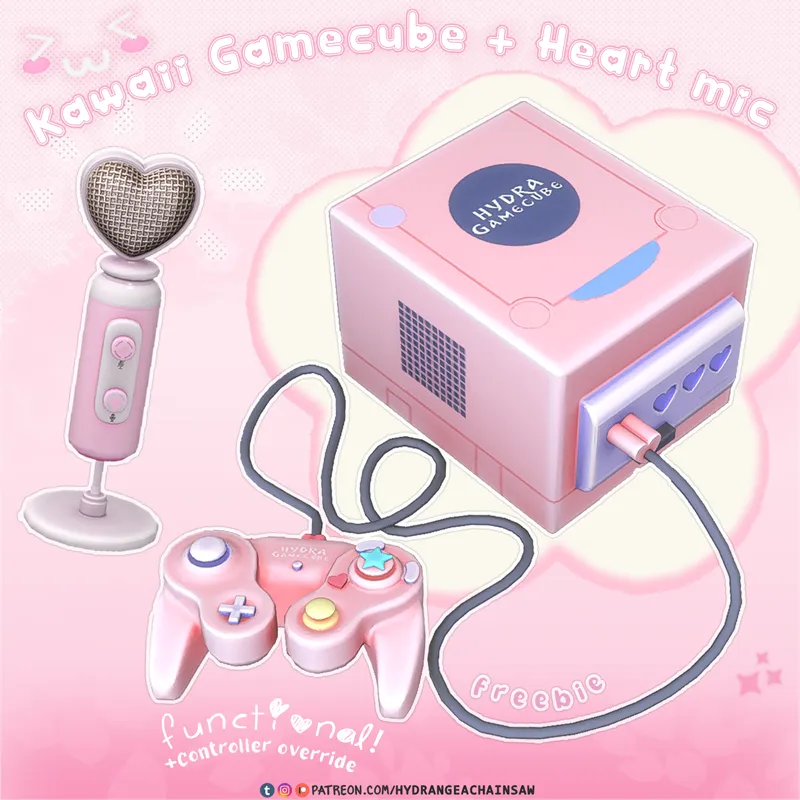
Kawaii Gamer freebies: Gamecube & Heart Mic 🌸🎮
♡ Gamecube | Heart Mic: Free ♡
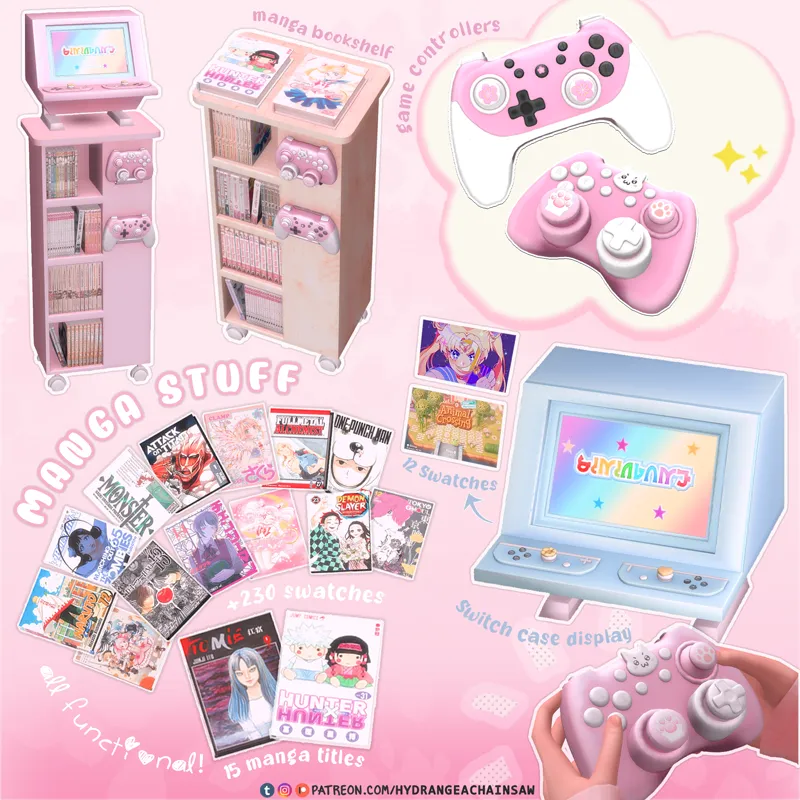
♡ Switch case | Manga bookshelf | Controllers: Early Access ♡
♡ Cute switch stand: Patron's Gift ♡
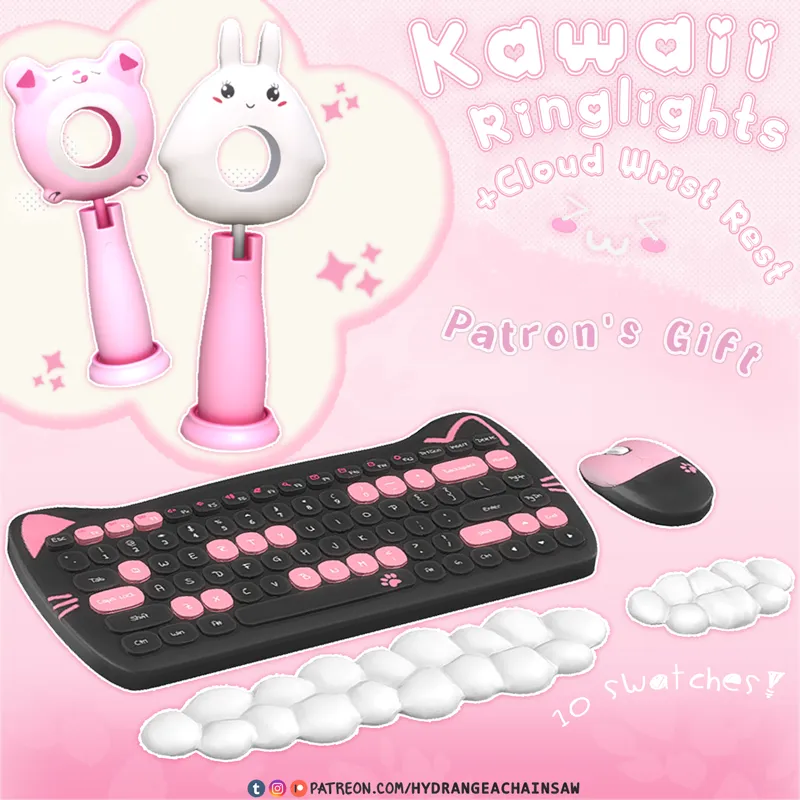
♡ Cloud wrist rest | Kawaii ring lights: Patron's Gift ♡
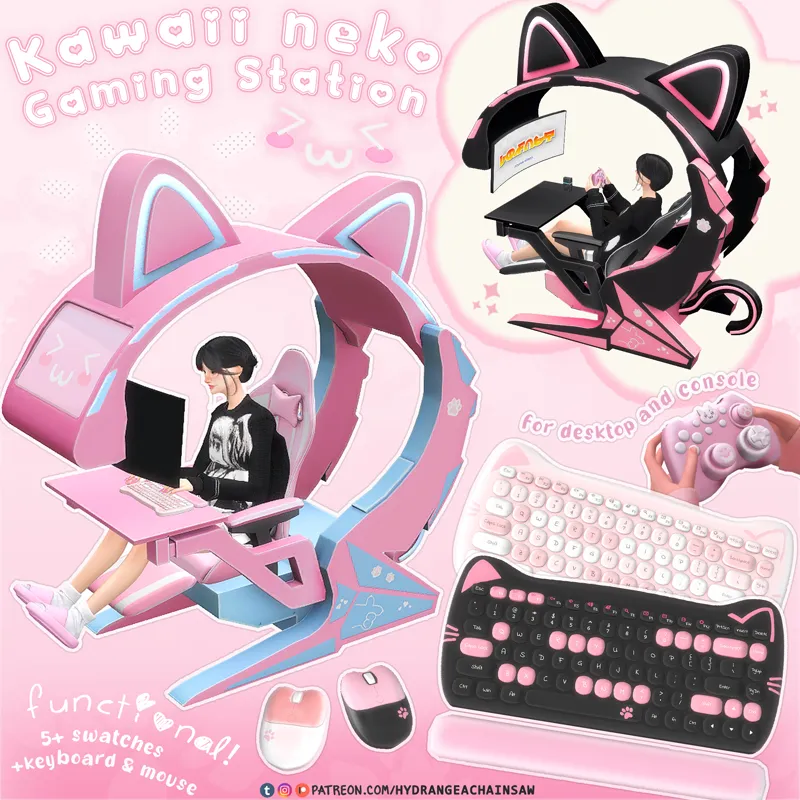
♡ gaming station + gamer chairs + desktop + tv + keyboard + mouse: Early Access ♡
≽^•⩊•^≼
📌General info:
BGC
3 items for ts4 | 2 items for ts3
1 override controller
2k Texture Maps
Meshes and textures by me, some patterns for textures found on pinterest/google
TS4: find it typing HCGaming in the searchbar
TS3: use this mod by lazyduchess and search keyword "HCGaming" in misc deco and electronics section.
📄Details:
Gamecube: 10k polycount | functional console | 2 swatches (with simlish)
Override Controller: 6k poly | 1 swatch
Heart mic: 5k poly | 7 swatches | decorative
UPDATE: Gamecube is now bgc! fixed controller
📂Download:
DL for SIMS 4 below ↓↓↓ | DL for Sims 3 here
Comments (32)
Hi! So I'm having an issue with the gaming station desktop..I'm not sure if it's functional, but I can't use it like a normal computer. Is it for decorative purposes?
they're all functional, make sure you have moo cheat on to set it up correctly.
hi so I love these so much but the game cube seems to have an issue? when my sims play on it they are not holding a controller? I' not sure if this is my fault or a glitch but I was wondering how I could fix that! Thank you!
hii thanks for letting me know! guess the error ocurred after i updated the gamecube to be base game compatible.. I just fixed it so u should be able to see the controller now! :)
Hi, Love your stuff, thank you sm!! im getting a conflict report between the gaming cube and redsims nintendo switch
Hii tysm!♥ that's odd, my gamecube isn't an override so it shouldn't cause issues with other creators content. The only override in this set is the controller, so if you have another object that also overrides the controller, they’ll conflict in game. I recommend keeping just one controller override in your Mods folder to avoid the issue! but if it's not the case then if possible send me the error message pls.
hi!! does the console only work with sims tvs? not cc tvs? i tried connecting it to both the tv from this cc and a tv from a different tv but it only worked with a sims tv
Hii! u need to run a batch fix on sims4studio, just go to Content Management>Batch Fixes>Objects>Update CC Tv for video game console. I will re upload all my tvs asap but until then please run the batch fix. <3
hii i tried as suggested in a previous comment to use searchbar for the gamecube console and i still can't find it in the inventory anywhere! oddly enough it shows up on the searchbar list but when clicked it just redirects me to electronics tab. pls help if you can! am only using base game
hii! I just noticed that the gamecube actually does need an EP to work, it requires the city living expansions pack, so that's why its not showing up in ur game. i will update the info rn and will update the object to work as base game as soon as i can. so sorry about the confusion! EDIT: just updated the gamecube to work as base game, please download again :)
I download and everything is there but the console, I can't find it in the build menu
try searching “console” on the searchbar or checking under electronics category
You are the Michelangelo of cc, I cannot get over how beautiful and well made everything you create is!! You're amazing!
omg thank you so much!! 😂🥰💗
love it!! what reshade are you using?
ty! sorry i have no idea who made the preset i was using in this picture D:
How do i get the gamecube to work in game. it says it needs to be close to a certain type of TV
gamecube works as a console so you need to place in front of a tv to make it work corrently.
I am overjoyed. I love your content so much!!
ty!🥰❣
Slay girl
where is the download file on this post? There's nothing showing up to download
hii it's right below this text "📂Download: DL for SIMS 4 below ↓↓↓" at the bottom of the post
is bemo part of one of your other packs?
yep, its the cute switch stand
auweh woowo so cute 😀 thank you 🤗
OMGGGG I'M OBSESSED
glad u like it!! 💗💗💗
cuuute! thank you! ^-^
🥰💖
unbelievable ❤
glad u like it!! <3