
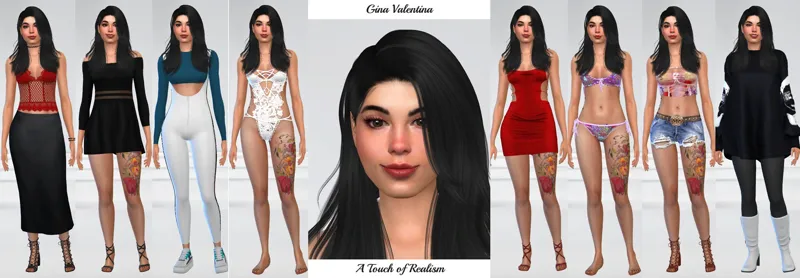
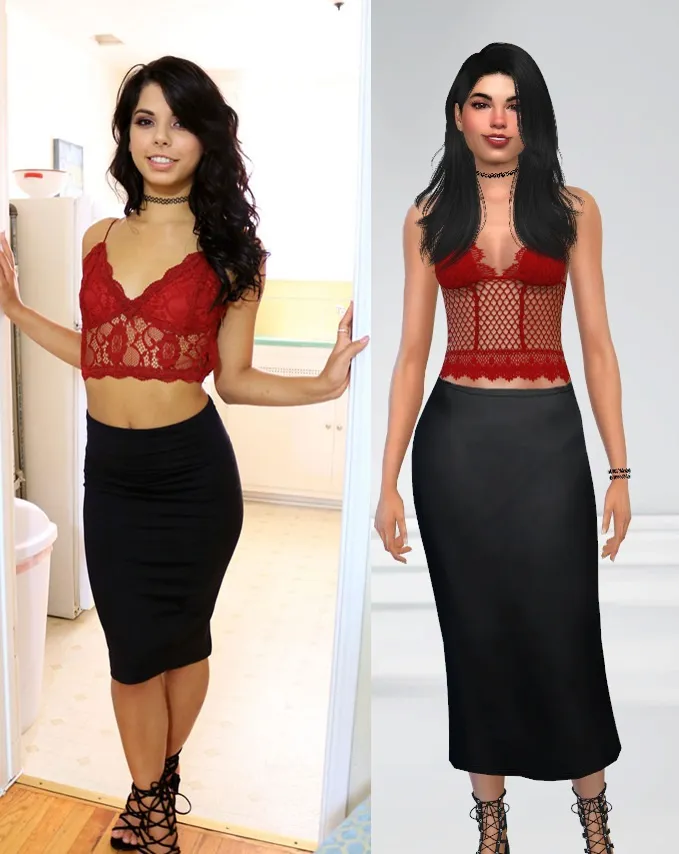

Adult Entertainer Gina Valentina
Comments (6)
schön dich wieder am kreationen Arbeiten zu sehen ,,,,sehr gut gelungen !
where to you download it into the mod folder or?
1. Download the Zip Files 2. Extract or Open the Zip Files 3. Copy the .package files (Mods and Defaults-Overides-Sliders folders) and paste them into your Mods folder in the Electronic Arts/The Sims 4 (Usually it is in "My Documents") 4. Copy the files that start with 0x (Tray Objects) from the root of the first Zip File and paste them into the Tray folder also in Electronic Arts/The Sims 4. 5. Launch the game 6. Go to Options-Game Option-Other and make sure "Enable Custom Content and Mods" and "Script Mods Allowed" are checked. If they aren't, check them, apply changes, and exit and re-launch the game. Sometimes requires a computer restart as well. 7. Go to Gallery-My Library and make sure Include Custom Content is there. This can be done in-game to place the household or start a new game as well. To have the full experience with the sexual nature of the mods out there, you will need Wicked Whims as well as some animation mods but only necessary if that is what you are interested in. I know the tasks seem daunting to someone new to this but once you have done it successfully once, it will be extremely easy to replicate.
downloading now lol
Wow this looks amazing great job
Thank you very much!