
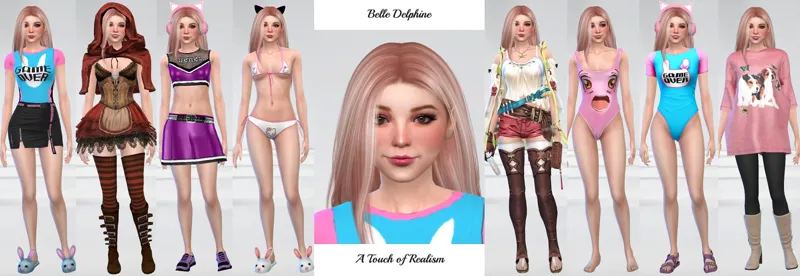
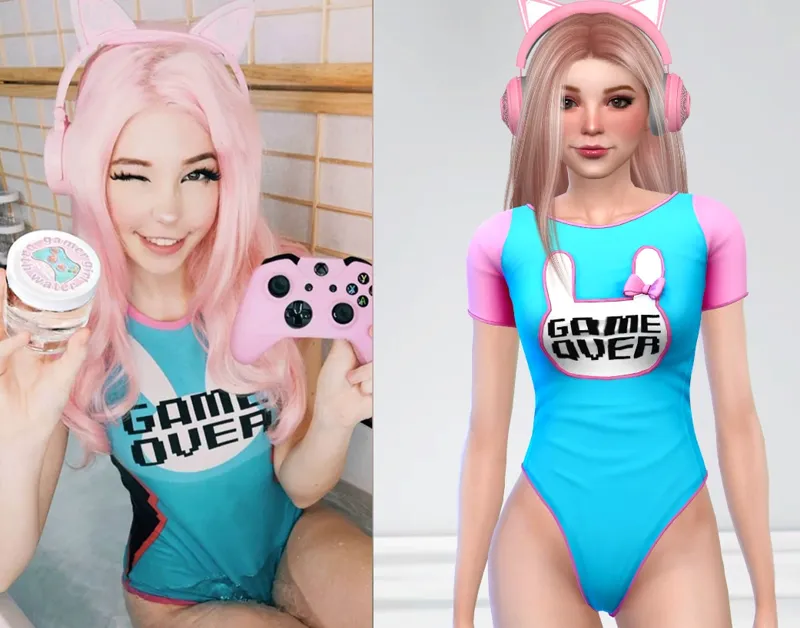
Bath Water Girl Belle Delphine
Wasn't sure if I should classify her as a Celebrity or an Adult Entertainer so I chose to classify her for what she is most known for ;)
Comments (4)
ok thank you
My pleasure
I was able to access to everything other than the premade character. How do I actually get her into my library
Download the zips. Copy the Mod (*.package) files into the Mods folder in \Documents\Electronic Arts\The Sims 4. Copy the Tray objects (Files that begin with 0x) into the Tray in the same directory. Open the game. Go to Options, Game Options, Other, and make sure "Enable Custom Mods and Game Mods" is selected. If not, select and restart the game. Go to Gallery, My Library, and make sure Include Custom Content is selected. You may need to scroll down to see her because she was created a few months ago.