


Extension Config for Touge Workshop RX-7 A-Spec V2.0.3
Features:
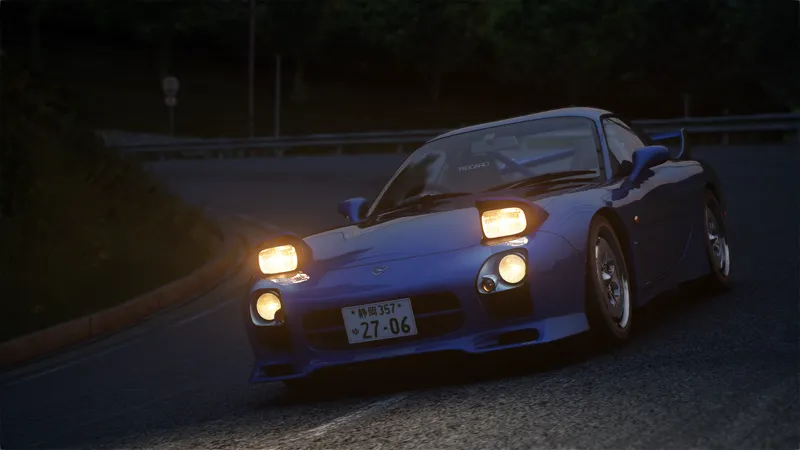
Refracting Lights
PBR Interiors & Exteriors
Fully Functional CSP Lights
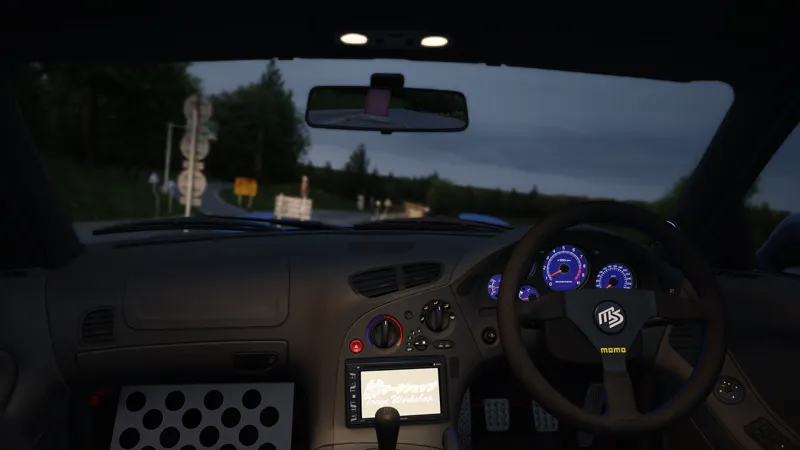
Dashboard Emissives
Changes & Fixes in V2.0:
Added skin-specific config to keep original appearance.
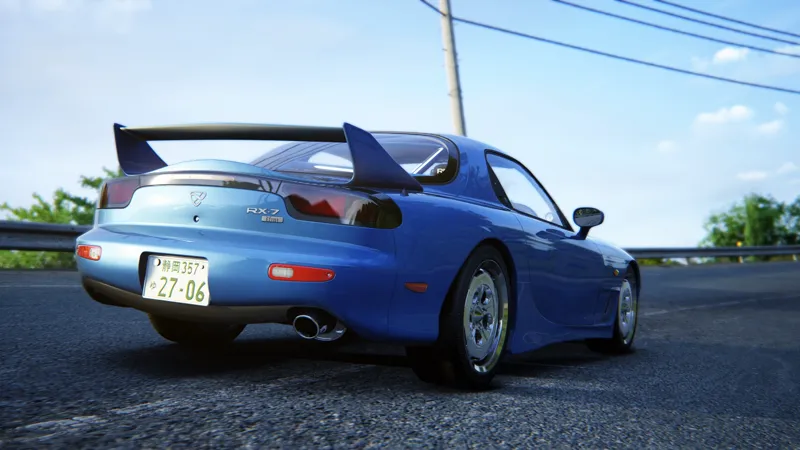
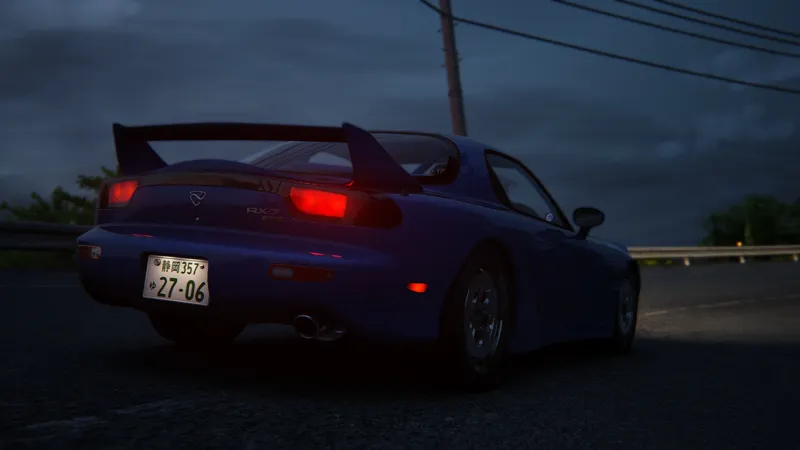
Added position lights at side rear.
Added interior light. (Assigned as Extra option D.)
PBR interior.
Functional odometer.
Better taillights refraction.
Improved license plate lighting.
Much more accurate dashboard emissives.
Material readjustment for rims and tyres.
Interior material fixes.
Rim blur material fixes.
Bug fixes for different LODs.
Broken dashboard indicators are fixed.
Broken headlights refraction are fixed. (No need to open "RefectionsFX Debug" app anymore!)
Navigator is temporarily disabled to prevent flickering dynamic shadows.
Minor bug fixes.
Changes & Fixes in V2.0.3:
Oil pressure gauge now shows real readings.
Fixed incompatibility issue with CSP 0.1.75 and above.
Known Issue:
None.
Credits:
Base model: Kunos / Touge Workshop
3D parts: Kunos / Touge Workshop / Trawa
HOW TO (Custom Shaders Patch required)
1. Make sure you have Touge Workshop Mazda RX-7 [FD3S] A-Spec TW Installed.
https://drive.google.com/file/d/1y_IIZdIWizwi00BKn2ZKWFq48C9hGrs9/view?usp=sharing
2. Extract ext_config for tw_mazda_rx7_aspec v2.0.3.7z to "assettocorsa\content\cars"
3. Enjoy!
(Sunburst Yellow skin is "NOT" included, available to patrons only.)
Comments (12)
It's working nicely! But is there a way to get the pink Gauge cluster LED rather than the orange one? I see it in the car display but in game it's always orange (or white)
Gauge color is defined by the skin you use. Delete "INT_decals_D.dds" in skin folder to have the pink labels. Delete "INT_gauge_bg.dds" to have the white background.
THX to you vegetable studio im actually keisuke rn
it's does't work.everytime I enter the game I will be popped up .My csp version is 0.176-preview1
Sorry it doesn't work with CSP 0.1.75 and above at the moment, I'm still trying to figure out what's wrong, please roll back to CSP 0.1.74 or lower version before I release an update.
I finally got it to work, I had to reinstall the game and now it works fine, thank you for making such a great mod
Congratulations! It's tricky sometimes. ^ ^
Just tried it, didn't work, but I see the extention in content manager as it's own car, but you click on it and there is nothing there
That’s the problem, seems the folders are duplicated during extraction. Please reinstall the car and drag these files into the corresponding folders one by one.
i was able to get the yellow skin to work no problem but i cant get this to work? i followed all the steps but nothing happens, what csp patch do i use it on?
I tested it on CSP 1.73 & 1.74 with no problem.
Thx o/