
New: Favorites, blocking, downloads and a better tag picker
You can now keep the media you love, download it, get rid of the media you don't, and pick tags much faster.
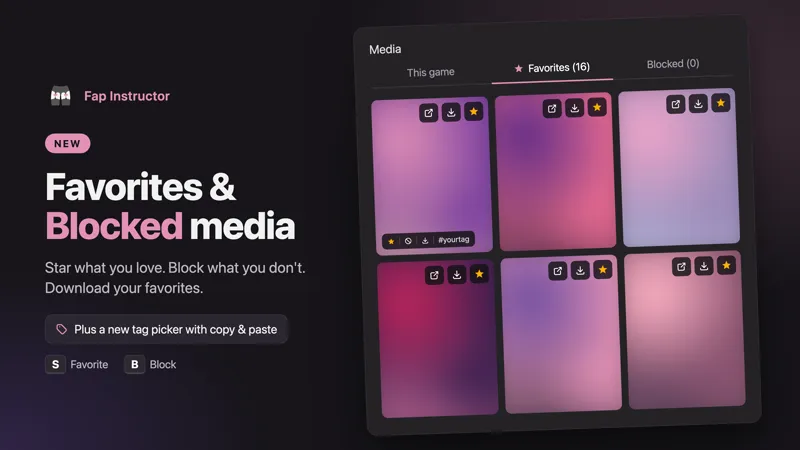
Favorite anything
Tap the star on any slide, or press S, to save it to your favorites.
Block what you never want to see again
Tap the block button, or press B, and it's gone for good. Blocked by mistake? Hit Undo on the notice.
Download your media
Tap the download button on any slide to save it to your device. Your favorites have one too, in the media library.
Play only your favorites
Turn on Favorites only and your game plays just the media you starred. Punishments still use your punishment tags.
Your media library
Open the new Media button in the game header to see everything you've favorited or blocked. Remove a favorite or unblock something with one tap. It's also in the menu under Your Media.
Change media mid-game
The same Media button lets you change your tags, format and local files while you play, or before you press Start. Changes last for that game only, so your saved games stay as they are.
A new tag picker
Long tag lists no longer turn into a wall of tags. Your tags now sit on one line, and a tap opens the picker: search results on one side, your picked tags on the other.
Copy and paste your tags
Copy your whole tag list in one click and paste it into another game. You can paste a list of up to 500 tags. Each one is checked before it's added, and you'll see which ones weren't found.