






Backing up progress on Android and PC (tutorial)
Hi everyone,
We have received some reports that, on some Android devices, to install the latest version of Heroes University H, you have to delete the previous one, which deletes your game progress. So we created this small tutorial so you can back up your progress before updating our game on your devices, along with information on how to back it up on PC if necessary.
Android
We may need a file manager to access the “Android/data” folder (for this example we will use ZArchiver).
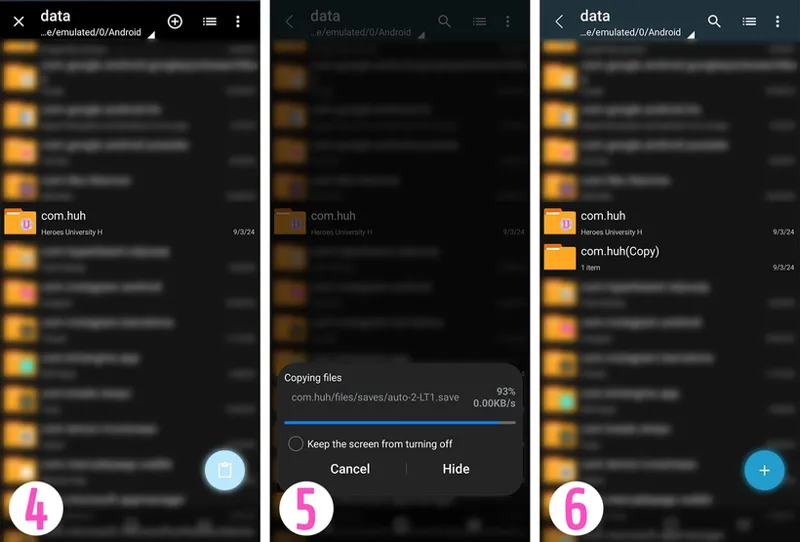
We go to the location (/storage/emulated/Android/data/), and look for the “com.huh” folder (1), select it (by holding down) and choose “Copy” (2), now you can save this copy in the location you want (3), but for this example, we are going to save it in the same location (4-5-6).
Now we can uninstall the previous version of Heroes University H (7).
And let's install the latest build (8).
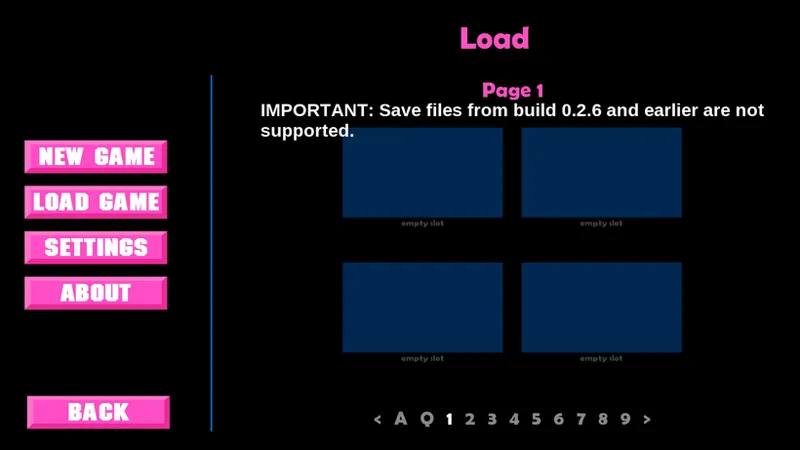
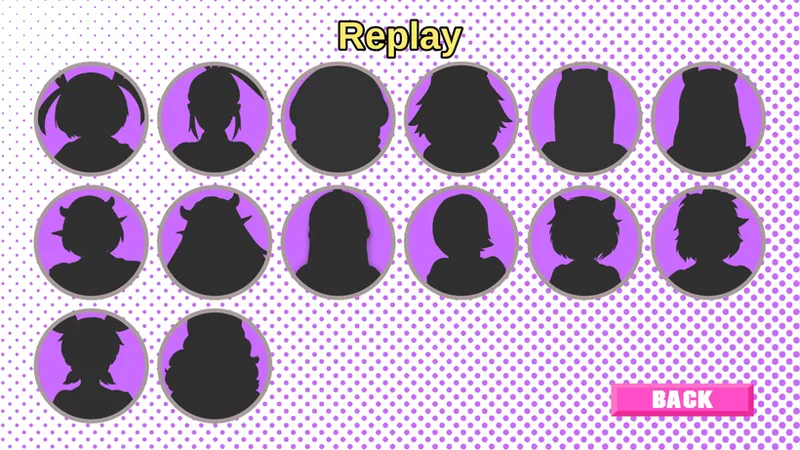
Now, we open Heroes University H, (this will automatically create the new folder where we will copy the files we backed up before) and we will see that there are no saved games and nothing in the replay gallery.
Now we close Heroes University H and go to the folder where we copied our files from the previous version, in this case, “com.huh(Copy)” folder (9) (in the route /storage/emulated/Android/data/)), go inside and copy the “files” folder (10), and paste it inside the new “com.huh” folder (11-12) (where we will also see a “files” folder). Proceed to replace all the files that were there (13) (in this case, check “Apply to all files” and tap “REPLACE”).
Now we reopen Heroes University H
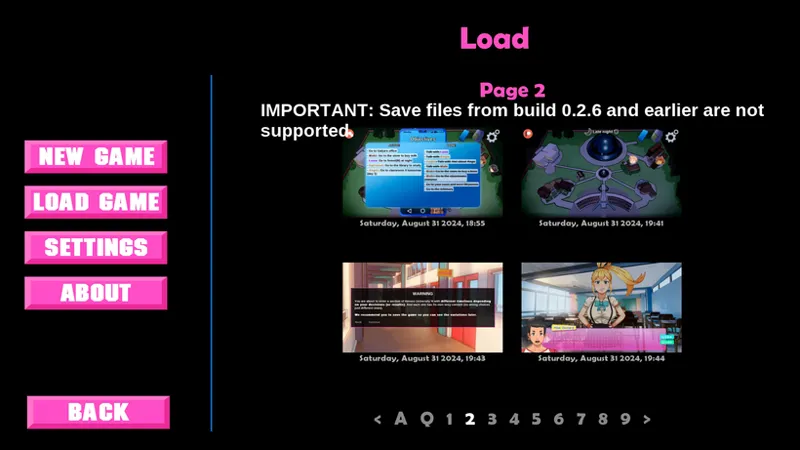
And, we will see that there are the saved files we backed up and the progress we made in the gallery.
PC (Windows)
just back up the “Heroes_University_H” folder in the path “C:\Users\%USERPROFILE%\AppData\Roaming\RenPy\” (without quotes), although this should not disappear when deleting the game from the system, or you can also back up the “game/saves” folder inside the game folder itself (also on Linux).
Comments (2)
Really good tutorial, but sadly will not work on newer samsung devices :(
Hi. What device do you have? I did this tutorial with a Galaxy S21 FE running Android 13, and with ZArchiver I could open the necessary folders.