
May 4, 2021
A New Dawn (public 3.1.2 Android version)
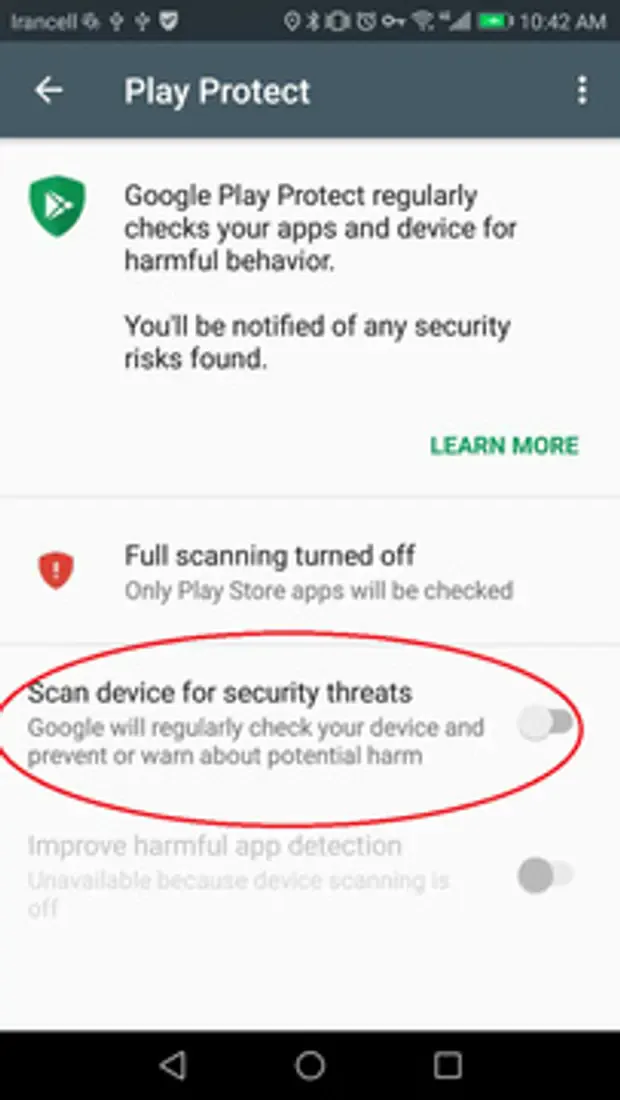
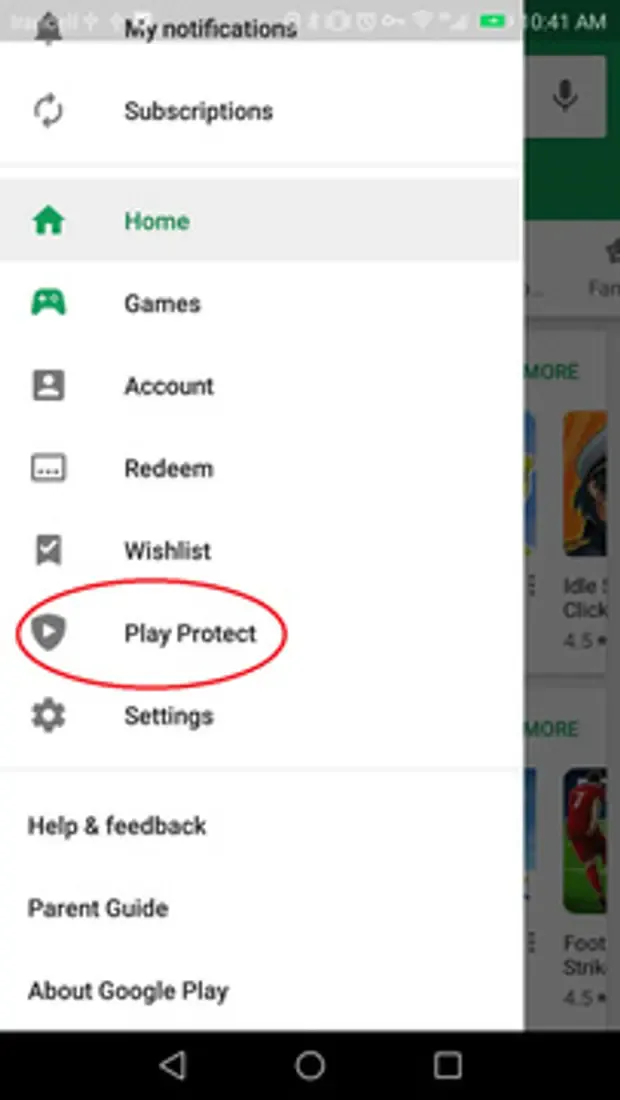
To install the apk you need to turn off the play protect in google play store see the pictures above. You also need to allow third party apps to be installed on your device.
Go to your phone's Settings.
Go to Security & privacy > More settings.
Tap on Install apps from external sources.
Select the browser you want to download APK files from. (Or the folder if you have already downloaded the app when you start to install it.)
Toggle Allow app installs ON.
Download the APK here.
Cheers!
Yours truly WhiteRaven
Comments (1)
M
Mojito · August 7, 2021
Will there be an update to v3.5 coming soon?