


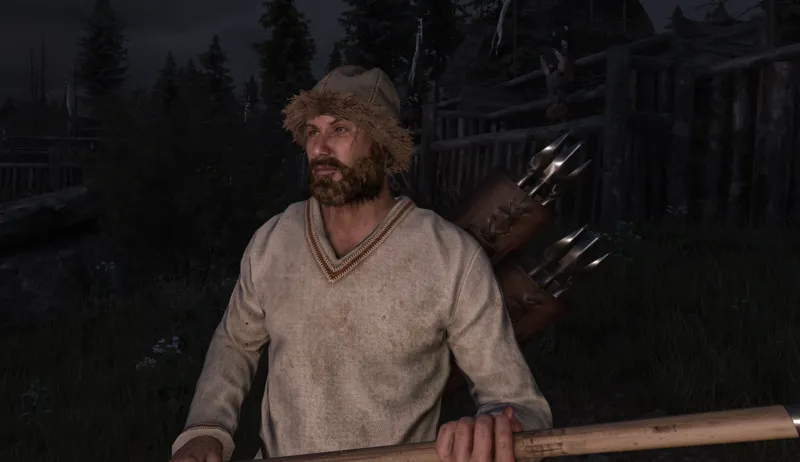

Bannerlord DLSS 5 Guide
Written by TadasTheLithuanian.
For Nvidia 40 and 50 series graphics cards (there are files in the following discord that support 20 and 30 too but this guide focuses on the above).
Step 1:
Download and install ReShade
Specifically download and install "Download ReShade 6.8.0 with full add-on support".
When installing Reshade select:
{Game Folder}\bin\Win64_Shipping_Client\Bannerlord.exe
DirectX 10/11/12
Step 2:
Join RenoDX discord, go to #dlss5 channel and in pinned messages download these files: renodx-dlss5.addon64 (at the time of writing v4.55) and put this file to {Game Folder}\bin\Win64_Shipping_Client folder. streamline.zip extract and put all contents of the file to {Game Folder}\bin\Win64_Shipping_Client folder.
Step 3:
Download dlss5-dx11-bridge.addon64 from NIGos' GitHub ant put in the same {Game Folder}\bin\Win64_Shipping_Client folder.
Step 4:
In NVIDIA App go to Graphics selection on the left side of the app, select Mount & Blade: Bannerlord game and adjust these settings:
DLSS Override - Model Presets -> Recommended
DLSS Override - Super Resolution Mode -> DLAA (100%)
Step 5:
Run the game, go to Options -> Performance and at the bottom set NVIDIA DLSS -> DLSS Balanced (You can use whichever you want).
Step 6:
Press HOME button to open ReShade configuration window, go to Add-ons tab and make sure that both DLSS 5's are enabled.
When you enable Neural Rendering, only then you will see changes. Default shortcut is F6 to enable/disable, so I advise to change that to something else.
Done. Enjoy your game.
Comments (12)
Hi, How much impact does it have on avrg on the performance tho?
For me it 1/3 my performance from 144 to roughly 50 on a 5080
Thanks! Much appreciated. Did have an issue with nvngx dll. The streamline folder's contents are supposed to be IN the main folder, the shipping client one where everything is extracted. Instead it somehow made a folder inside it called streamline so neural rendering couldn't be activated. I downloaded a patched form of the dll too to replace it, from reno's discord server itself, so not sure if that ALSO was a factor or just the file not being in the folder.
my game crash after following the steps D:
I wish it were active in the menus, too.
Artem this is awesome but I have a few questions. Are there any specific settings you used, was this captured in 4K? I followed the guide and it says it is working in the log but mine doesn't look as photo realistic as this lol
I love you bro top !!!
is crazy. thank you bro
how with AMD user?
cant dlss 5 is a nivdia only thing
Dlss 5 didn't work for me. Could you please make a video explaining how to install and activate it?
Legend work!