
USGBT - Universal SaveGame Backup Tool
USGBT (Universal SaveGame Backup Tool) is just fancy way of saying "this tool simply makes backup of /folder_x/ by copying entire /folder_x/ to a new specified location (like /backup/) and then allows restoring from /backup/ folder to /folder_x/ again"
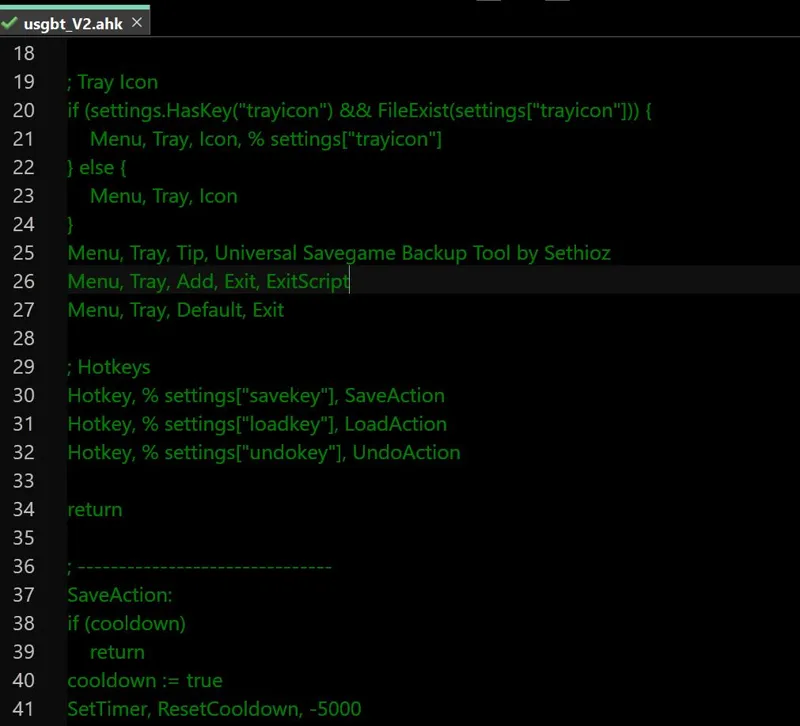
It supports multiple inputs and customizable hotkeys, it's written in AHK (AutoHotKey) and compiled into standalone .exe, this means you don't need AHK installed for it to work. There's no GUI, it only shows tray icon so you can easily exit it, otherwise there's no fancy loading bar or indicator other than tray icon.
I originally made it for deadzone: rogue game, as there's option to temporarily save, but save will be deleted after you load, with this tool you can easily backup and restore the save without having to leave the game, altho most likely you still have to restart game for it to see the refreshed save. Anyway it works for whatever situation you have, not just games. It can easily backup / restore any folder/s that you specify in settings.
USAGE:
Place USGBT.exe and settings.txt in same folder
Open settings.txt with notepad++ (highly recommended) or any other text editor
change paths to match your savegame or any other folder you want to backup (read below on how to edit correctly)
optionally adjust hotkeys, default is CTRL+F5 = Save, CTRL+F9 = Load and CTRL+F8 = Undo last action (if you accidentally press wrong thing).
optionally set custom tray icon path (only .ico formats are supported), if none, then default will be used.
Save settings.txt
Run USGBT.exe
optionally make a shortcut and place it in /startup/ if you want it to auto-start with windows.
Hotkey combinations can be found here: https://www.autohotkey.com/docs/v1/Hotkeys.htm as you can see in settings.txt ^ stands for CTRL, which is explained in the article. Refer to that article and set your own hotkeys, you can use modifiers like CTRL, SHIFT, ALT ..etc.
Path formats are as following:
save=
backup=
lastused=
save2=
backup2=
lastused2=
save3=
..etc, you get the point (and if you don't, then just look at included settings.txt and edit the paths to match yours). You MUST provide valid path or completely remove save2, backup2, lastused2 if you don't want multiple folders, but you MUST have save, backup and lastused paths or it won't work! Paths support spaces aswell. Best way is to use windows explorer to browse into the folder you want to save / backup and copy full path from URL bar. Save, backup and lastused paths can be different. For example you can use it to backup folders from C: to S: drive.
in order to SAVE, /save/ folder MUST exist or obviously it won't work as there's nothing to copy! When loading, then /backup/ folder MUST exist or it won't work. /lastused/ folder is created whenever using save or load, it's backup just in case you accidentally press something wrong.
Existing folders are OVERWRITTEN without a notice! There's no "hold my hand" mode, if you put wrong paths, you get wrong results, it's simple as that. My tool simply reads whatever is in the settings and acts based on that, there are no safeguards to prevent incompetent users from overwriting sensitive folders.
It works with ENTIRE folder, not its content. "save=H:\USGBTTEST\test" will backup entire /test/ folder + its content, when restoring / loading, then it will REPLACE entire /test/ folder with the one from /backup/. If you make mistake with path, it's your own fault.
There's no need to run it as admin, but if you're getting some permission issues, then try running it as admin and check that you don't have some other "security" that prevents it from reading/writing folders.
There's also 5 second delay between actions, just in case you press something twice by accident.
I have NOT tested it on massive folders, technically you can use it as backup tool for large folders, but i wouldn't suggest using it on large folders.
There's basic error logging, if there's something obviously wrong, it should create error.log, telling you what went wrong, for example if settings.txt is missing, it will make error.log with this entry "[2025-07-15 10:17:05] settings.txt not found." Log file is limited to 10mb max, then it will start overwriting oldest entries (untested).
did i forget something? probably .. if any issues, leave a comment or message me.
Comments (2)
Nice! Very nice work. Are you using any other framework to create the "settings.txt" file? I've seen programs that use these types of frameworks to check the .INI configurations, so was just curious.
settings.txt is just a text file, there's nothing to generate. in code, you use variables like "savepath=C:\mygame\save1", but instead of using a fixed variable, i use a "placeholder" aka dynamic path, which is defined in the settings.txt file. same with hotkeys, instead of putting a fixed hotkey in code, i put dynamic one that reads it from settings.txt it's the most basic thing in programming, same with %username% and %appdata% and such. instead of writing out specific username, you just replace it with a placeholder, so code will read the local instance and replaces %username% with actual username that it grabs from your PC, that's how almost all the programs know how to put files in your /users/ folders, even tho everyone has their own username.