
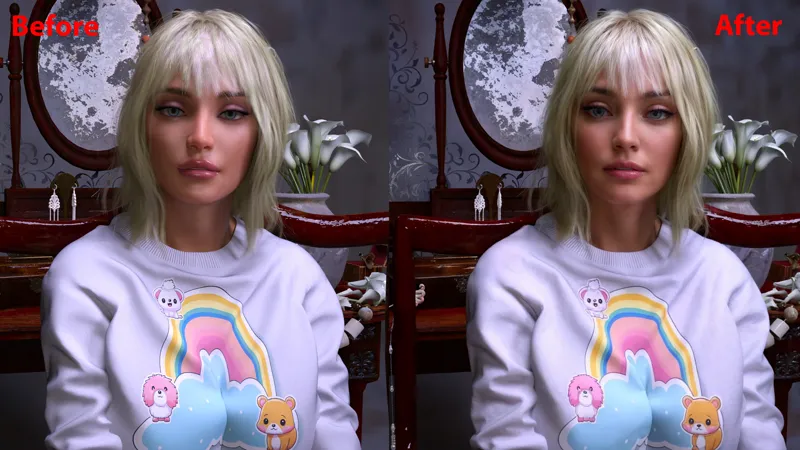
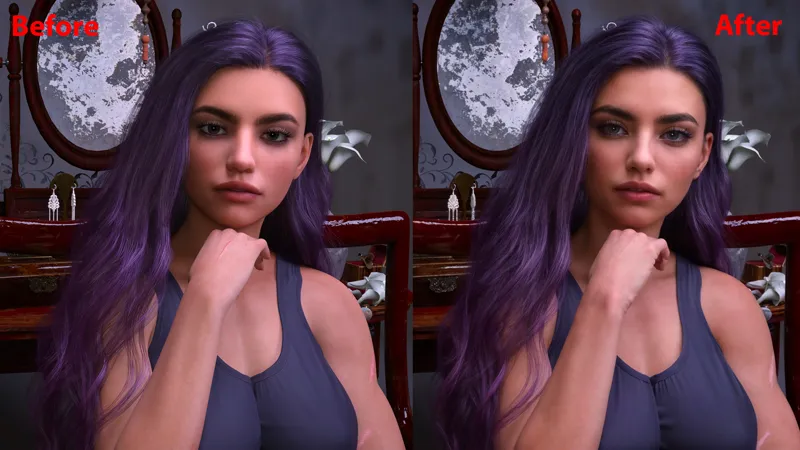
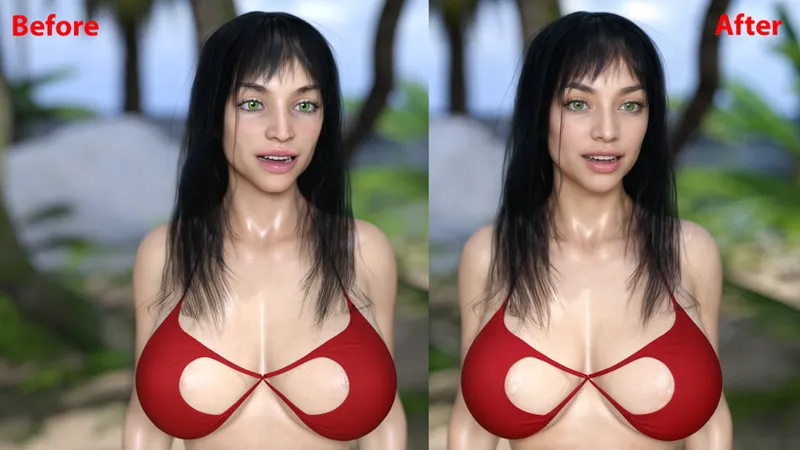
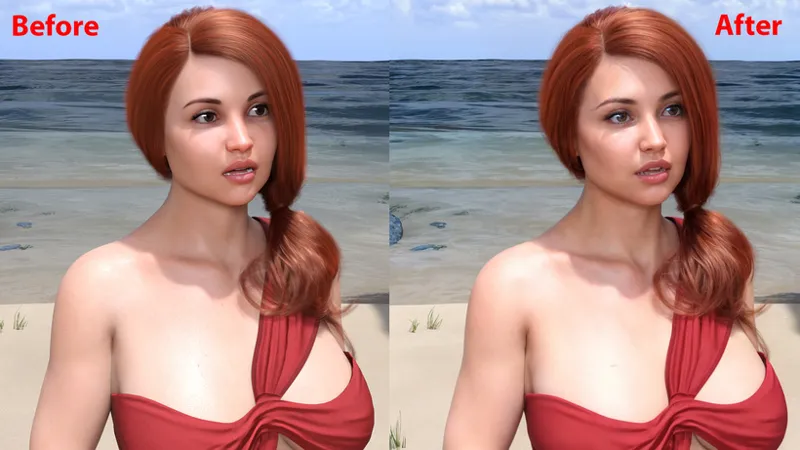
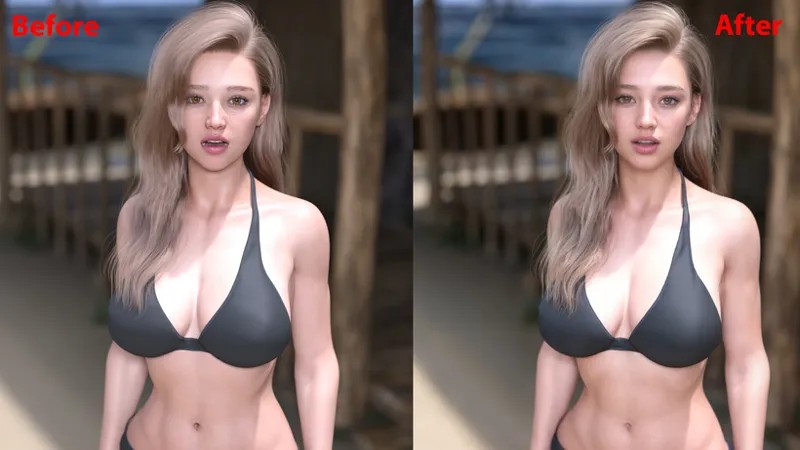
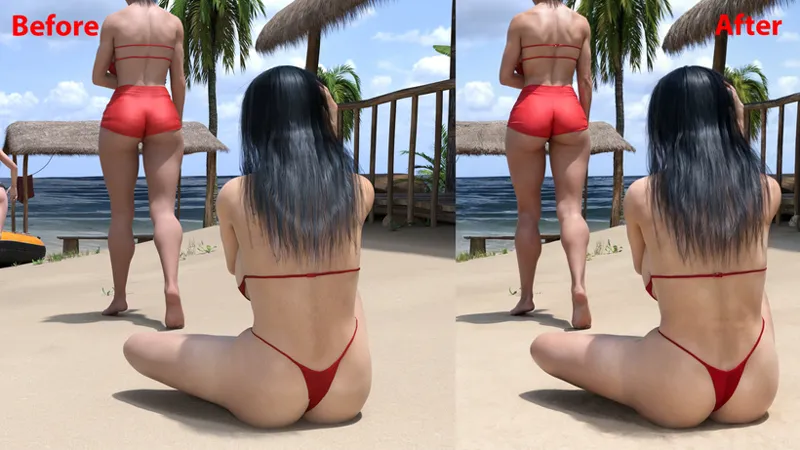
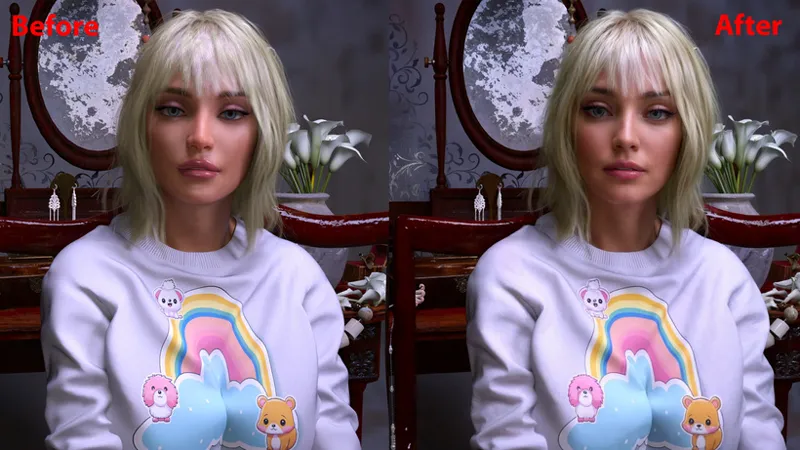
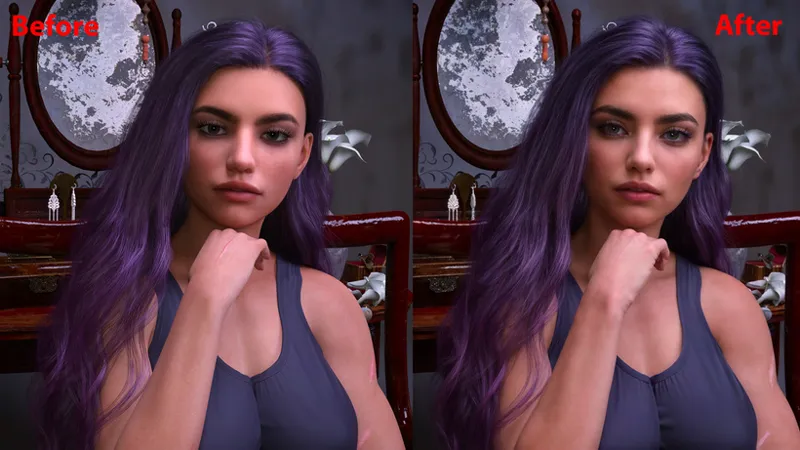
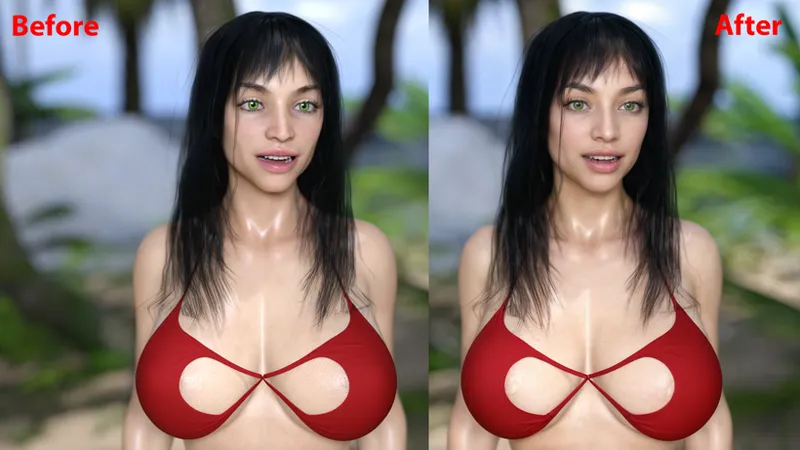
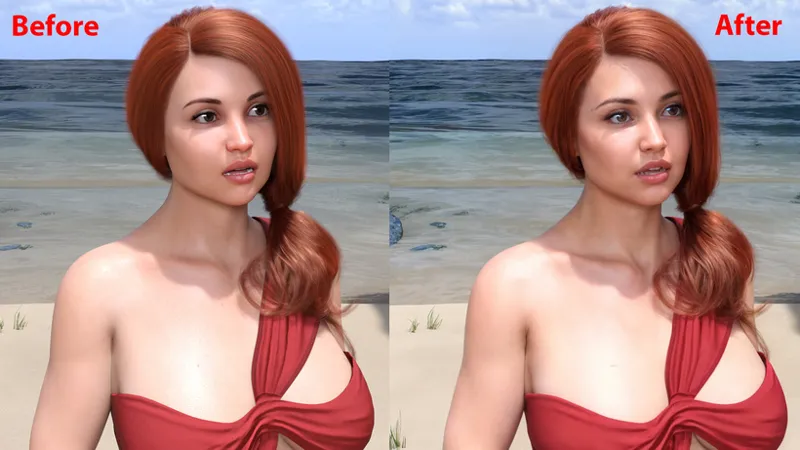
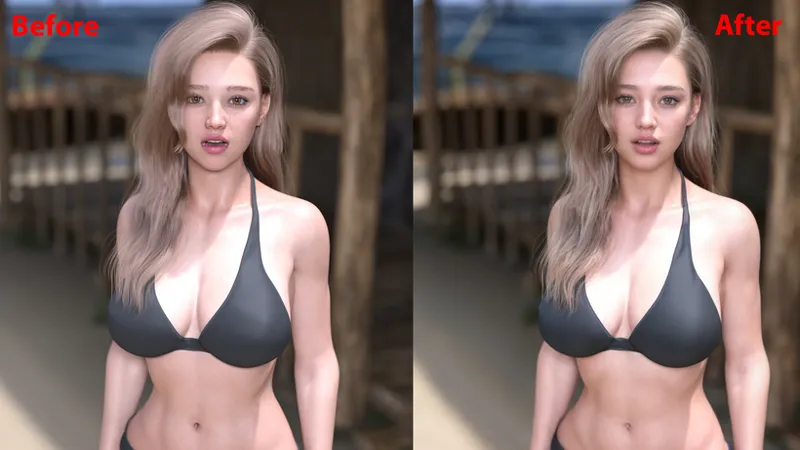
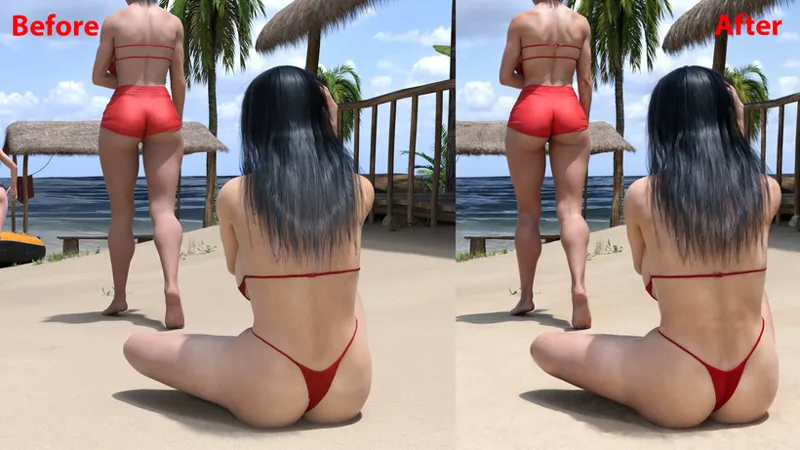
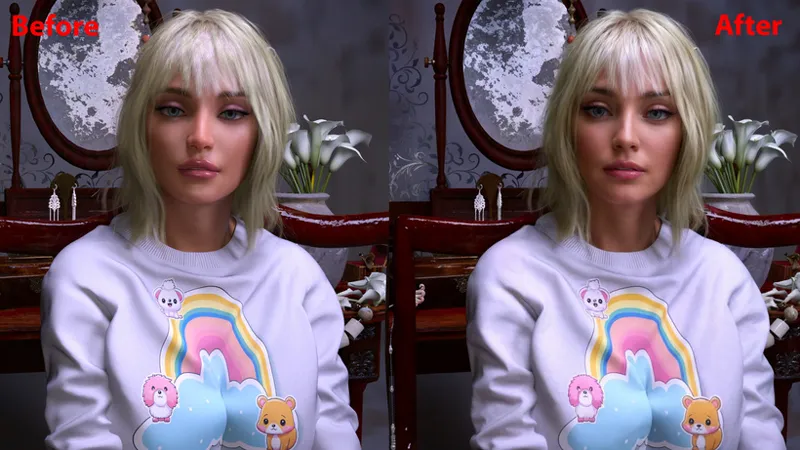
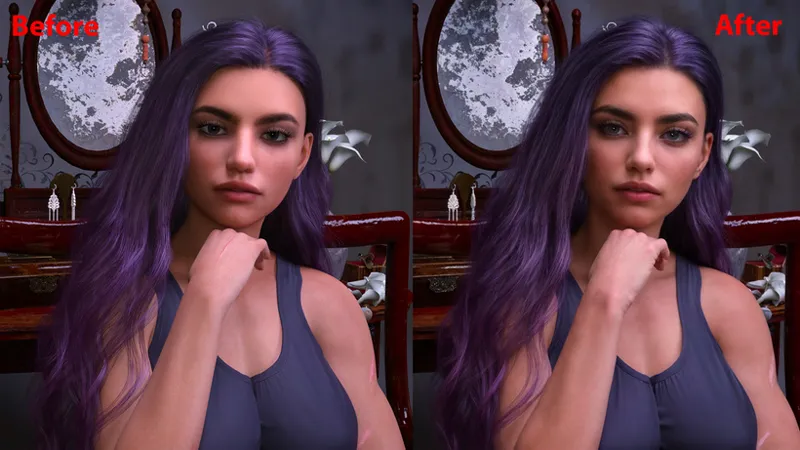
Examples of AI + Post work
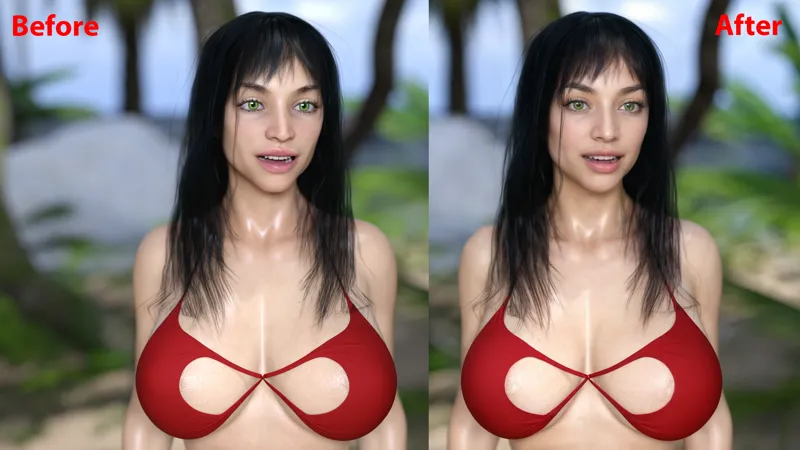
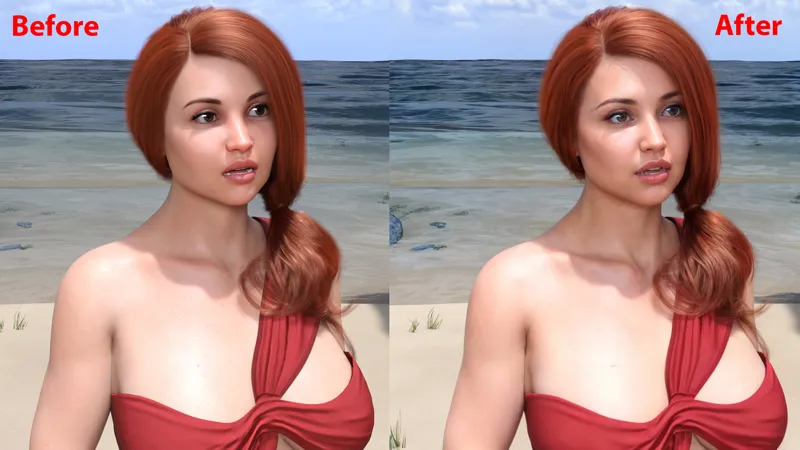
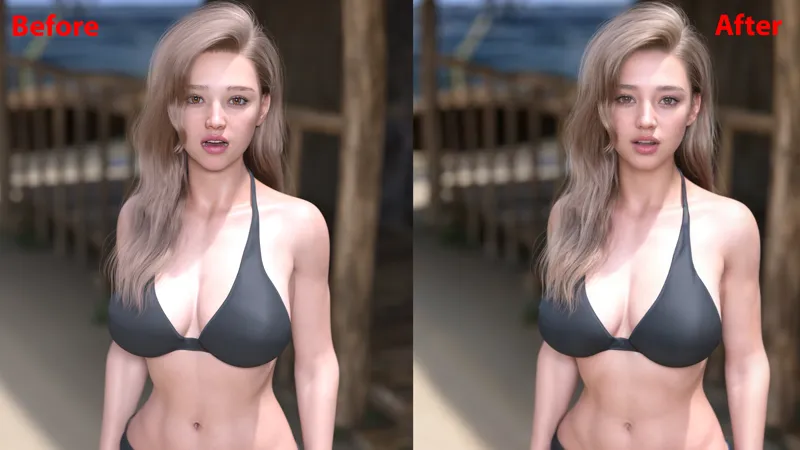
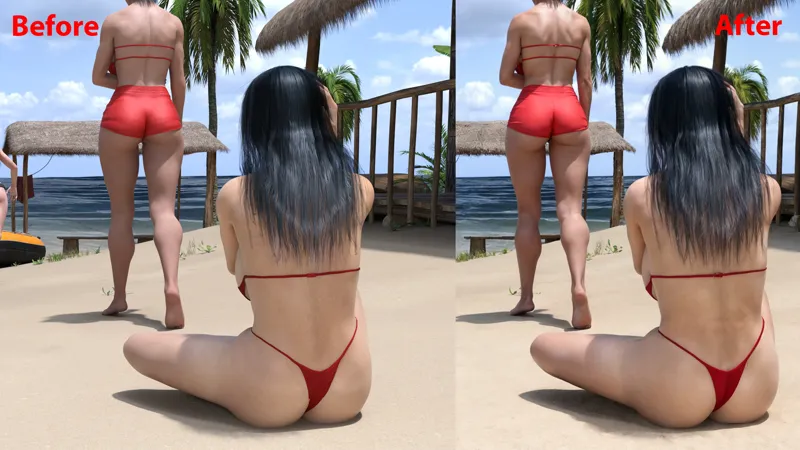
Hey everyone, I mentioned in a previous post that I'm going to try out a new way of improving image visuals by combining a "slight" AI with Photoshop post work. For now the process is in experimental mode, meaning that the new project will have an "Improved Visuals" version along with the normal version. If it turns out to be good and welcomed by the community it can move to a more "permanent" mode, but there is still work to be done to improve the process and it takes time to check if it's a viable process in the long run or not. The two demos coming later this week will have a normal and a improved version to test it out firsthand. Here are some examples :
Download link for the images : https://mega.nz/file/9MRXUAJZ#clq1CZjtPLpUGg491FhS9xbX0OeYdctLIh7okwGUIog
What do you think ?
Comments (9)
Amazing, very good work, more details in the pic, for example the hair, the eyes ( but the blonde imao i like the old amber eye color more, now more brown ) the red pants, the legs, the calves etc. etc.
AI all the waay!!
The improvements really bring more depth of the characters!
Looks very good! Will you share the procedure and what programs you used for the enhancenements?
I'm using the Leonardo AI and then doing a fixing job in photoshop and lightroom where needed.
the 'after' pictures do look better. If it is a real AI, maybe you can train it to assist you to enhance things the artist in you would do, to make this postwork step easier on you in the future?
I loved the outcome, looking forward to the demos.
Looking good so far. I Like that the ai Treatment still keeps the original concept but somehow makes IT more appealing/Natural due to lighting/texture enhancements
I agree 100%