
Introducing: Cherry Create | Anyone Can Make CC! (Sims 4)
🎨 Introducing Cherry Create — Anyone Can Make CC! (Windows Only Currently)
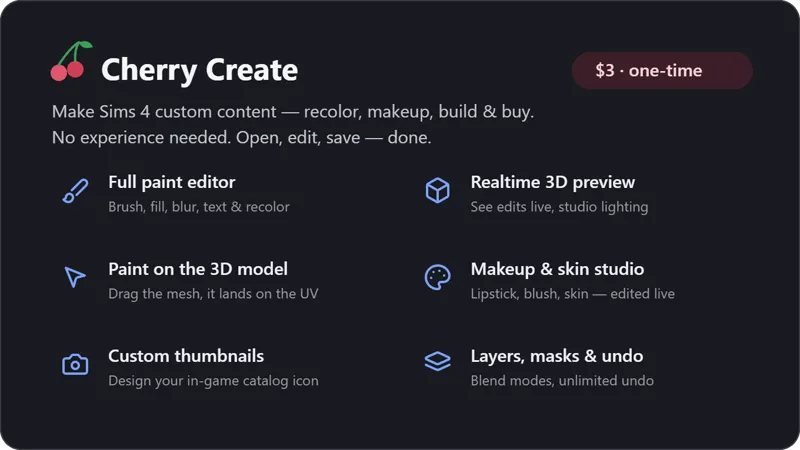
Hey everyone! I've been building something I'm so excited to finally show you: Cherry Create! A desktop app that makes creating Sims 4 custom content genuinely easy, even if you've never modded a single thing in your life.
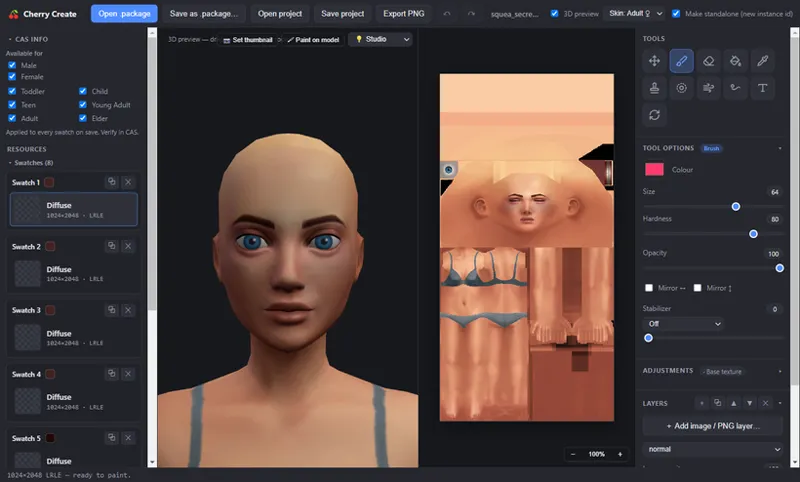
Think of all of your favorite CC creating programs, fused into one app, but designed so anyone can use it. Open a .package, edit it, save it. That's the whole workflow. No juggling five programs, no tutorials required.
✨ What it can do:
🖌️ A full layer-based editor — brushes, eraser, bucket fill, blur/smooth/smudge, text, stamps, and a smart Color Replace that recolors anything in one click while keeping all the folds and shading. Layers, blend modes, masks, adjustments, unlimited undo, everything you'd expect from a real paint program.
🧊 Realtime 3D preview — watch your edits appear on the actual model instantly, with studio lighting presets.
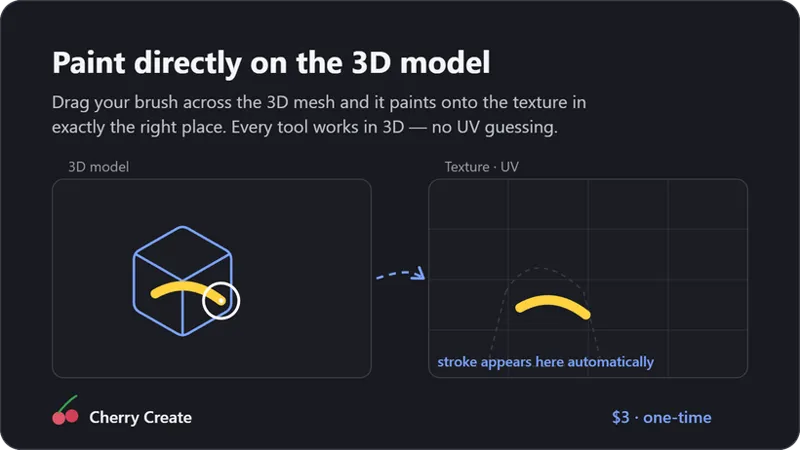
🖍️ Paint directly on the 3D model — yes, really. Drag on the mesh and it paints onto the texture in exactly the right spot. No more guessing where the UV lands.
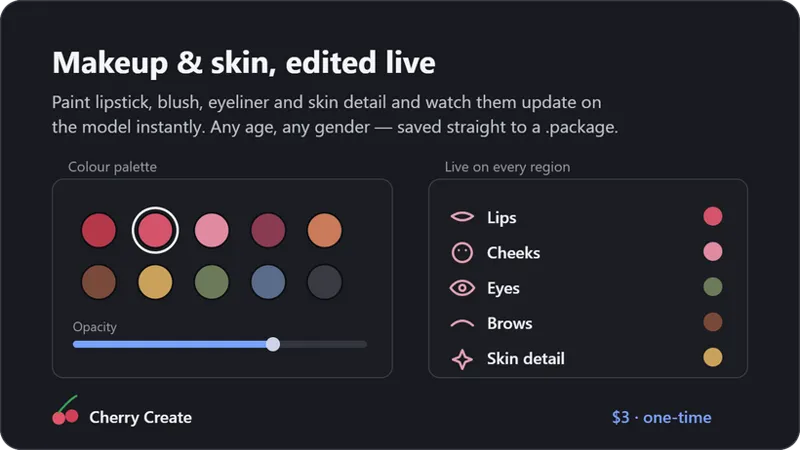
💄 Full makeup & skin support — lipstick, blush, eyeliner, skin details, and skin overlays, edited live on a 3D face & body, with base skin templates for every age.
🎭 Swatches done right — recolor, duplicate, and delete swatches for CAS and Build/Buy, with color chips and an eyedropper.
📸 Thumbnail Studio — design your CC's in-game catalog icon right from the 3D preview: background, lighting, even add text.
🏷️ Catalog control — set name/description/price for Build/Buy items and age/gender availability for CAS.
💾 Project files & PNG export — save your whole session and pick up later.
🎁 The best part: you don't need to understand a single technical thing. If you can use a coloring app, you can make CC. Open → edit → save → done. 💙
Your support is what makes this possible thank you for being here. :) More coming soon: gradient tools, masks UI, auto-recolor variants, and lots more! If you have any questions, troubleshooting or ideas, PLEASE message me for support!