
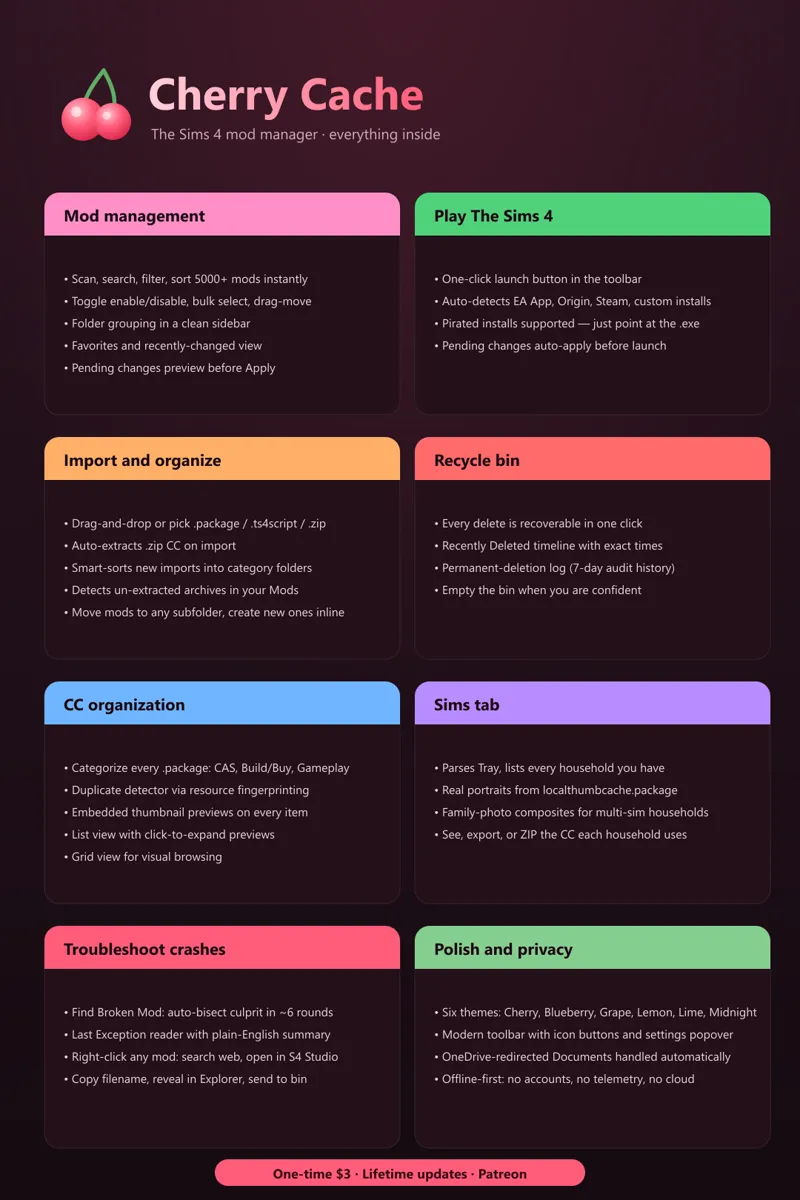
Cherry Cache | Master Post
I needed a post to organize all of the features that I can reference and so that users can see all of the updates + goodies without having to dig through update posts.
Mod management
Scan your entire Mods folder in seconds, with live counts and total size
Toggle any mod enabled or disabled with one click. Disabled mods move to a sibling folder the game doesn't scan, so they stay safe and reversible
Bulk select with Shift-click, then enable, disable, move, or delete in batches
Folder grouping in a clean sidebar that mirrors your Mods folder layout
Search by filename, filter by enabled/disabled status, by .package vs script, by content category
Pending changes preview, so you can see exactly what will be moved before hitting Apply
Favorite any mod with a star, browse only your favorites with one click
Sort by name (A to Z) or by date modified (most recently changed first)
Importing and organizing
Import button: pick .package, .ts4script, or .zip files
Drag and drop right into the window
.zip files auto-extract on import, contents land in the right place
Smart import sorting: drop a hair mod, it goes in your Hair folder. Three modes, your choice: Off, Auto, or Ask-each-time
A detector banner for un-extracted .zip/.rar/.7z files that are already sitting in your Mods folder, with one-click extract
Open your Mods folder or disabled-mods folder in Explorer anytime
Move mods to any existing subfolder, or create new ones inline
Troubleshooting crashes
Find Broken Mod: an auto-bisect tool that systematically narrows down which mod is breaking your game. It toggles halves of your library at a time and asks you to test in-game. Catches the culprit in about 6 rounds instead of an afternoon of guessing
Last Exception reader: pulls open the most recent crash log from your Sims 4 folder and shows you what blew up, in plain English
Custom content organization
CC Analysis: every .package gets categorized as CAS, Build/Buy, Gameplay, or Other
Duplicate detector that finds identical CC files even when their filenames differ, using resource fingerprinting
Embedded thumbnail extraction, so every CC item shows its real preview image
List view with click-to-expand big preview
Grid view with thumbnails for browsing visually
The Sims tab
Parses your Tray folder and lists every household you've saved or imported from the gallery
Real portraits pulled from your localthumbcache.package, the same JPEGs the game uses
Multi-sim households get a family-photo composite generated automatically
For any household, see exactly which CC items they use
Export the CC list as plain text or formatted HTML
Export the actual CC files as a ZIP bundle for sharing or backup
Right-click any mod
Search the web for this mod
Show in Explorer
Copy filename
Open in Sims 4 Studio (auto-locates S4S on your machine, no setup needed)
Move to a different subfolder
Send to Recycle Bin
Recycle Bin
Anything you delete inside Cherry Cache goes here first, never lose a mod to a mis-click
Restore individual items or whole sessions with one click
Recently Deleted timeline: see what you removed in the last 7 days, with the exact time and folder
Permanent-deletion log: 7-day audit trail of files you confirmed gone forever
Empty the bin manually when you're sure
Play The Sims 4
One-click Play Sims 4 button right at the top of the app
Auto-detects your install. EA App, Origin, Steam, custom paths, pirated, all of it. If your setup is unusual, you pick the .exe once and Cherry Cache remembers
Auto-applies any pending mod changes before launching the game, so the state you see in Cherry Cache is the state you actually play with
Polish and privacy
Six themes: Cherry, Blueberry, Grape, Lemon, Lime, Midnight (full dark variant)
Modern toolbar with icon-only utility buttons and a consolidated Settings popover
OneDrive-redirected Documents handled automatically
Tray folder detected independently of Mods folder, so unusual installs still work
Offline-first. No accounts, no telemetry, no cloud. Your files stay yours.
Cost One-time $3 on Patreon. Every future version included.