Mod: Xhallie Custom Wrench Icon Update (+10 new versions)
Updates:
2024 March 20th - Updated for patch 1.105.345.1020. Please re-download your main CC wrench (not the swatch ones).
2024 January 14th - Updated for patch 1.103.250.1020. Please re-download your main CC wrench (not the swatch ones). Orange CC wrench added.
2023 June 2nd - Updated for patch 1.98.127.1030. You need to re-download your main CC wrench AND your swatch icon (No Swatch Icon or Swatch Icon) for this update.
2023 March 19th - Updated for patch 1.96.365.1030. Please re-download your main CC wrench (not the swatch ones). Rheall has returned! Grab the updated Minimalist version from their page.
2023 March 5th - Uploaded an updated version of Rheall's wrench for those who requested it until Rheall returns. The file name is now different (so delete the old one, do not try to replace) AND the main wrench and swatch wrench are separated, to allow people to customize and to keep my current workspace setup on my end.
Note: It seems there's other broken wrench mods out there still, but I'm not sure I'll update any others unless there's multiple requests like the Rheall version. If I do, they will not be updated until after the infant patch that's coming on the 14th as that is very likely going to break the wrenches again.2023 February 1st - Updated for patch 1.95.207.1030. Please re-download your main CC wrench (not the swatch ones).
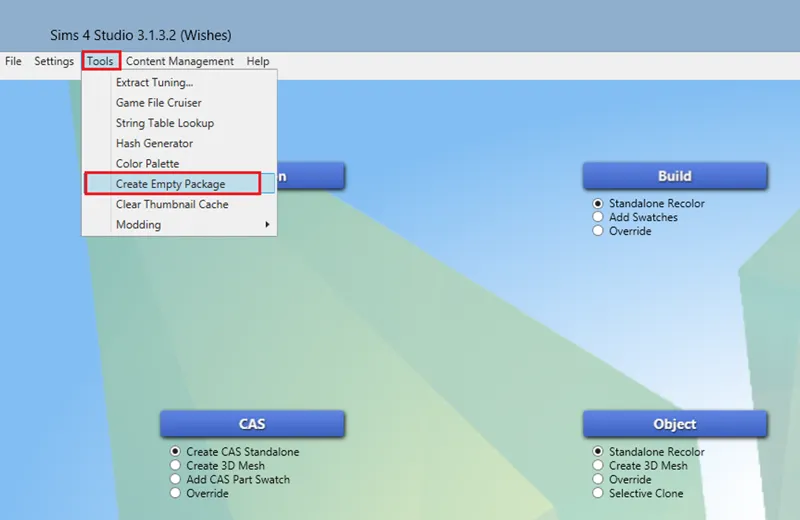
If you want to create your own CC wrench, follow my tutorial.
Hey guys! Here is the update for Xhallie’s Custom Wrench Icon mod. I got permission to update it a few weeks ago but got wrapped up in another big project, so this is a bit later than expected. I’m glad to finally get this done though, and I had fun making it as I learned new things!
The different options are:
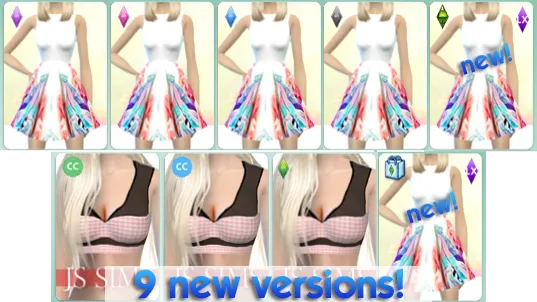
I made the original + 9 new versions for you to choose from:
Original Grey CC Icon from Xhallie
Green CC Icon
Blue CC Icon
Orange CC Icon (new!)
Green Plumbob Icon
Blue Plumbob Icon
Black Plumbob Icon
Pink Plumbob Icon
Purple Plumbob Icon
The Sims Medieval Plumbob Icon
Sims 3 Store Icon
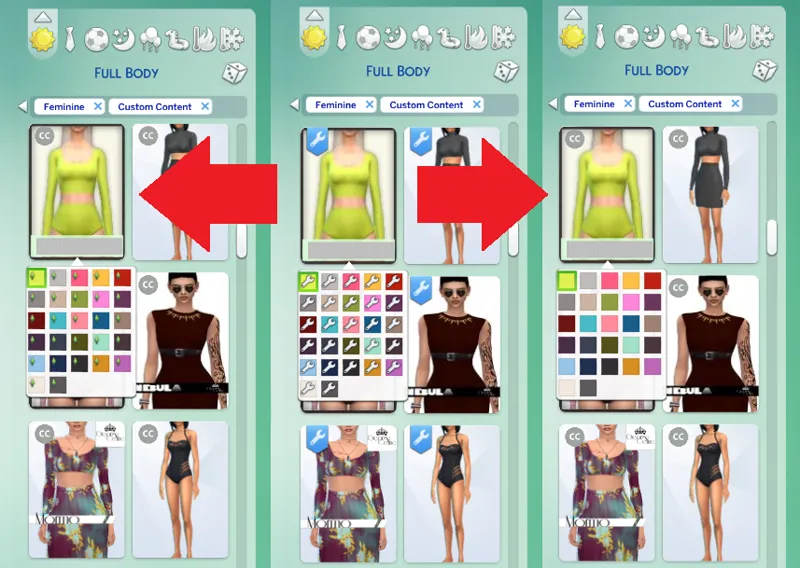
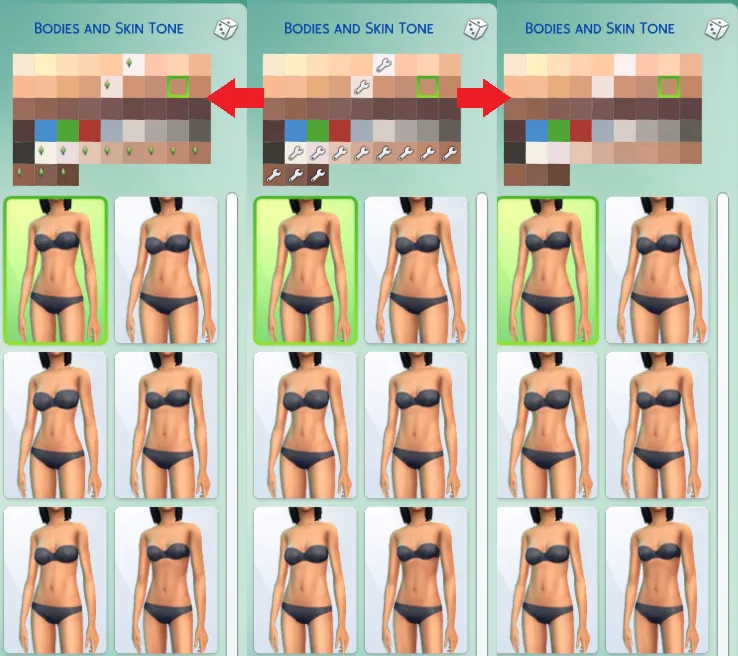
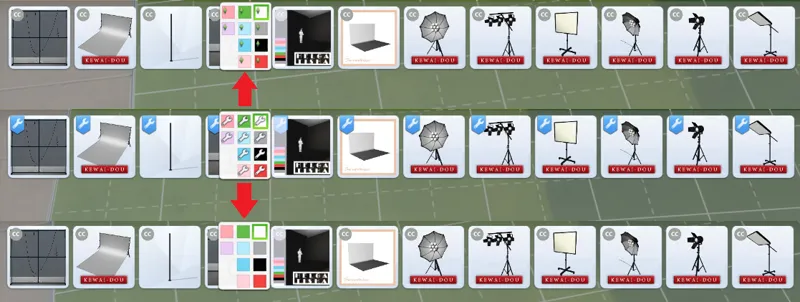
And then you have another optional file to choose from, No Swatch Icon or (Plumbob) Swatch Icon. No Swatch means that the swatches match EA's genetic swatches, so there are no wrench icons to show that they are CC. The (Plumbob) Swatch Icon is a tiny plumbob on the genetic swatches to indicate they are CC colors, which you can see in the examples. As for the new versions, I simply recolored the original grey icon into Sims colors, and the plumbob icon was my idea as I wanted to add something else that was a bit more Maxis Match. As of now I am no longer taking requests or making new colors/options, and instead will be releasing a tutorial so people can make their own.
You now download 2 files (that can be merged if you want, they won't break): 1) your wrench icon color/style of choice, 2) a swatch or no swatch for genetic details. Remember to always clear your localthumbcache when adding new mods or CC to ensure the mods/CC work properly.