
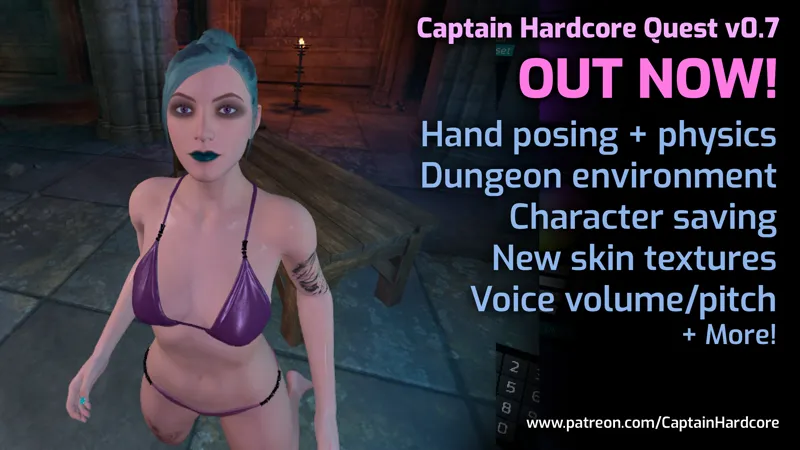

Captain Hardcore Quest update 0.7 now available! Hand posing and physics, Dungeon environment, Character saving, New skin textures, Voice volume/pitch controls and more!
Hey everyone! Quest standalone version 0.7 is now available! 👽
This is a big update with new skin textures, character saving, a new dungeon environment, hand posing and physics and lots more improvements and bug fixes.
There's also a new discord channel for sharing quest characters.
Thank you all for the amazing support! 👽
Here's the full change list:
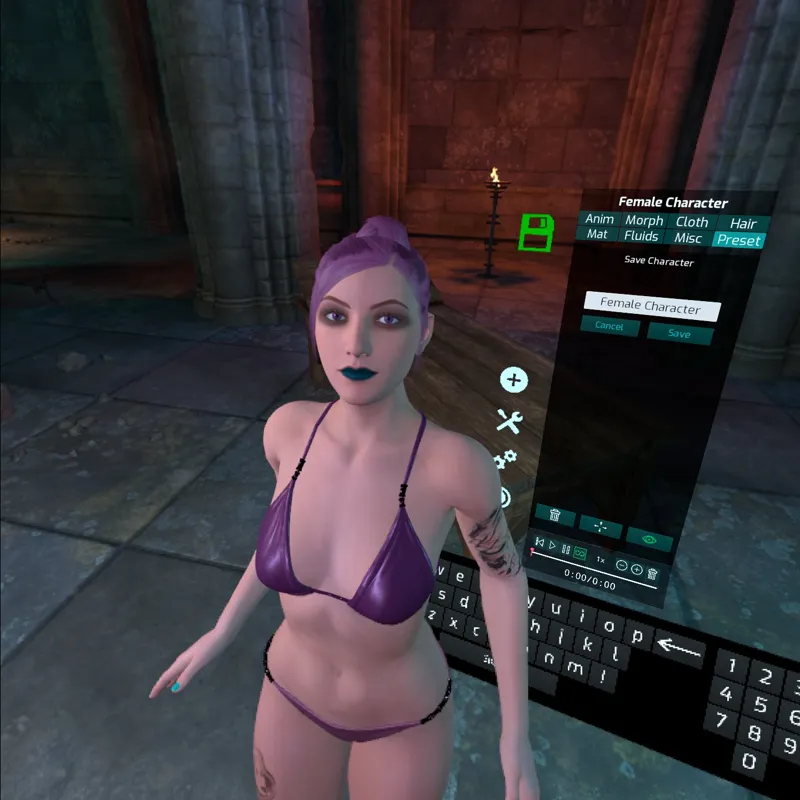
NEW: Save and load character presets. These are stored in the UE4Game\FluidGame\FluidGame\Characters folder and can be shared.
NEW: Filter characters by male/female.
NEW: Sort Characters by name/new/old.
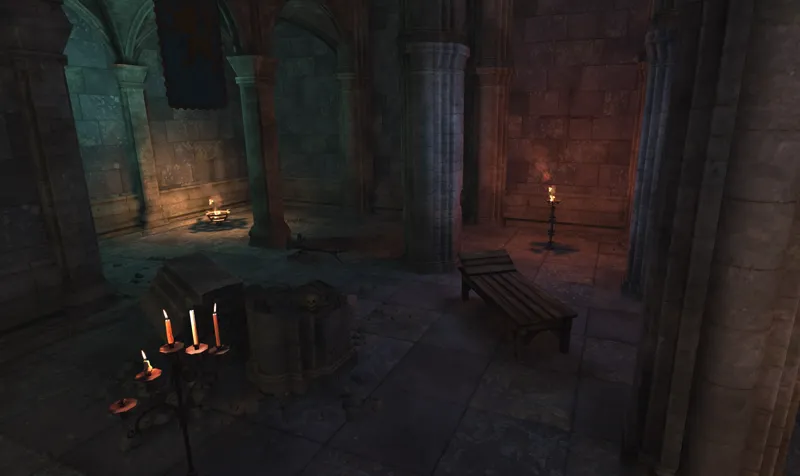
NEW: Dungeon environment.
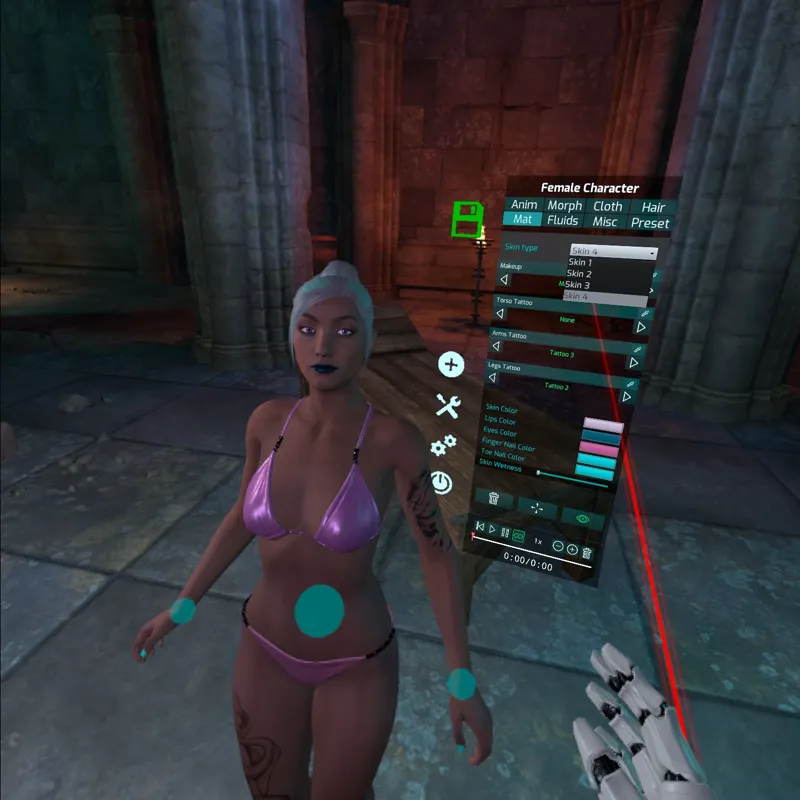
NEW: 3 new character textures ported from the PC version.
NEW: Character hands now have selectable poses like grasp, one finger, two fingers etc. There's a slider to control the strength of the pose for each hand.
NEW: Accurate hand collision and physics for characters. They can now use their hands to interact with toys and other characters bodies, including genitals and mouths. This opens up lots of new possibilities when creating scenes! There's an option to enable/disable this per character so you can save the extra CPU load if it's not being used.
NEW: Voice pitch and volume sliders.
NEW: "None" preset animation. Use this instead of the default idle animation to help keep things aligned while posing.
Improved: Greatly optimised asset loading and memory usage. This is important is it frees up space for new features to be added later without bogging the game down.
Improved: Game now loads a lot faster.
Improved: Added LODs to all furniture for improved performance.
Improved: Scene and character file extensions are now .qchs and .qchc so it's easier to tell PC and Quest saves apart. Quest scenes and characters are not compatible with the PC version.
Improved: When adjusting a morph the numerical value is displayed.
Fixed: Game stuttering/textures popping when loading a new environment.
Fixed: Male characters shouldn't have the "open pussy" setting.
Fixed: Creating a new scene in the darkness level after being in the space ship makes the character hover 1m off the floor.
Fixed: Minor teleport/navmesh issues.
Fixed: Light radius not saving.
Fixed: Stomach depth slider not working.
Fixed: Giant mode not saving.
Fixed: Preset animation list UI layout.
Comments (35)
now we need some voice work put in
hello i need . Help. I don't have a pc. I only have a tablet and an Android mobile phone... Is it possible to install it via Android? I'm so excited I've already booked the stage captain....
Ahh thanks
so how do get to the new environments?
When you are in the game, press B for the menu and then click on the green load/save icon on the left. Then you can click New, and select an environment.
Beautiful work
Definitely need to add some voice interaction. Wood be nice if we could write a script and have the character "text to voice" it . Or allow us to play audio files in the game. The are some great sexy audio files on Reddit!
Will there be an update on the 0.7 client to address the v39 issues or will it all be debugged/fixed on the next big release (ie 0.8) in the future?
Update to 0.7.1 (file download link in discord #support)
This is really the best app of it's kind. That said here's my wishlist: - More models - Mouth control - GPT3 talking interactions (like replika.ai)
Works Perfect the update patch 0.7.1 obb on V0.39 Thanks! ( Funciona perfecto el nuevo parche de actualización 0.7.1 y el obb en el V0.39 Gracias! )
My app won’t work I’m using the quest and I installed everything correctly but it’s not opening for me
Hi, there has been an issue with a Quest firmware update. For now you can launch with SideQuest. Use SideQuest to launch the game: After connecting your headset to your PC click on the currently installed apps icon on the top right hand corner (9 squares in a square). Click the gear icon next to com.AntiZeroGames.CH, then click Launch APP.
Hoping for: 1. Customisation for the male doll - need to be able to turn him into a fat and old perv lol 2. More hairdo 3. More clothing 4. BDSM toys 5. Posing via elbow joint and knee joint in addition to wrist and feet. Oh and neck pls. This is lots of fun, thanks for the hard work!
If you can add a optional function that can make girls hold user's neck (VR device), or French kiss automatically when user approaches girls in a certain distance, that would be great!
I was able to launch the app from the quest, now I can't . Please help
Hi, there has been a few issues on the Quest since the V39 update launched. For now you can use SideQuest to launch the game. After connecting your headset to your PC click on the currently installed apps icon on the top right hand corner (9 squares in a square). Click the gear icon next to com.AntiZeroGames.CH, then click Launch APP.
Why no ballgag for oculus yet??? But nonetheless, AMAZING job thus far 👏 🙌 👌
Mayday! Mayday! My game crashed while Oculus version updated to v39. Then I cannot run it even after re-installing it several times. Please let know how to solve the problem.
Hi, there seems to be some reports of this with v39. Try to use SideQuest to launch the game. After connecting your headset to your PC, click on the currently installed apps icon on the top right hand corner (9 squares in a square). Click the gear icon next to com.AntiZeroGames.CH, then click Launch APP.
Just wanted to say you're doing amazing work, and I'm very glad to be supporting you!
Add clothes to the game please
Hi, I am trying to figure out each setting meaning through playing them. In Anim, the "Hand Pysics" selection is bothering me. I can't figure out what 's the selection for. Pls kindly let know. Thanks.
Hi, when "Hand Physics" is checked, it allows the hand to react to objects touching the hand, i.e. if the hand is in grasp mode, then it will have collision and react to anything inserted into its grasp.
So amazing! Great update!!
You should make a form so we can share models
+1 to this please (I think OP meant forum btw) -- would love for a community site for us to share our characters.
Is there a way to launch the app from the quest alone? Or do I have to launch it from my computer in side quest every time?
go to your games, and press the “sort by” and it should be at the bottom, called miscellaneous or something like that
Thanks for the update! Maybe add body hair in the next? And have it adjustable
Thanks for making such solid progress! In the next release could you please add the ability to increase the overall size of the characters head? You can customize so much, but all my characters look kind of similar. Also, more hair styles would go a really long way!!!
The finger physics are a game changer love the new skins as well.
Hit the save button the pick new
how do i change environment
Hi, bring up the menu in the game (B button), click on the green load/save icon on the left of the menu, then click new.