
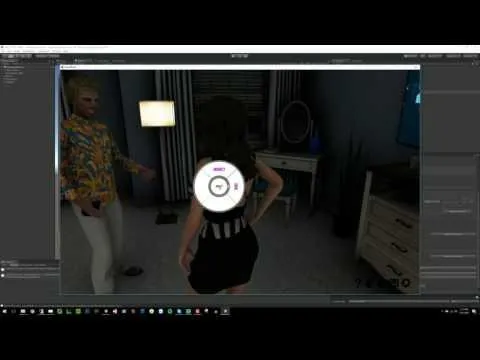
House Party Custom Story Creator Walkthrough
Hey guys!
House Party 0.4.2.0 drops tomorrow to $25.00+ supporters, and it supports loading and playing stories created with the House Party Story Creator!
Check out this video showing you how easy it is to get started with the Story Creator!
Comments (4)
Works fine! Tried a few things. Its fun to put Music Speakers on Peoples heads :) ^^
Doesn't work. Not only doeas the whole interface look different from that in the Video, whenever I apply my new story to the game, it shows my new story name. I klivk it and start the game, and it just shows the default story. nothings different.
What do you mean when you say it looks different from the video? You may need an updated version of the Story Editor. I would re-download both House Party, and the Story Creator because there have been re-deploys from when I first posted them, and then follow the instructions here to get you started: <a href="http://games.eekllc.com/index.php/house-party-custom-story-submission-instructions/" rel="nofollow noopener" target="_blank">http://games.eekllc.com/index.php/house-party-custom-story-submission-instructions/</a> Then pick up where the video starts up.
Thanks a lot, this will be so much fun.