
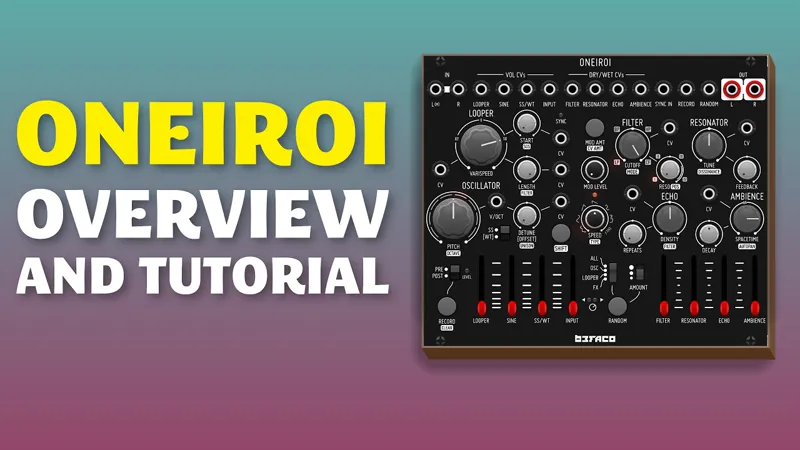
Patches from Oneiroi video
Hi all!
Here are the patches from this video about Oneiroi. Other than Oneiroi, which is commercial, I used only free modules.
Thanks again!
Comments (5)
I happened to come across videos of Oneiroi on Befaco's YouTube playlist. Wow, an incredible piece. Thank you for your contribution with the many possible applications. With regard to “GAS”, I wonder whether it would be possible to put Oneiroi together to some extent with my existing Eurorack modules. What would be the minimum requirements?
Do you mean what other modules you will need? It's pretty self contained, so you can even use it on its own.
Thx Omri ! I bought it ! it's a "war machine" ! ;-)
Normally I build along with your videos, it seems I learn more that way. I can usually guess the settings you aren't explicit about from context, but now one has beat me and I can't figure it out. In creating the KICK/HATS portion of the FX patch, I could not get Muxslicer to run when the clock was started, and when I reset it, it would run once then stop, rather than looping. So I copied the settings from the Muxslicer in your downloadable copy of the patch and compared it to how mine was set up. Everything was the same except for the following: Yours from the d/l patch- ], "data": { "modeCOMIO": 1, "quadraticGatesOnly": false, "allInNormalVoltage": 10, "mainClockMultDiv": 1, "outputClockMultDiv": 1, "playState": 2, "outputClockFollowsPlayMode": false } Mine- ], "data": { "modeCOMIO": 1, "quadraticGatesOnly": false, "allInNormalVoltage": 10, "mainClockMultDiv": 1, "outputClockMultDiv": 1, "playState": 0, "outputClockFollowsPlayMode": false } Note that 'playState' is different. When I changed that on my copy of the patch by pasting in yours, the drums began to work! My question? How do I change that 'playState' from the context menu of the Muxslicer? I cannot find it...
Hi! Muxlicer work with the Play Switch. If you flick it upward, it will loop, if you flick it downward, it will play a one shot sequence.