

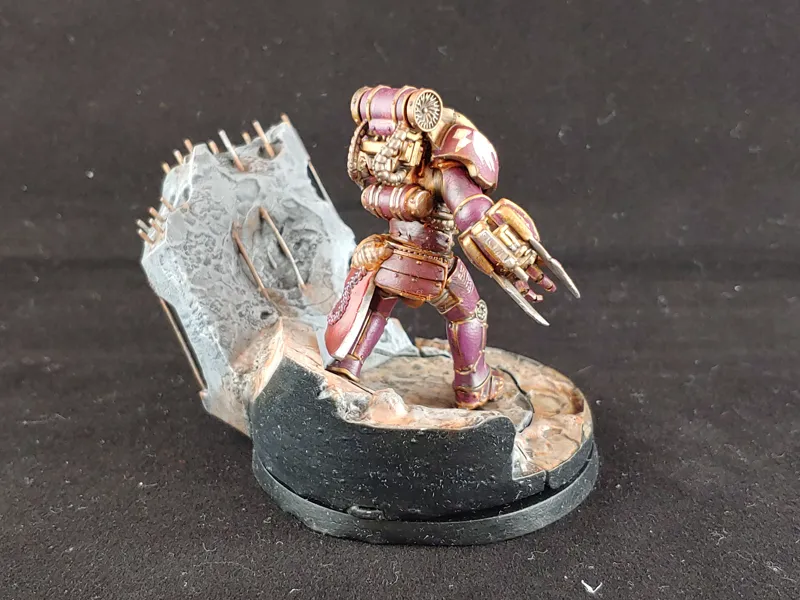
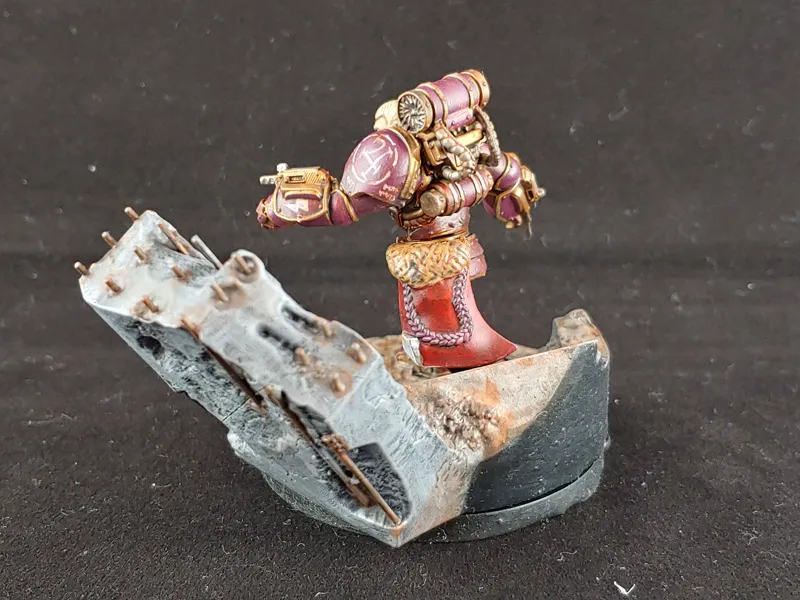
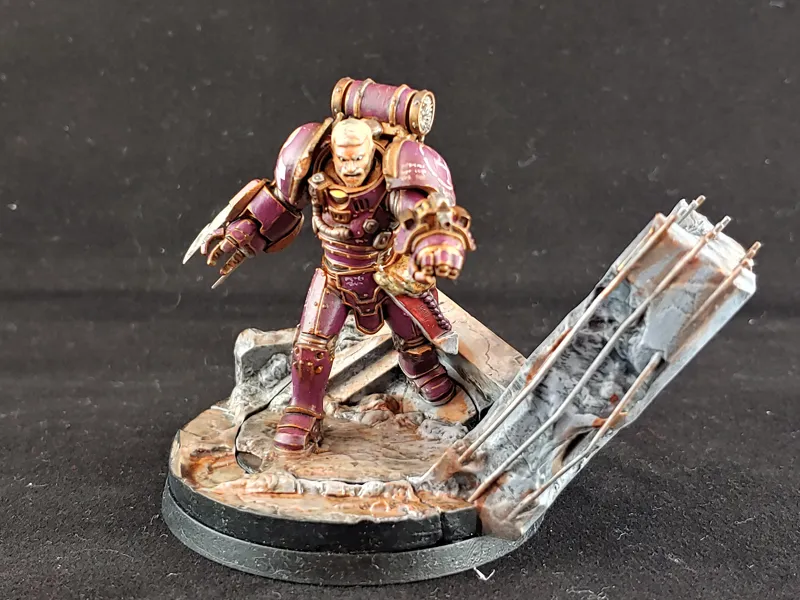
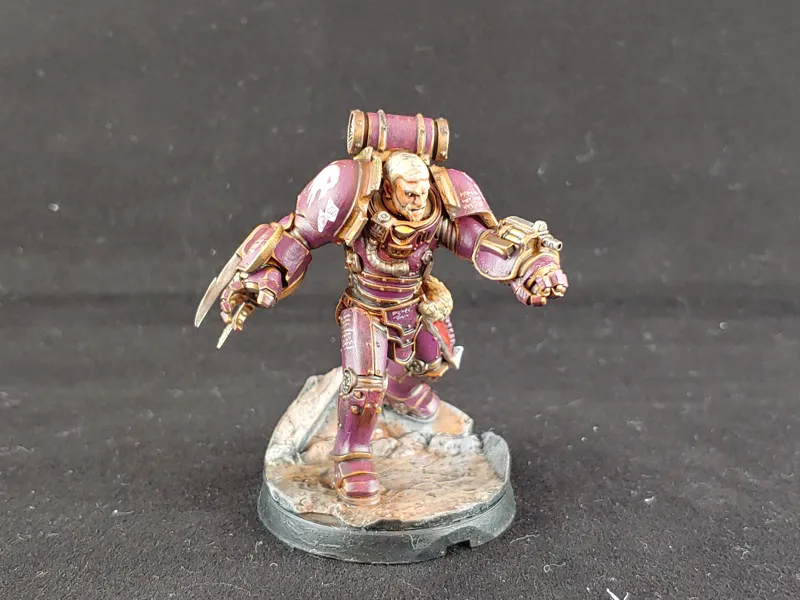
Otto - New Welcome pack Model
Hi all!
Part 2 is upon us and I think we're just about ready for the site launch :)
Otto Is being added to the welcome pack, and All goes well I'll be adding the rest of the welcome pack to our site In the next two weeks.
So, head over and grab your self a Tempest Lord general. Be sure to let us know in the comments if everything works / doesn't work.
If you run into any issues, be sure to list your browser and browser version.
https://www.comicsgamesandthings.com/partner/the-makers-cult/
https://www.comicsgamesandthings.com/packs/campaign/makers-cult/8
Comments (28)
Should this still work now?
Right now the site is down for maintenance, as we'r making some last minute changes before the part 2 release. Once the site is back up, it should still be available to all members.
Newbie here..... how do I get Otto???
Hello and welcome! Go to the link above and hit "log in". When prompted, link your patreon account, and the model will be visible on the "downloads" page.
I have just tried to get Otto with Chrome on a Windows 10 machine and it hung up at 0%
I'm on Safari 13.1.2, it let me click the Download all, and both counters went to 100% but I never received a download prompt, nor did it actually download.
As many above I simply can not get Otto to download correct. I’m using google chrome. I’m same as Craig above. Also is Otto not in the welcome folder? I look yesterday and he wasn’t there that’s why I tried the download website
He will end up in the welcome folder at some point, but we need test models for the site.
"download started - 100%" for files 1-5. Otto.zip says "done" and supported.zip says "checking". not once has it prompted a download, and nothing in downloads folder. Firefox 78.0.2. I'll try again in the morning.
At some point it should prompt you to download after it finishes "checking" and goes to "compressing", but it may take a while.
I'm not getting anything downloaded on Chrome, I'm trying to download just the supported version, but other things didn't work either.
Ward, does the button say anything like "checking" or "compressing?" If so, just give it some time and it should eventually finish. If it doesn't open developer tools and look for console errors. Thanks!
I'm Getting no resppnse from the download buttons on Firefox 78.0.2 either, also i agree with Matt L's comments above, things will get out of hand and hella disorganised in short order, however i do appreciate that this is a WIP framework
Thomas, does the button say anything like "checking" or "compressing?" If so, just give it some time and it should eventually finish. If it doesn't open developer tools and look for console errors. I appreciate your understanding that its still WIP, and a lot of Matt's suggestions are coming down the line. If you have any other suggestions please let me know.
Doesn't seem to download on Firefox 78.0.2. Slows the browser right down, and gets a warning asking if you want to close it. After a while it does pop up the save dialogue box. If I didn't see the comment above that it worked on 78.0.2 I would have switched browsers. Sorry but this is a hot mess.
I'm currently re-writing the download engine, as it definitely slows the browser down a lot which is a big user experience issue.
Some thoughts/feedback, no technical problems. It's worth saying 'out-loud' that I'm writing this feedback as constructive criticism, not complaining. CGT interface is basic, that's ok for a starting point, but I really hope the interface improves overall. Otto files : 7 different files I could download for Otto, the list of files for this one guy takes up ~20% of the page height. None of these are terribly descriptive "Otto1-5.jpg". I can live with and manage poor filenames, but I would encourage you to do some organization per-model here. "Otto Printed & Painted Pics" as a single zip, or just include the pics in the Support/Unsupported zips. If you are imagining that people just want to hit > Download All, then perhaps hiding the list of files unless I choose to expand them would be helpful to keep the page cleaner. Organization of Downloads - When I come back to this CGT download page in 6, 8, 12 months, will I remember what Otto is? What faction? What he looks like? How big of a mess will this list be? It would probably be helpful to organize the downloads into factions and add a preview/thumbnail somewhere around the title.
Thank you for your feedback. We're definitely working on improving the interface but there are other things that we are more of a focus. As we work on the interface, we'll see a gallery with those images, and they can be included in the zips as well instead of the list. We realize the file list can easily get out of hand and are likely going to add a scroll bar to that area to keep the size down, and/or add minimizing folders. The downloads list is also filling up fast as I add more partners. We'll be adding folders similar to the shop there soon.
Download worked okay. However, two points of feedback. Firstly, I selected the "Download All" option and your technique of downloading everything into the browser saw the memory usage for the CGT tab peak at 1.4GB. Any larger sets of files could cause some serious memory issues. Secondly, I hope you're planning on changing the Downloads page from just a list - that's getting longer ... and longer - to something more manageable. (Windows 10, Chrome v84)
Thank you, we are a bit worried about the memory usage as well and are looking into ways to optimize the downloads. We're also planning on cleaning up the downloads page
The page lists all the files of every patreon i'm on that uses that site, all together, without distinctions. After a bit i think it will get a bit messy
Thanks for the feedback! Filters for the download page are on the to-do list, but in the meantime you can also find downloads in the store pages.
I’m not to sure about the website login. I have used my patron login details and that’s fine it then goes on to ask to 1. View my email address 2. View public info about me 3. View pledge info about your pateons 4. View your public profile. 1,2 and 4 I don’t see an issue with but the way 3 is described it looks like your letting them look at ALL my patreon pledges and that I’m not happy about. I could be wrong here but if I’m not the why must this site see who I’m pledging to.
The site uses patreon built in API. The site is just a gateway from patreon to the downloads, no private information is accessible by us, dont worry. On our side we only know the months you have been subscribing to Makers Cult.
I can't get the supported file to download on my phone, apart from that seems fine just a little slow
I think you click Patreon and use your login details there
I’ve got slow brain... did we get login details or do we have to sign up for the website
Pardon my language, but Daaaaaamn!