
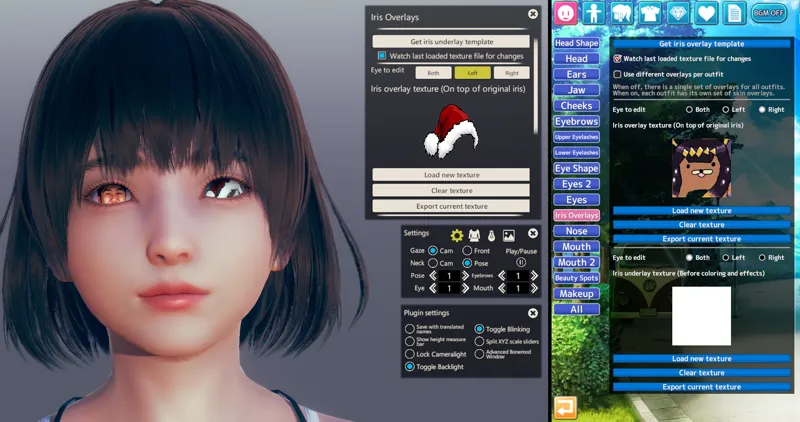
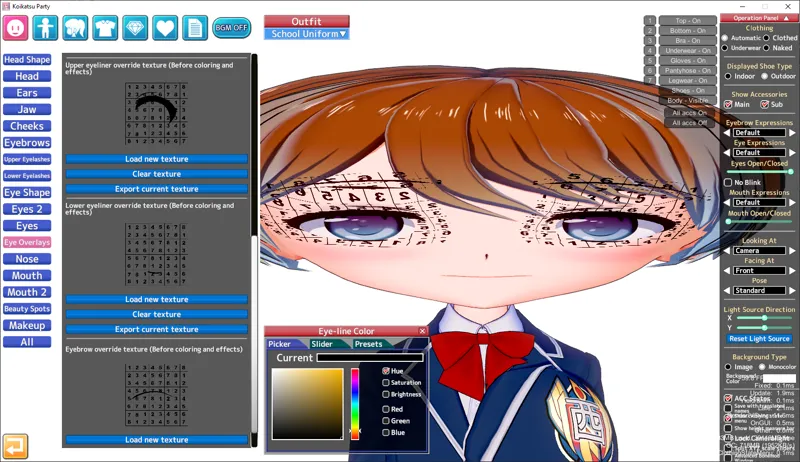
Illusion Overlay Mods v6.1.3 - now with eyeliner and eyebrow support!
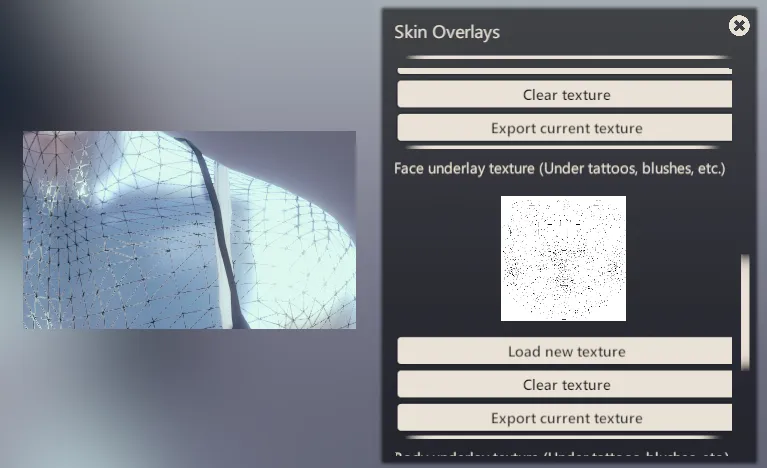
Plugin that allows adding overlay textures (tattoos) to character's face, eyes, body and clothes in games made by Illusion.
What's new?
v6.1.3
Fixed texture dump errors by @takahiro0327 in #25
Throttle calls to RefreshAllTexturesCo() by @takahiro0327 in #26
v6.1.2
ba1d016@ManlyMarco [KK/KKS] Fixed masks not being copied to other outfits
v6.1.1 - Thanks to Getdowncrazy for feedback and betatesting
2ce466c@ManlyMarco [AI/HS2] Fixed body masks breaking on scene load in studio
v6.1 - Thanks to Coppersocket for feedback and betatesting
36cee84@ManlyMarco Add eyeliner underlays/override texture (in "Eye Overlays" tab)
d9f55bb@ManlyMarco Add eyebrow underlays/override texture (in "Eye Overlays" tab)
7f0d90c@ManlyMarco Add Texture size limit setting - increases texture size to match overlay size, improving quality (user-side, max 2x original size by default)
184120f@ManlyMarco Don't show a size warning for overlays of 2x the recommended size
35505b4@ManlyMarco Only run overlay blit code if there are overlays to apply (speedup)
5176e10@ManlyMarco [KK/KKS] Fix unused clothes overlays being left behind after removing a coordinate
Warning: Format of skin overlay extended data changed in v6.0 to accommodate the new features. Cards saved with v6.0 or later will lose overlays if loaded with v5.x or older.
How to install
Download the latest releases for your game. Warning: You only need the version specific for your game (check the prefix, for example KK = for Koikatsu). Downloading version for the wrong game or multiple versions will break things!
Install the latest version of BepInEx 5 and modding API.
Extract the archives into your game directory. The .dll files should end up inside BepInEx\plugins.
If you use KK_CharaOverlaysBasedOnCoordinate, remove it since the feature is now implemented in this plugin (you have to transfer the overlays over manually).
Comments (6)
which folder do you put the xml file for the koikatsu overlay mod?
xml file? You just need to extract the release into your game directory.
Thanks
Wow, you guys sure are adding these mods fast! Keep up the great work!
Now if only I can figure out how to make them to add my characters tattoo in lol.
There are some guides here https://github.com/ManlyMarco/Illusion-Overlay-Mods/tree/master/Guide They are for KK but most of them apply to AI and HS2. The Resources are almost all only for KK/EC so you'll have to get the AI/HS2 versions from your game.