
KKManager v0.8.0 - Upgraded mod updater and new features
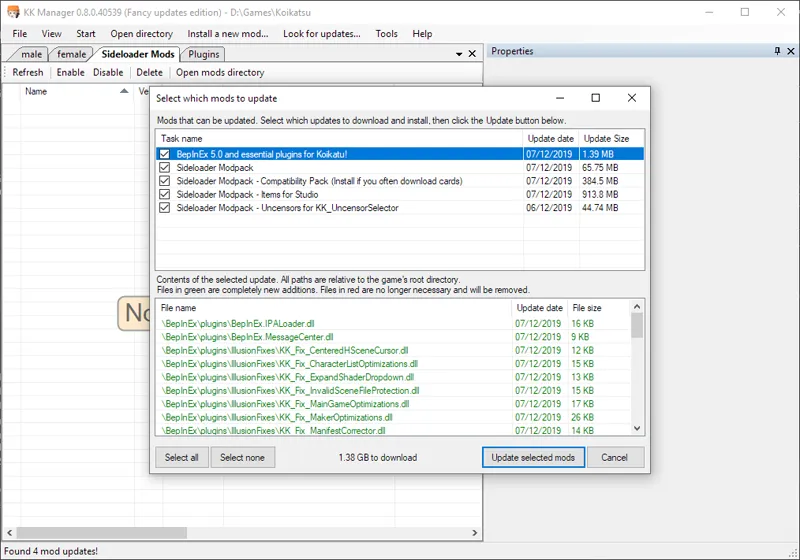
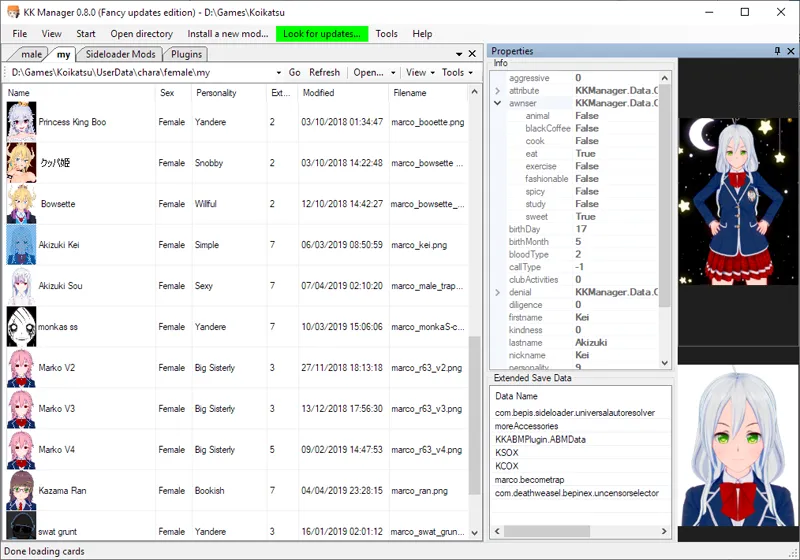
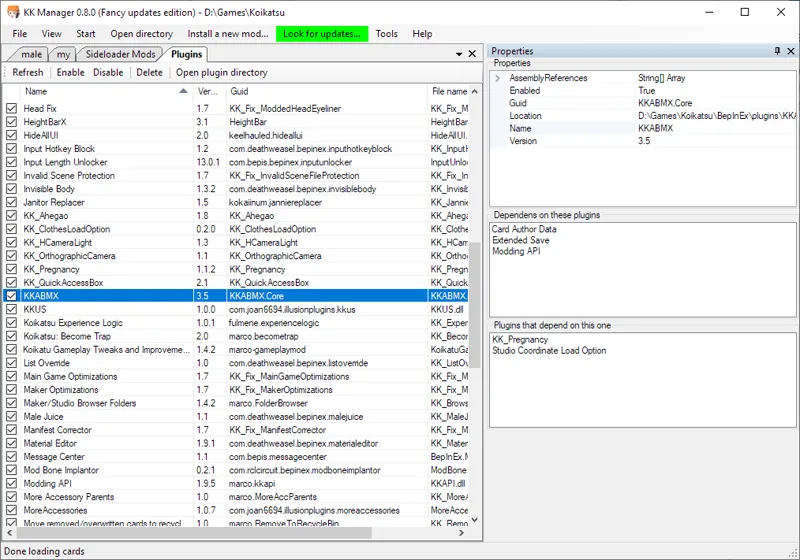
This update brings a major rewrite of the automatic update system, support for Koikatsu Party and BepInEx 5 plugins, as well as many other fixes and improvements.
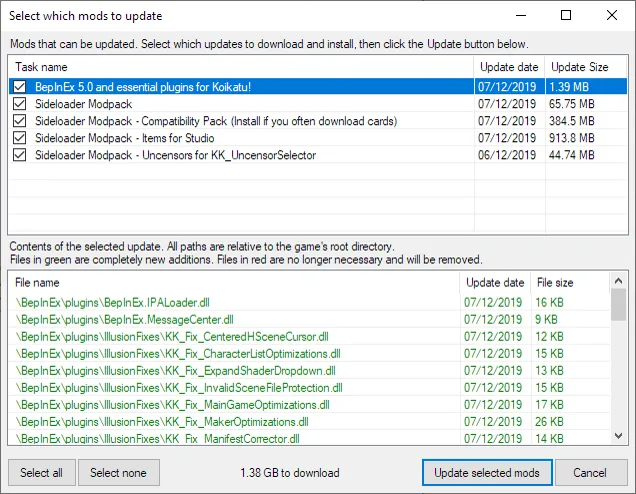
The updates are now more similar to packages instead of loose files, and it's now possible to install completely new modpacks/packages instead of only updating the currently installed ones. FTP and .zip files are now supported as update sources, and multiple sources can be used to provide redundancy in case one of the sources errors out.
It's also possible to use the new updater in scripts, for example to add support for other games like AI-Shoujo (main application will still not work, but the updater itself will work just fine).
I've started an FTP server and put the latest updates on it. It's now one of the update sources in this release, alongside the old mega folder. This will prevent the mega download limit from stopping some people from updating mods and provide a backup in case mega goes down. The server offers unlimited BW and up to 100Mbit download speed. The server is paid from the donations, thank you for the help.
In the future there will likely be more plugins available in the automatic updater, and maybe even HF Patch itself.
How to use
Download the .zip below and extract it to a new folder anywhere.
Start KKManager.exe, create a shortcut to it if you want.
If the game directory was not automatically detected, select where you installed KK.
If there are updates available the update menu button on top will turn green after some time. You can click it without waiting to scan immediately.
Comments (15)
Ok sorry to comment again but when I downloaded this my entire game got messed up bad. Certain character cards lost their modded hairs, outfits, untranslated my entire game etc etc how can I fix this??
To add on I undownloaded whatever updates were made to my game from the manager and that worked. I just want to instal mods this is confusing the hell me
Nevermind I got it to work. Though where can I get all the mods that I need? Clothing mods primarily like ryuko's senketsu and other outfits
Queston, my Koikatsu download to play is in a zip folder so how would I go about downloading this to get updates?
hello,i cannot use the 'rename selected card files' icon,its grey.
It's not implemented yet
Koikatu! 不知在哪有可以擠壓女生胸部設定 ?在CharaStudio中
You can't directly interact with characters in studio like you can in the main game. You could use collider objects from KKPE to push things around.
i use the tool to upgrade the patch, see plugin autotranslate in the list, but did not see it autotranslate as it should be
To get translations you need to get the full hf patch.
the previous comment was for the white screen. here's the one for the black screen. Unloading 1692 unused Assets to reduce memory usage. Loaded Objects now: 22147. Total: 178.958801 ms (FindLiveObjects: 1.814500 ms CreateObjectMapping: 1.734500 ms MarkObjects: 173.681091 ms DeleteObjects: 1.727700 ms) NullReferenceException: Object reference not set to an instance of an object at ADV.CharaData.MotionDefault () at (wrapper dynamic-method) ADV.CharaData.Initialize_Patch1 (ADV.CharaData) at ADV.CharaData.Update () at ADV.CommandController.Update ()
Can you come to the discord server and post in the #help channel?
Unloading 0 Unused Serialized files (Serialized files now loaded: 77) NullReferenceException: Object reference not set to an instance of an object at ActionGame.ActionControl.Init () [0x00000] in :0 at ActionScene+c__Iterator0.MoveNext () [0x00000] in :0 at UnityEngine.SetupCoroutine.InvokeMoveNext (IEnumerator enumerator, IntPtr returnValueAddress) [0x00000] in :0
i NEED help. a couple days ago while playing i was exiting a school H scene with "Nonoka Sakurai". my game screen then went white. and i could not exit the game or move my cursor, so i forced my computer to shut off. then when i booted it back up and started "koikatsu" i tried to load up my most recent save file the any save file. then all i get is a white screen. then today i uninstalled then reinstalled "koikatsu" and reapplied the mods. now whenever i boot up "koikatsu i hear a random sound clip unrelated to "koikatsu" then at the title screen i hear another sound clip unrelated to "koikatsu", this time i heard "oingo boingo"s "i love little girls". and when i try to start a new game i can get as far as the point right before i enter the classroom to introduce myself,then the game screen goes black. and i can still hear the game music and enter the settings, but that's it. on the plus side i can still enter the "have sex" part of "extras" and "character creation" with no problem. if ANYONE has some useful information for me then that would be a HUGE help.
Regarding the intro clips, remove the \BepInEx\plugins\introclips folder, you must have selected it during installation. Can you send your output_log.txt file from the game directory after you get the black/white screen and exit the game?