
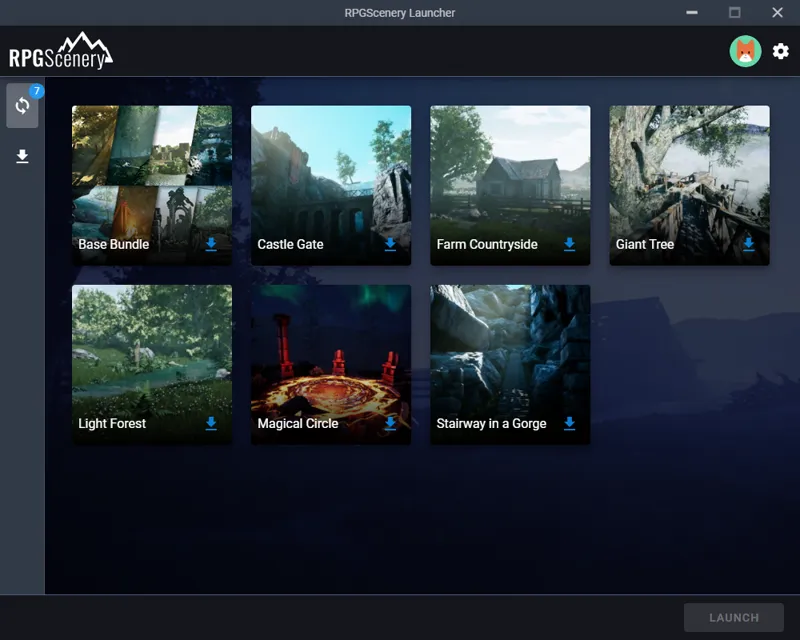
Launcher Announcement
TLDR - DOWNLOAD LAUNCHER
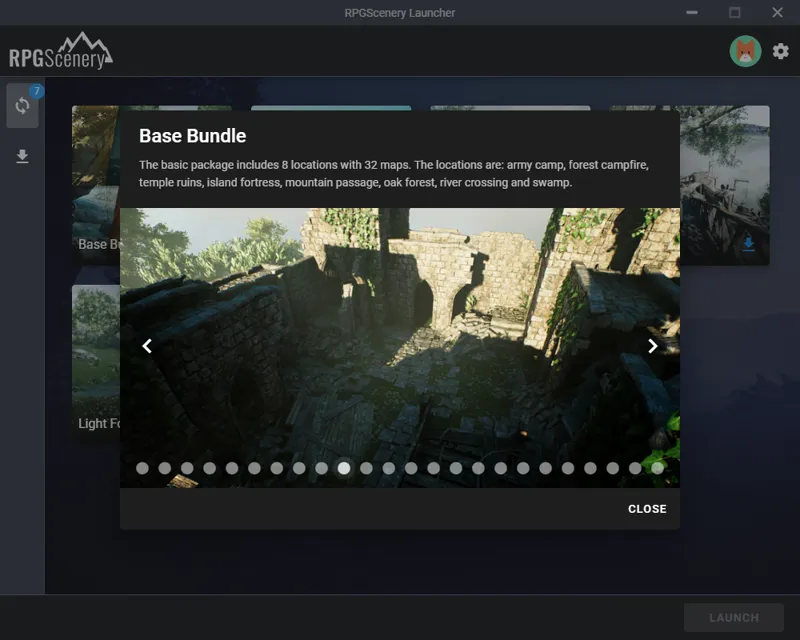
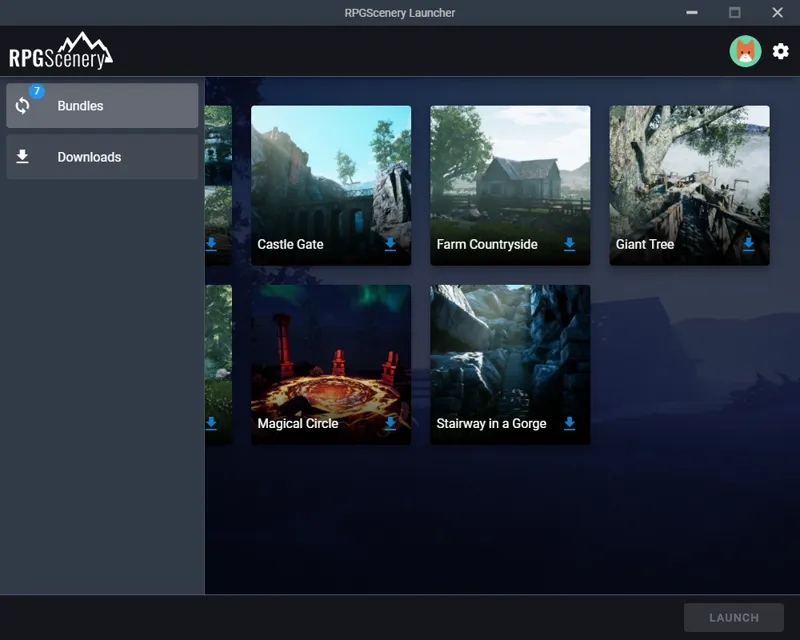
Our latest development is a launcher that makes it easier for you to manage your available content. The launcher shows all the scene packs released so far, their short descriptions, and which pack is downloaded.
Using the launcher, you don't have to manually copy and decompress the contents of the packets, and even when you update the packets, it only downloads the changes, saving you time and bandwidth.
To use the launcher, you need to log in with your Patreon user account and it will automatically update the available content.
The launcher can be downloaded from here.
You can download the launcher regardless of your tier, but downloading the scene packs is limited to Game Master Tier and above.
Comments (14)
No Mac OS access? This essentially means I cannot access or view any of the maps from my desktop, which is the primary (only) place I view and/or use these maps. I'm afraid this means I'll have to reassess my pledge...
Did you fix the google login, if so can you share as its not working for me.
I was not aware, that there is an issue with it again :< If you change the language to something other than the default on the google login page, that should work as a workaround until the launcher gets a patch.
Hi, I've just downloaded the launcher and am excited to start incorporating more of your maps into my game as the weather effects mean I can add lots of snow. However, Is there a way to use the APP on another monitor? I use a projector for my in-person games and would like to use the APP to run the game. Thanks.
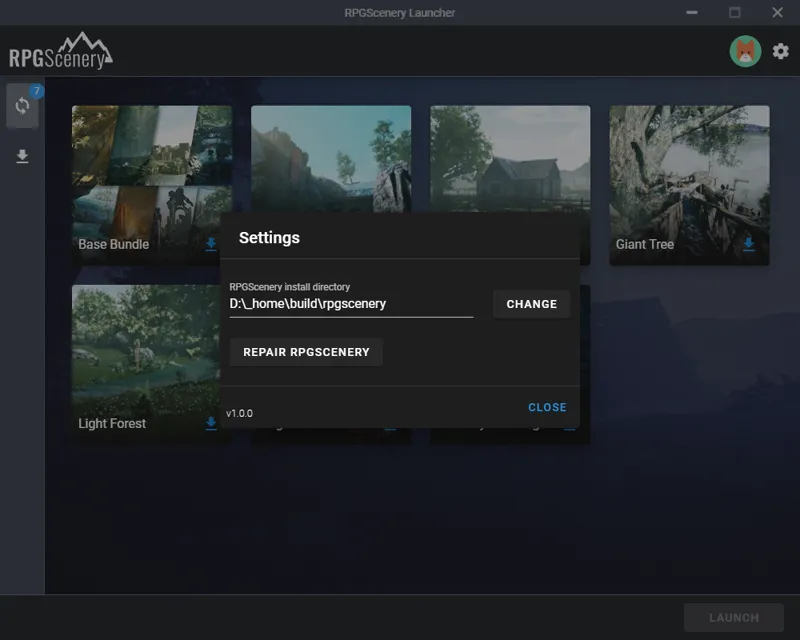
Hi! Yes, it is! Click on the little gear icon at the top right corner, which brings up the settings panel. Find the 'Open Controller Window' and click on it. That's it! Thanks for asking! :)
Is there a good place to mass download files without navigating many layers of nested links for data? I have RPGScenery for Steam as well as the Patreon tier neccesary, but I can't find a way to download files without going to individual entries and opening 4+ links to various files
Hello Ian! Sorry for the slow answer, I'm at vacation. This is the best we can offer right now: https://www.patreon.com/posts/content-summary-36865252 Also, we'll add a download all button to the launcher. Thank you for the idea!
Hi I am new here but the only thing this link does is take me to my own windows media player. I don't see anything specific to RPG Scenery? Is there a help file or some sort of tutorial because I am lost in using this launcher.
Linux? It's not installing under wine default, or Crossover Office as a Win7 64 bit bottle Here's the install log: https://gist.github.com/crogonint/861b804a0482e9e3bdc195e8b07d827e
Can't log in to the launcher with either Google or my Patreon credentials
Hey Gerry! We're checking it. Thank you for reporting!
what about macOS users?
We have plans with a macOS build, but we’re not there yet.
i used google to sign into and pay for patreon. I cant log into the launcher with google. it says its unsecure.